For restaurants and other places that run on hourly staff
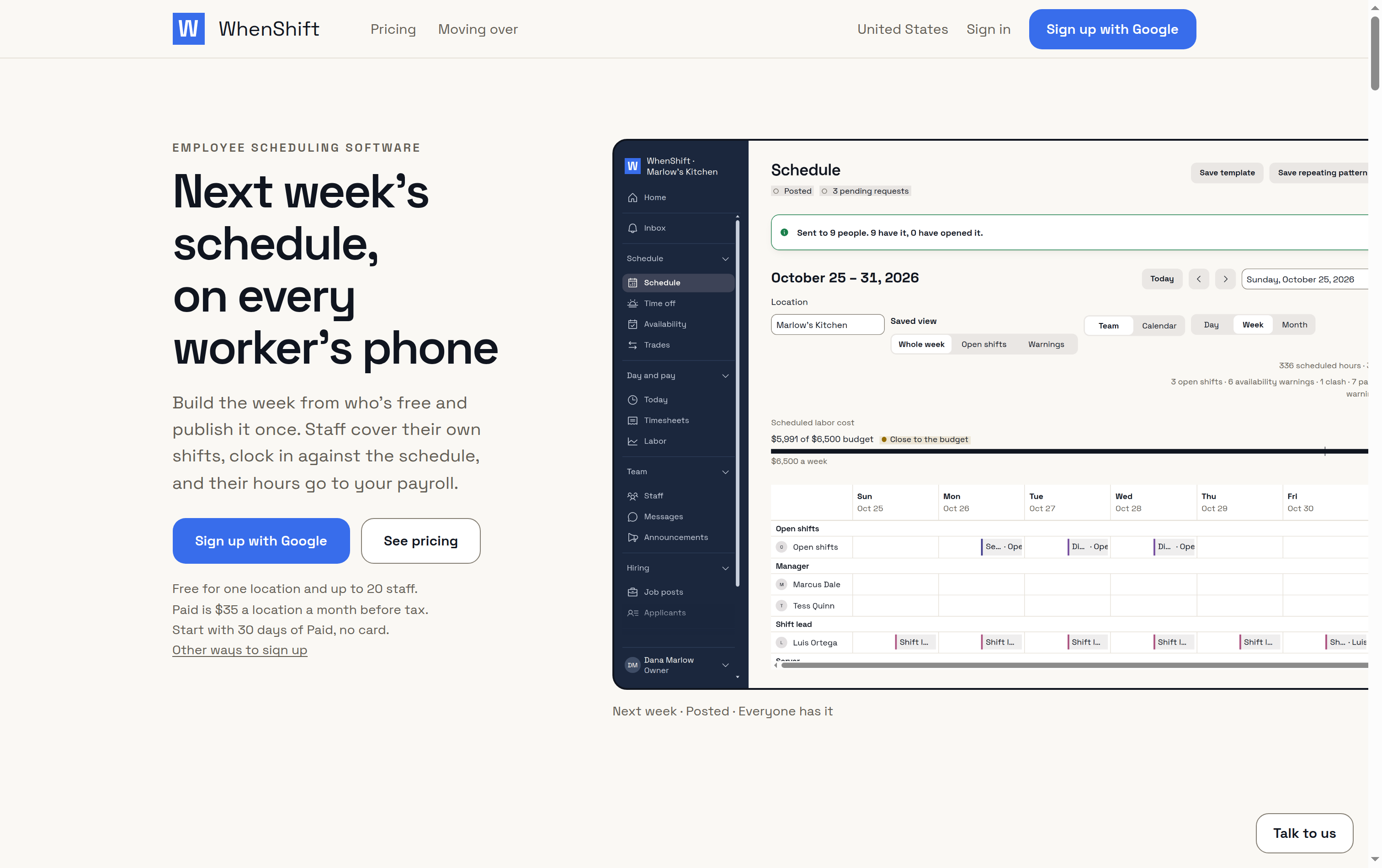
WhenShift is employee scheduling software for the US, Canada and the UK. Your staff get the week on their phones with nothing to install, cover their own shifts, and the hours they clock go to your payroll.
From sign-up to a published week
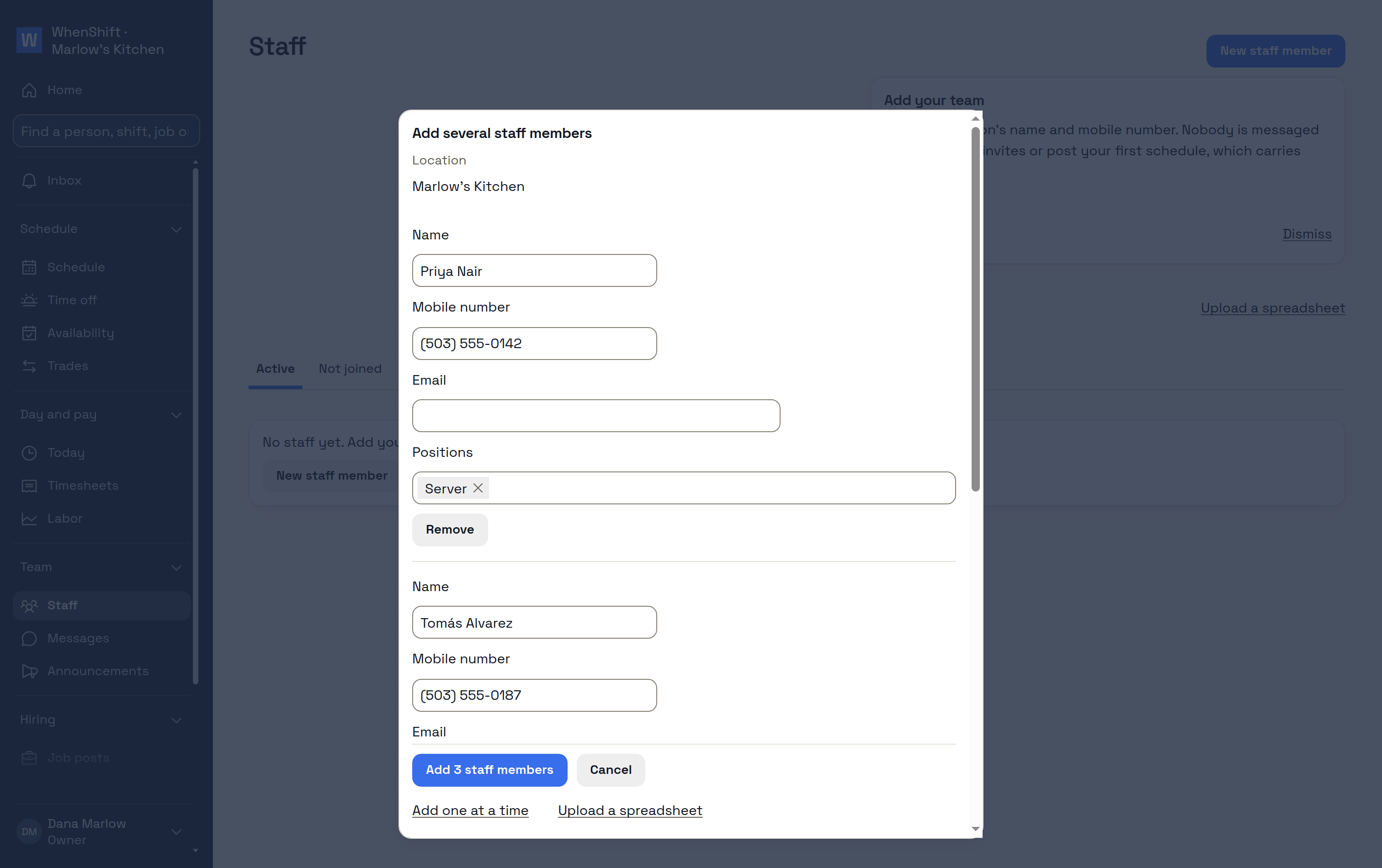
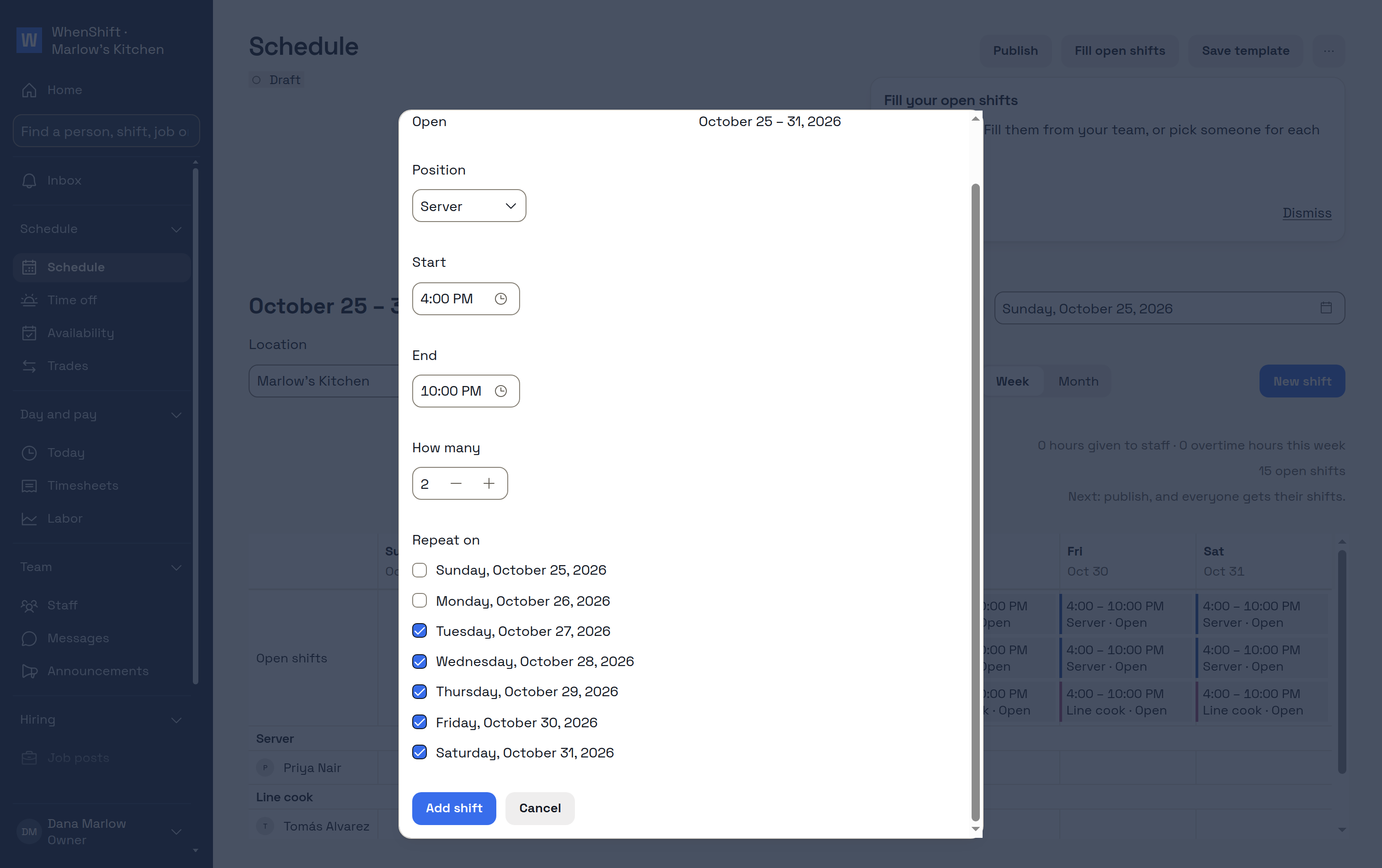
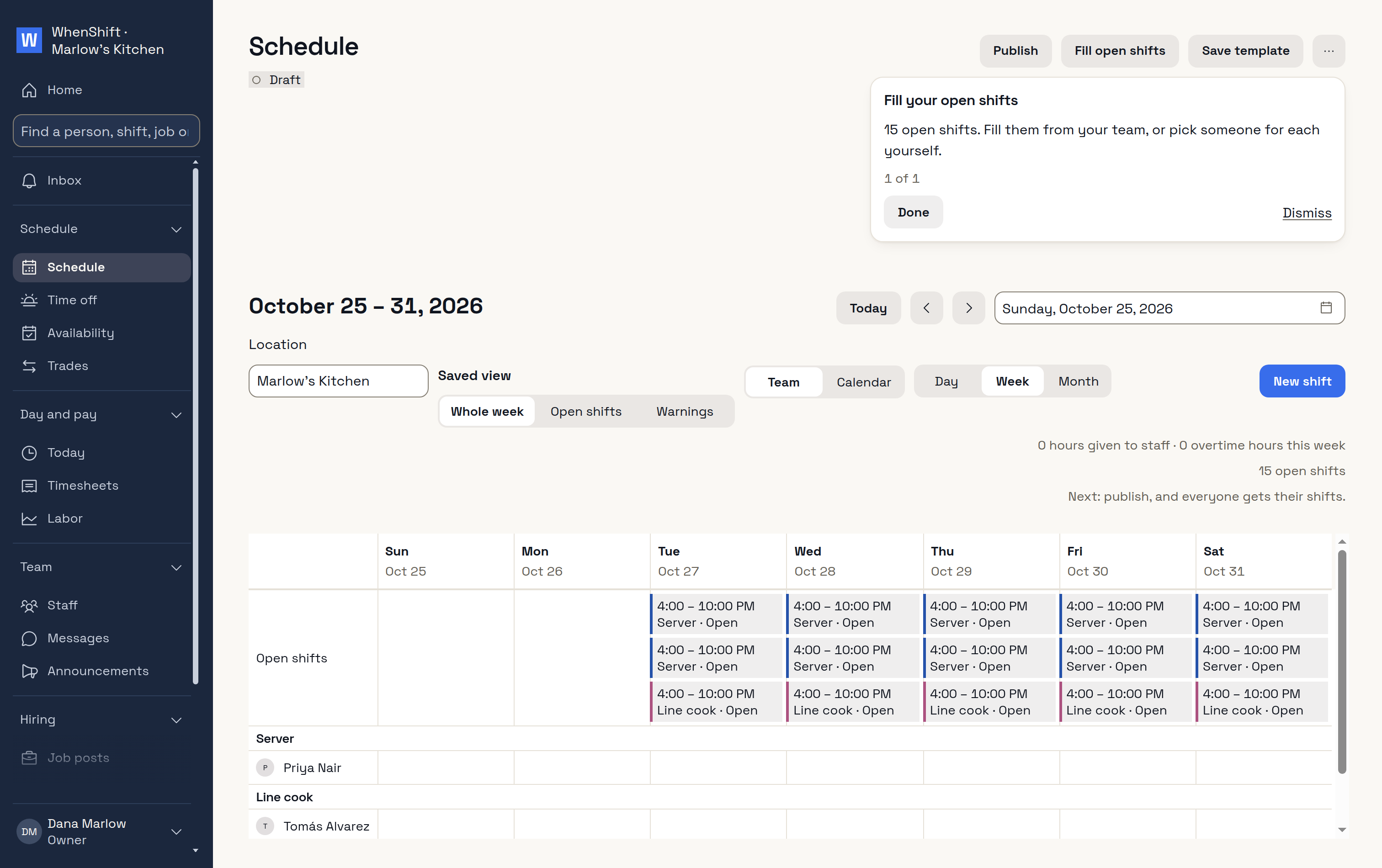
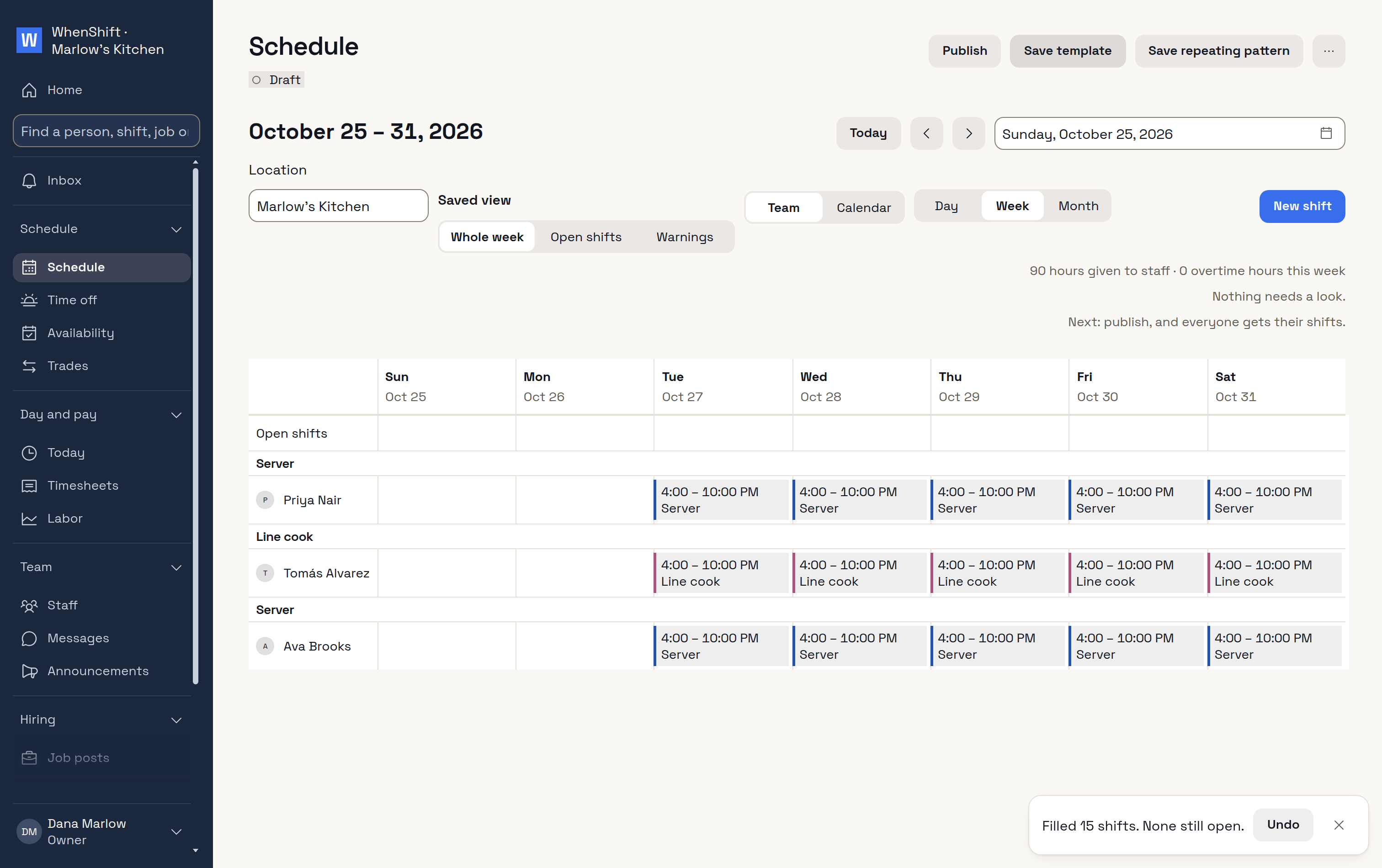
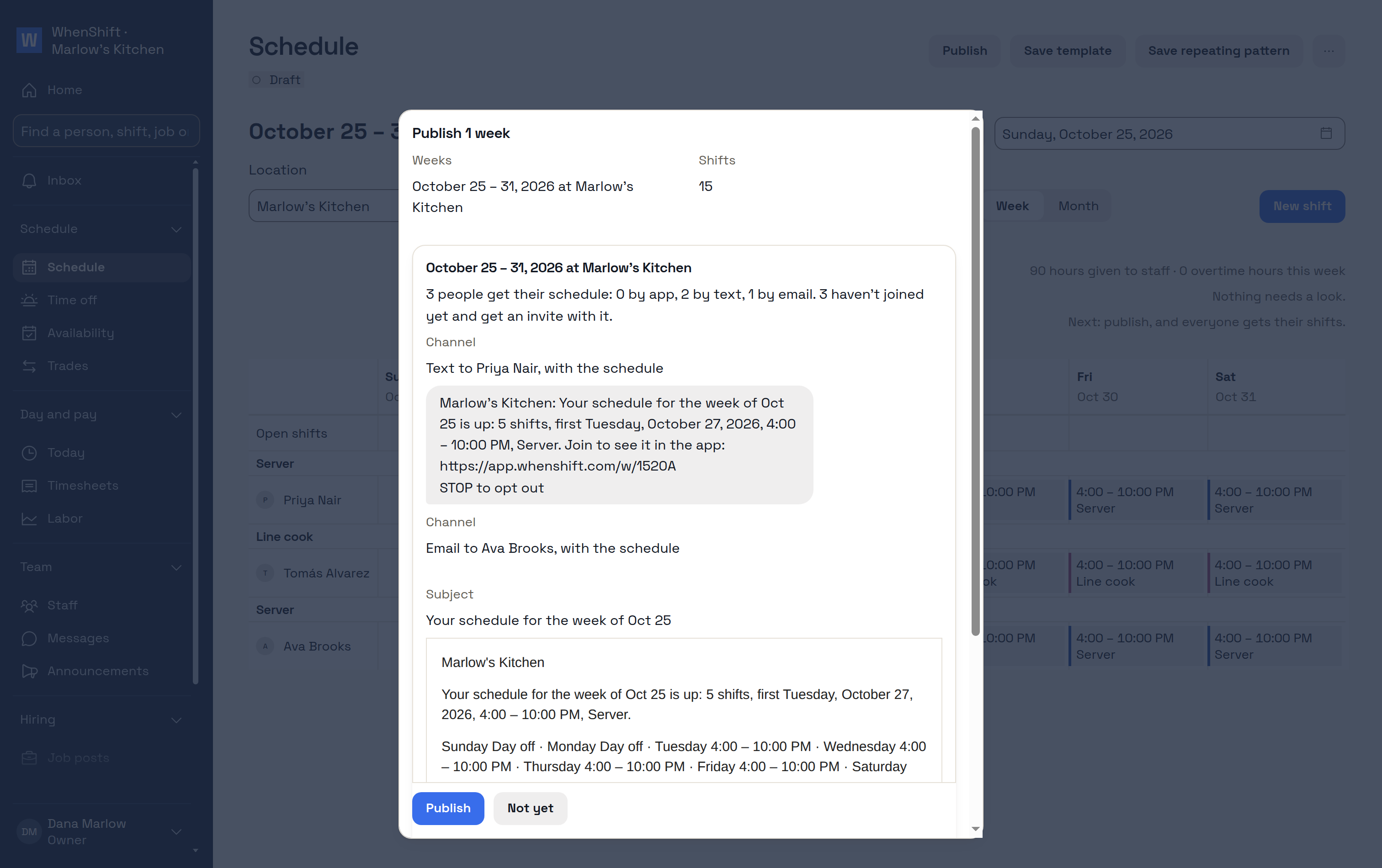
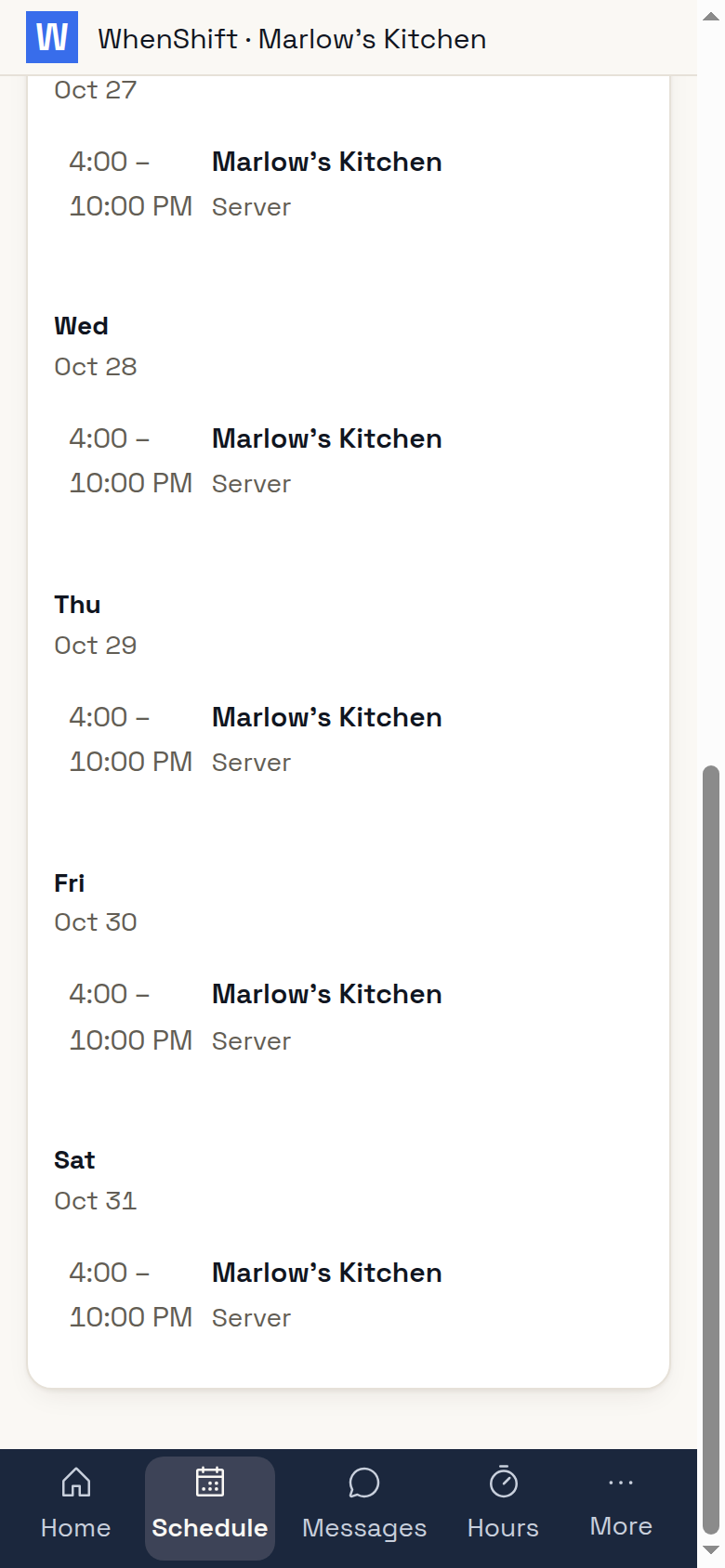
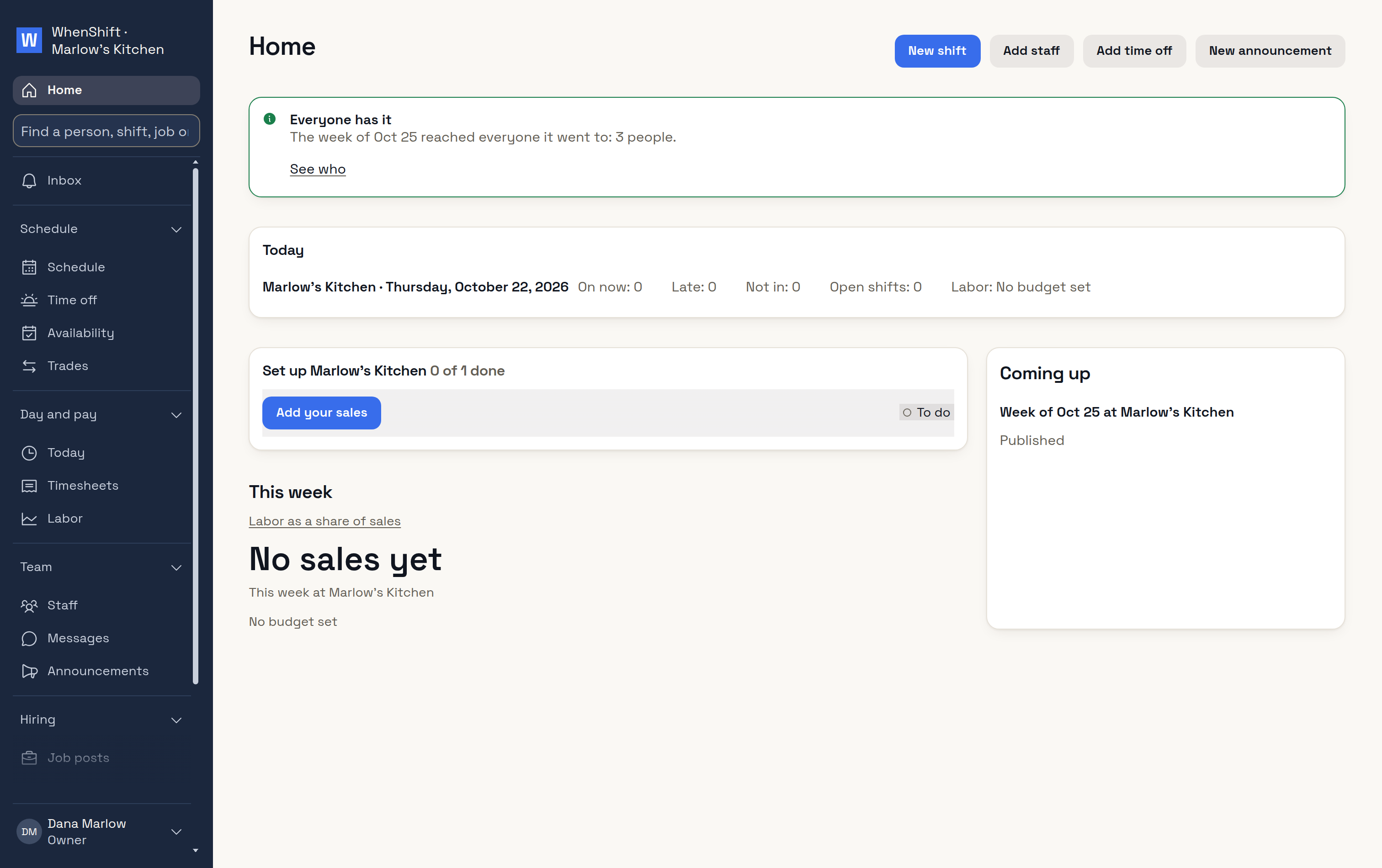
In your first hour you sign up with Google, add your staff by phone number and publish the week. Each of them gets their shifts by text, and you see who has them.
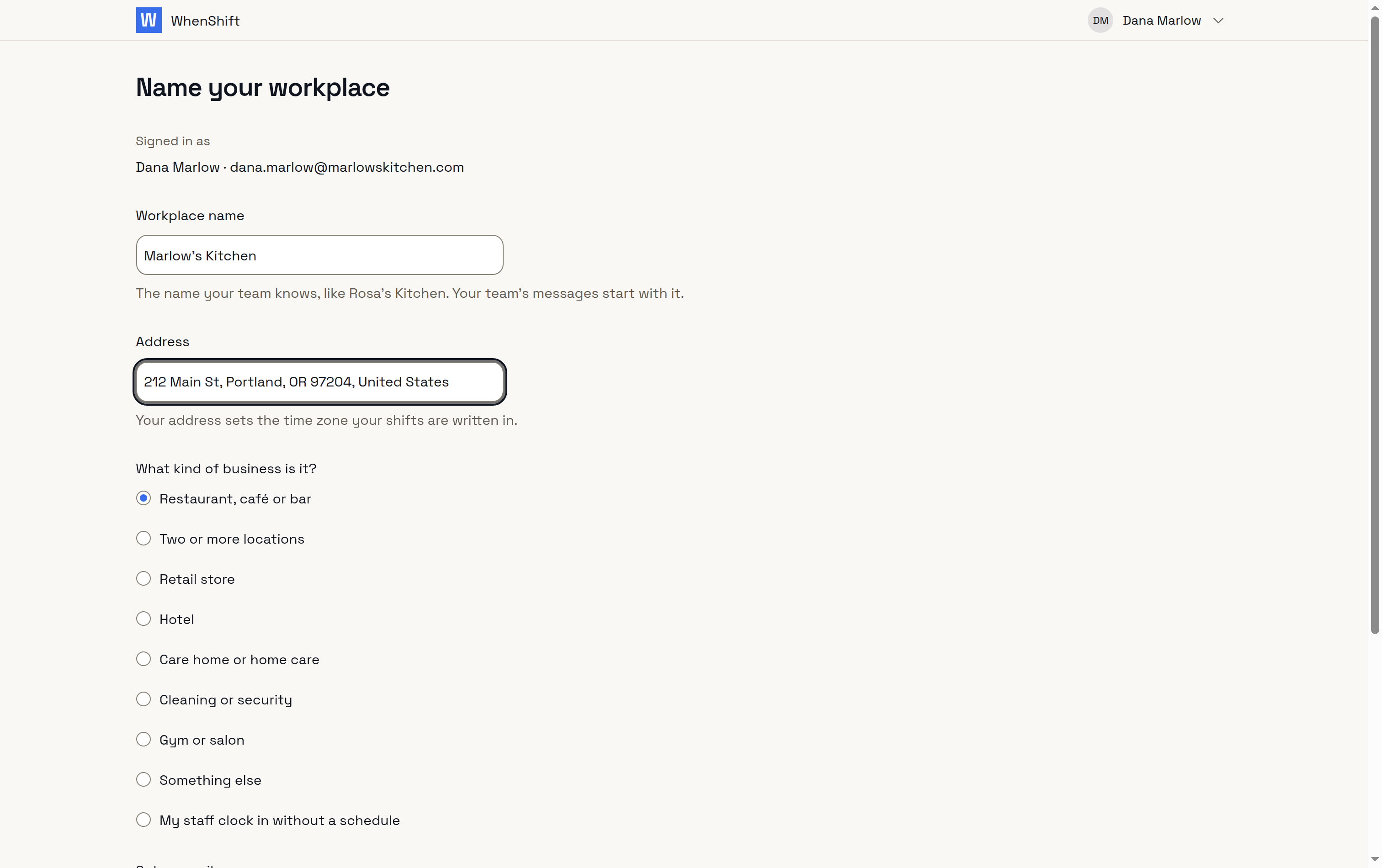
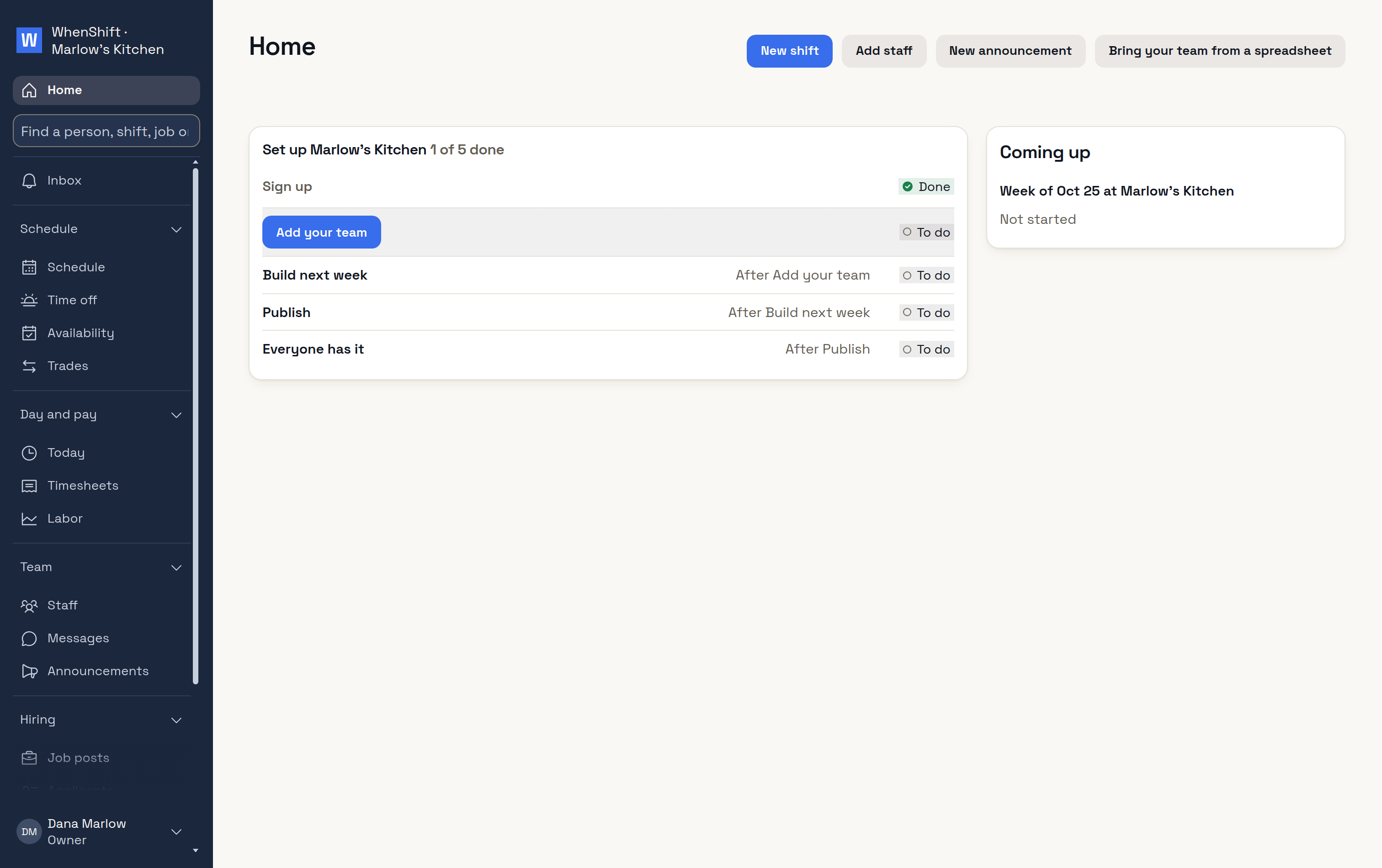
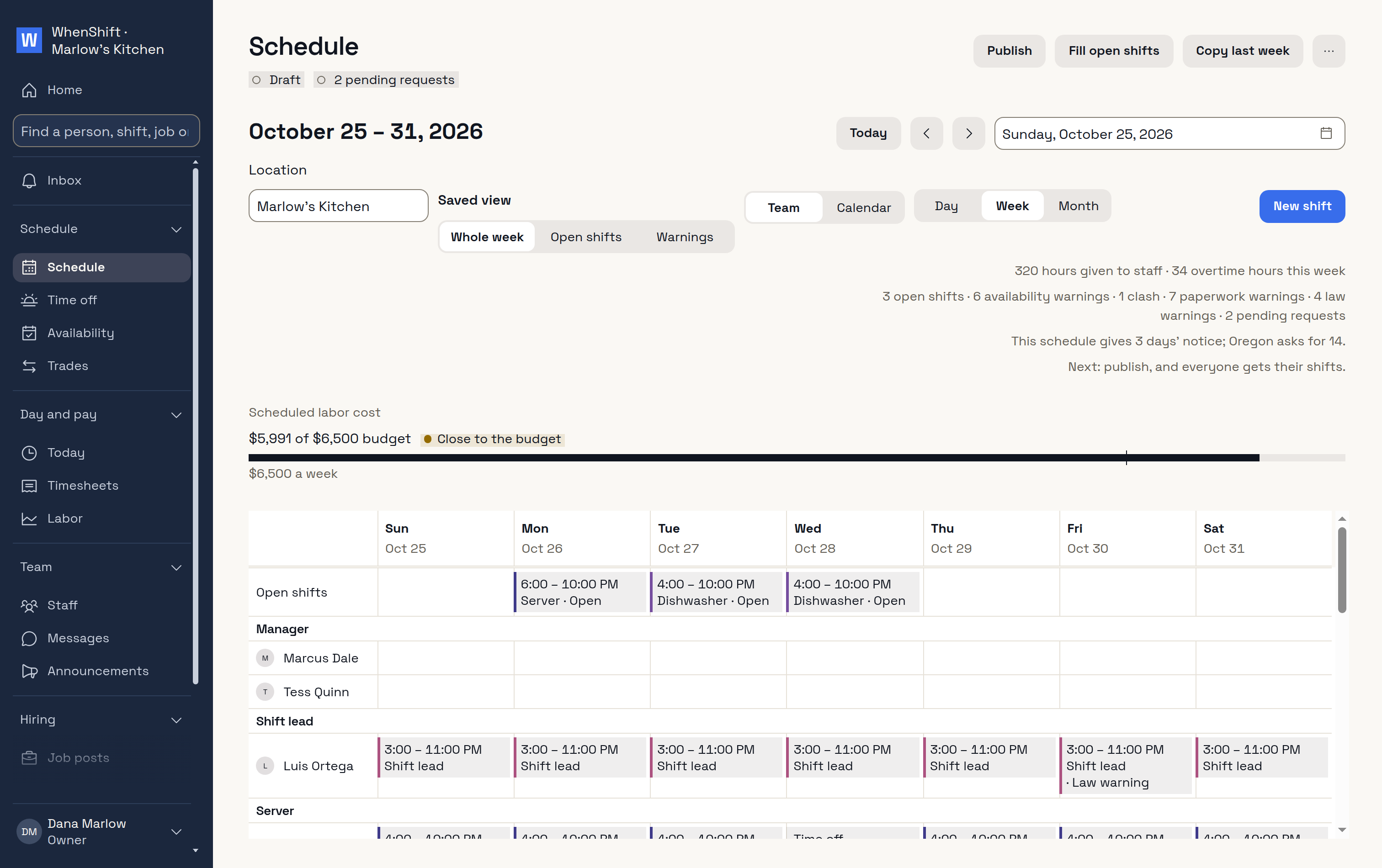
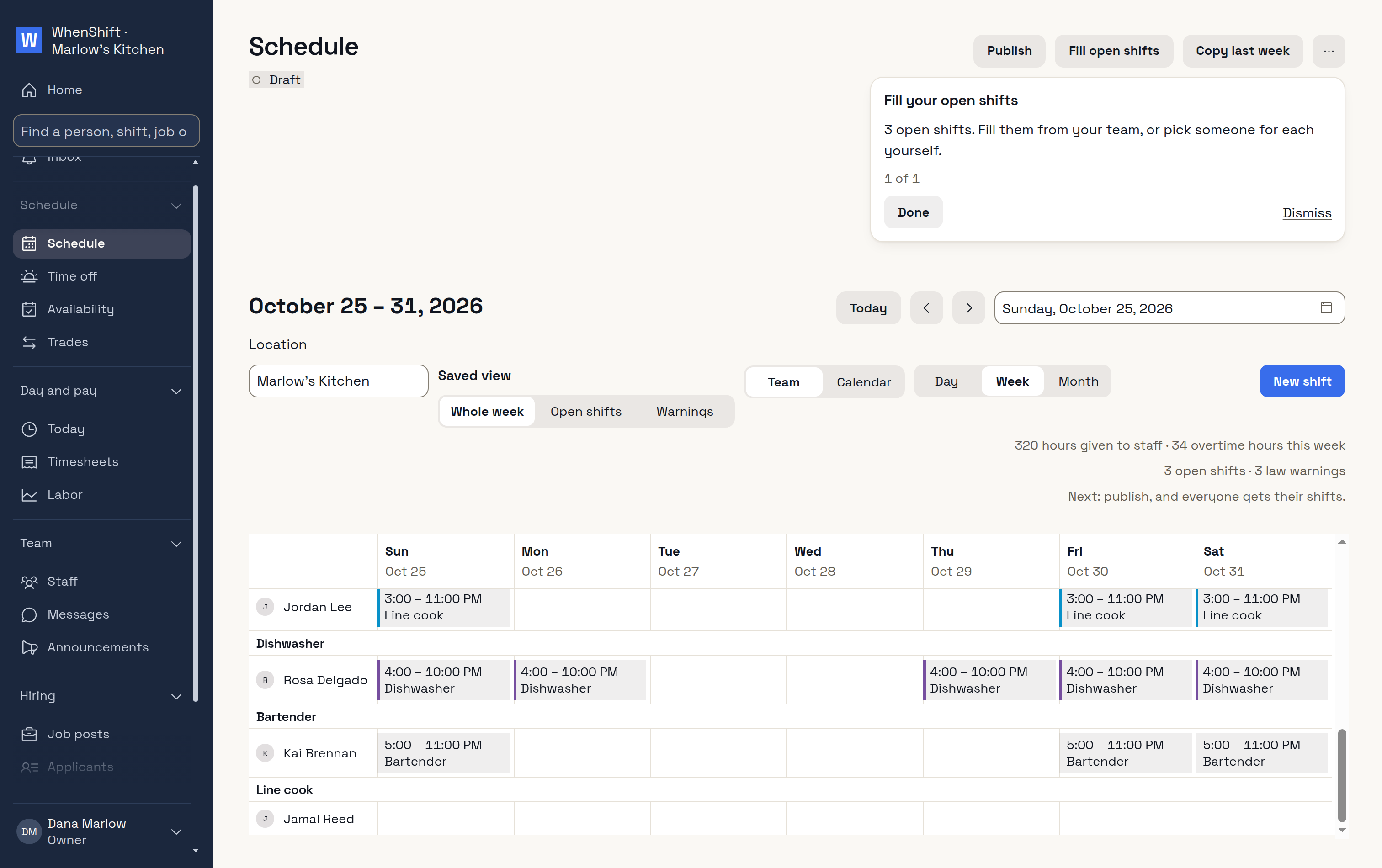
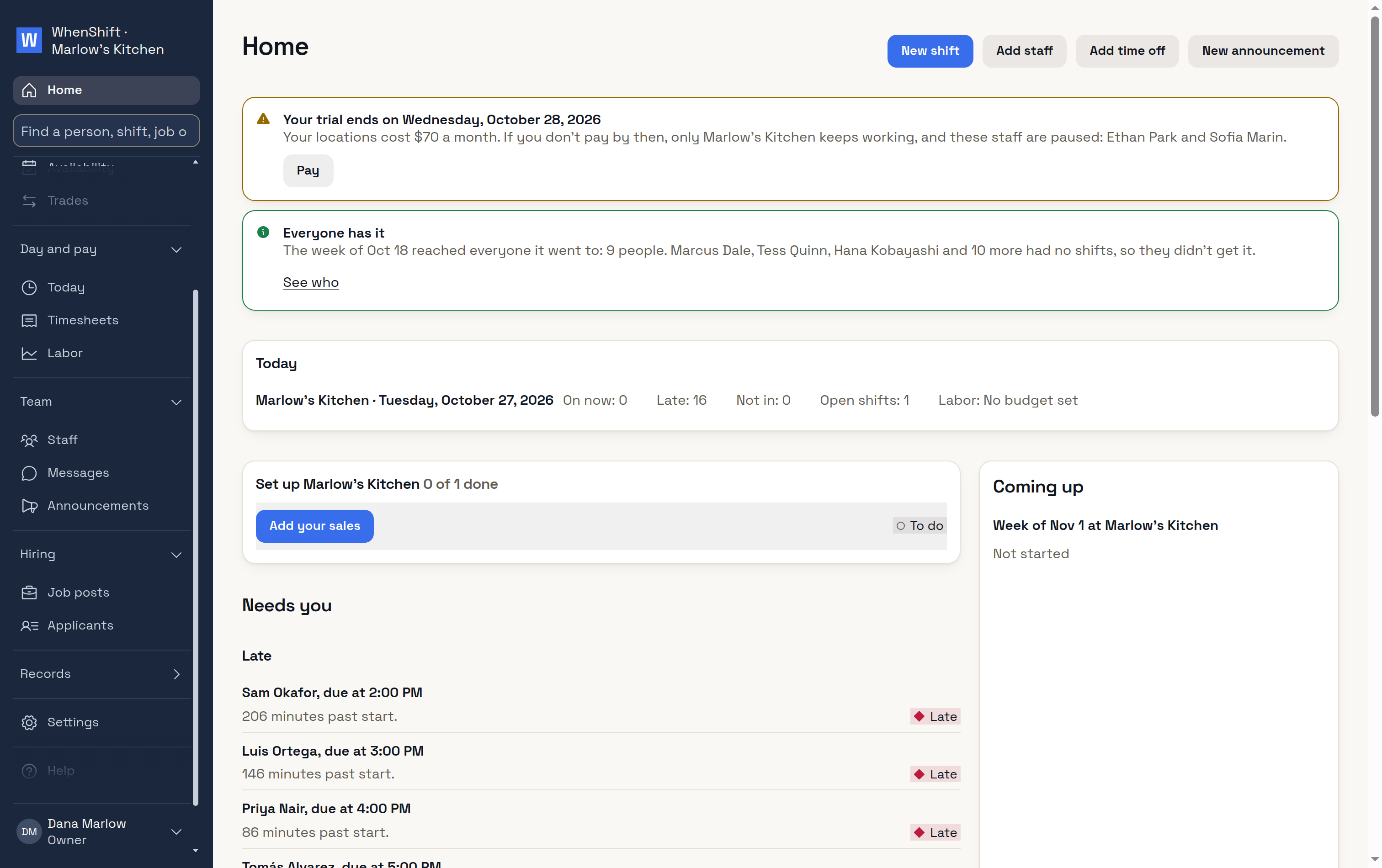
Sign upWith Google, or by email.Name your workplaceName, address and kind of business.HomeWhat's left to set up.Add your staffSeveral at once, by mobile or email.Add shiftsOne shift, every day you need it.Open shifts15 with no one on them yet.Fill open shifts15 filled in one go.PublishEveryone is told.On Priya's phoneFrom the text, no install.Everyone has itYou see that it reached them.
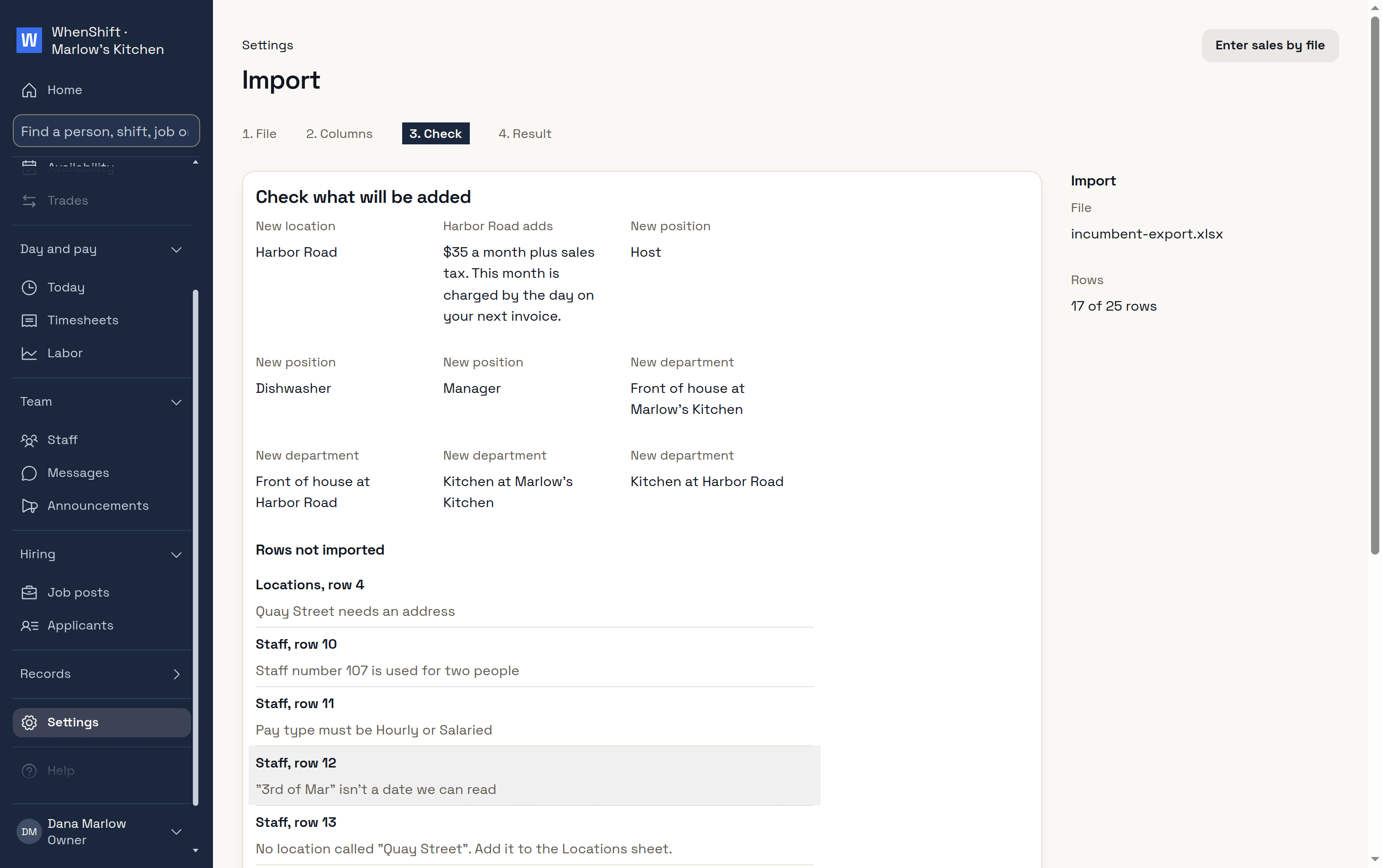
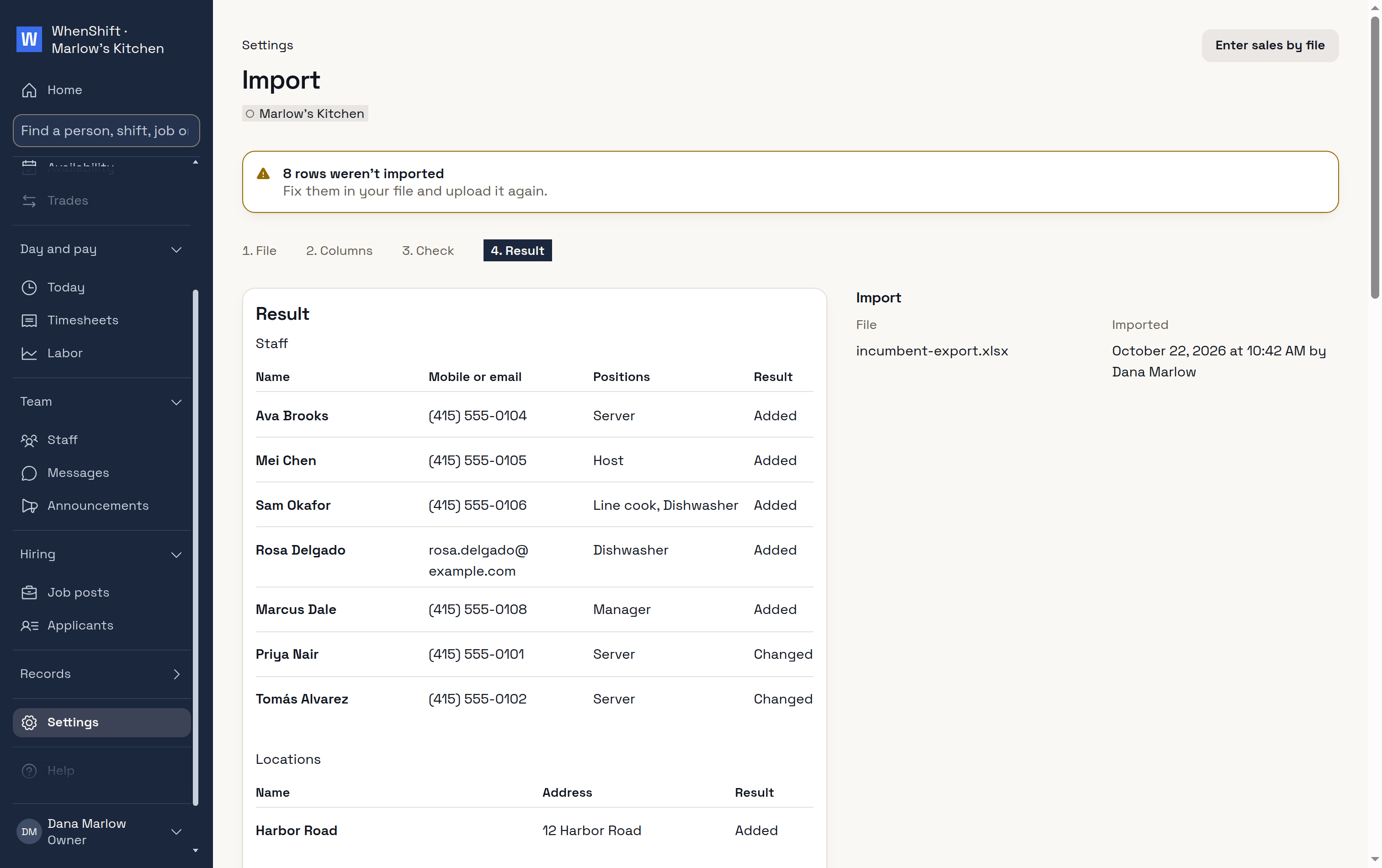
Bring your team over
ImportChecked before it's added.DoneWho came in.
Time off and availability, from their phones
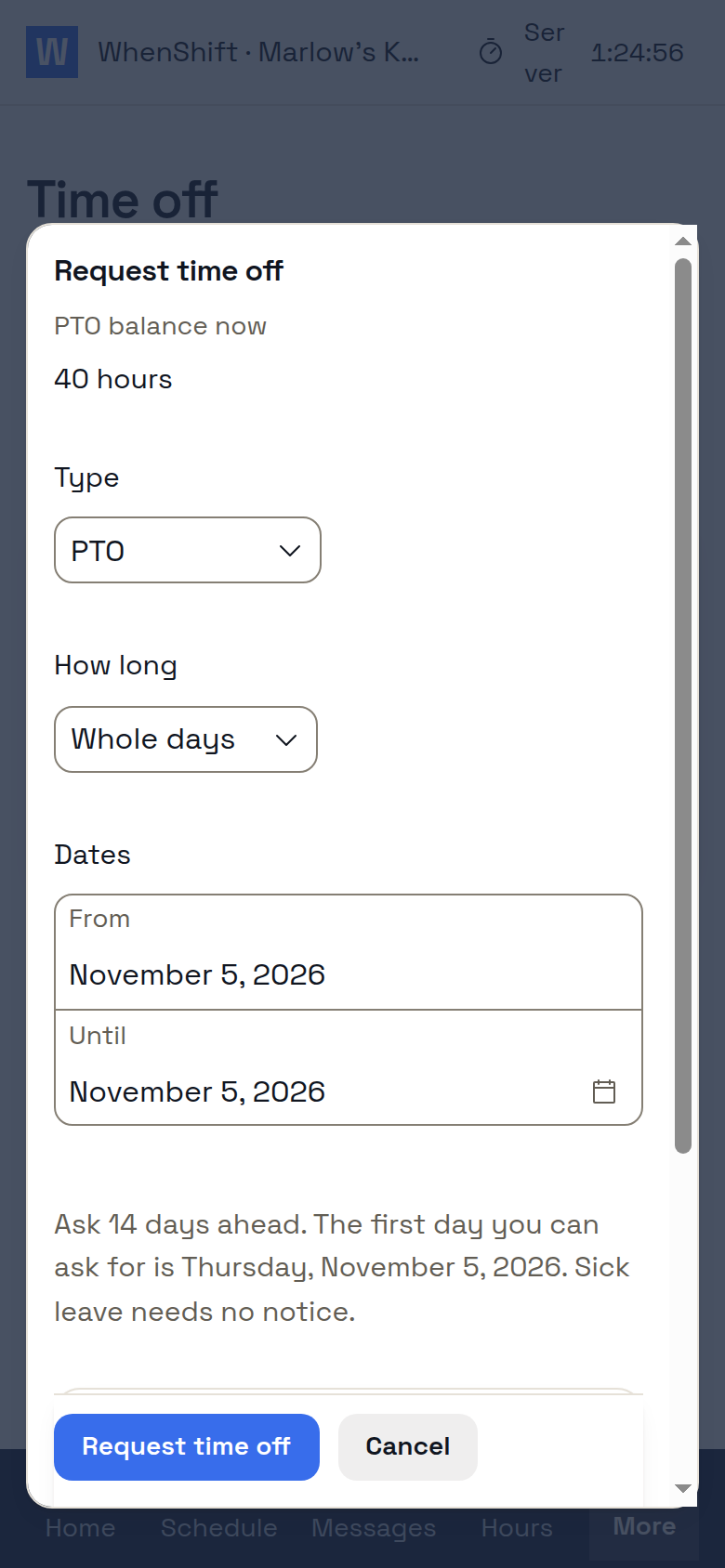
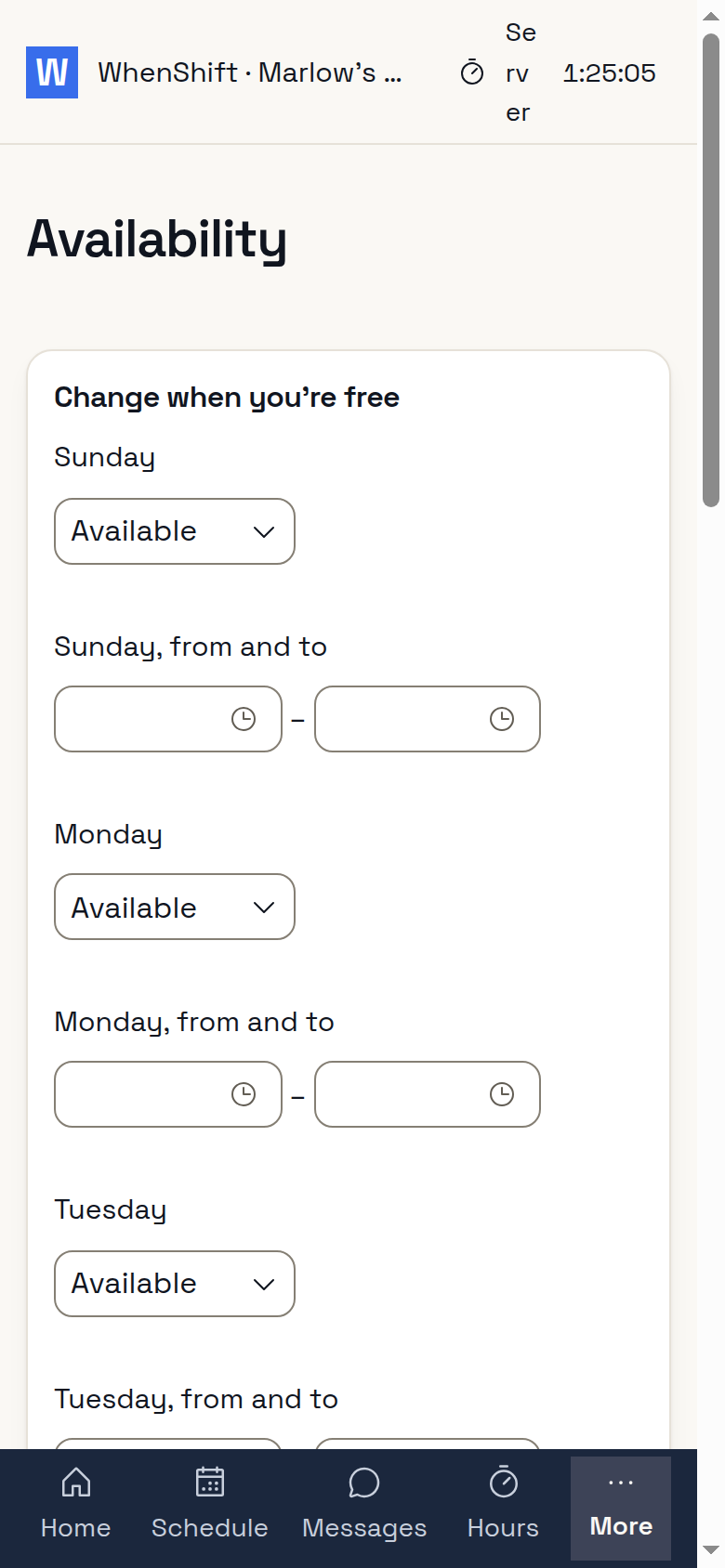
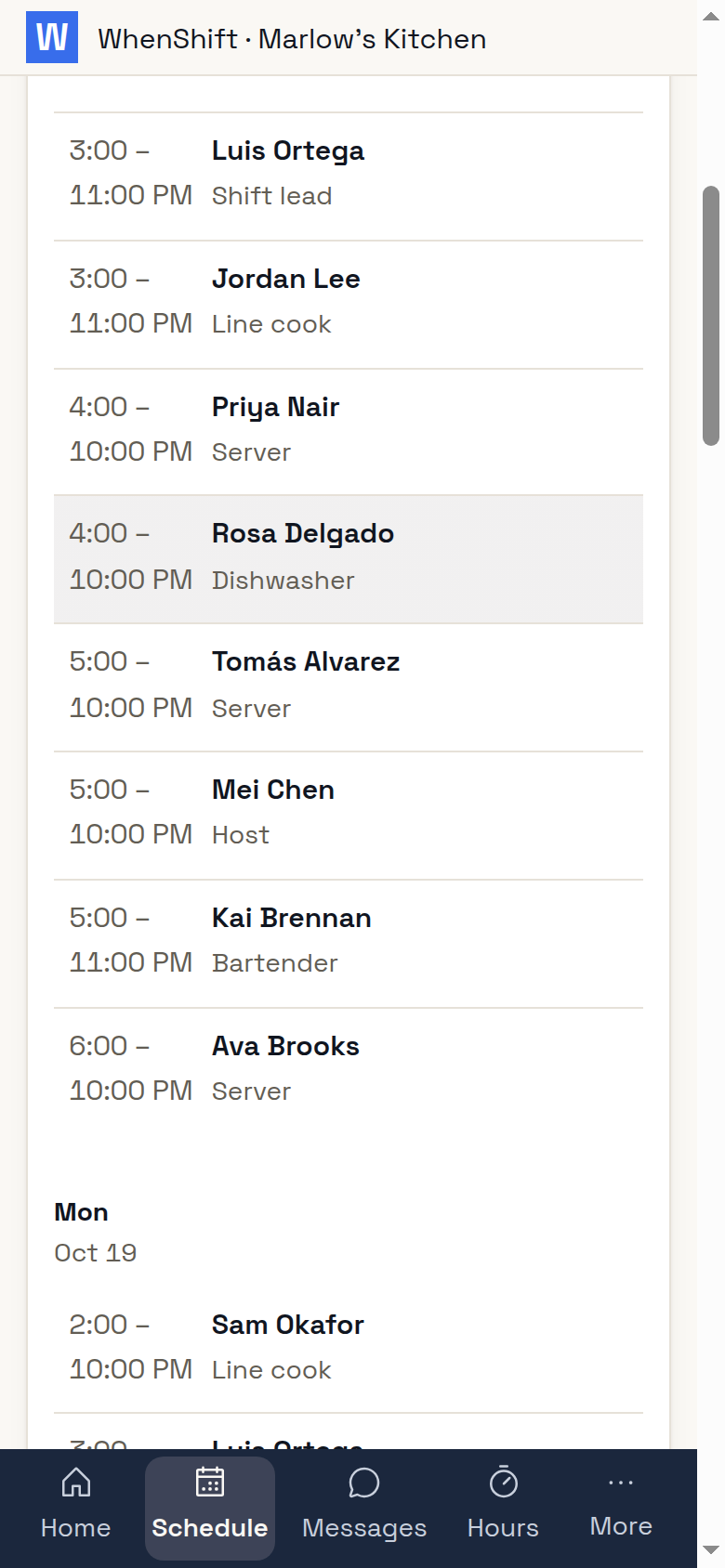
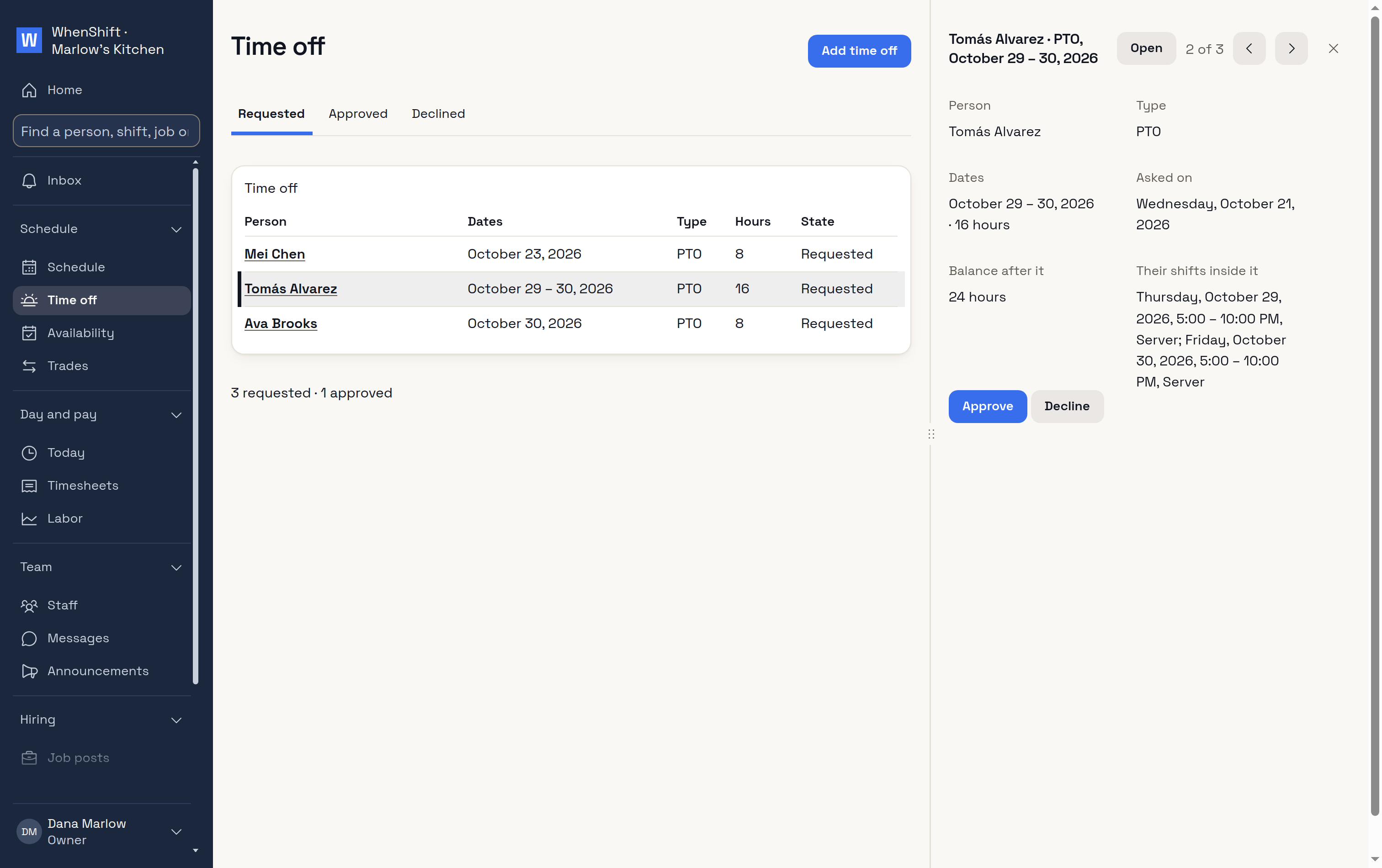
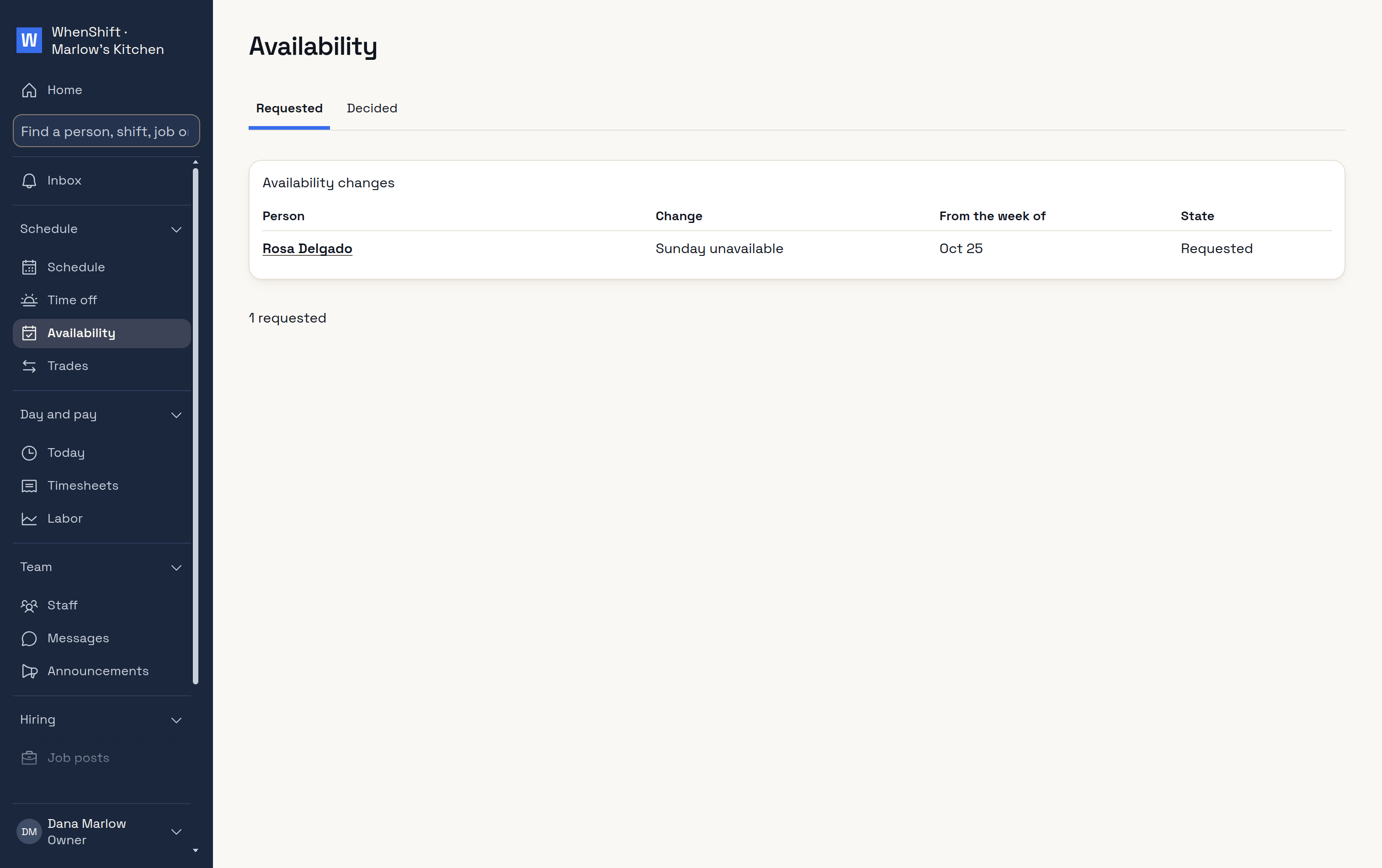
Time offAsked from her phone.AvailabilityWhen she can work.Who's workingHer co-workers' shifts.You approve time offIn one click.Availability requestsWaiting for you.
Build the week from who is free
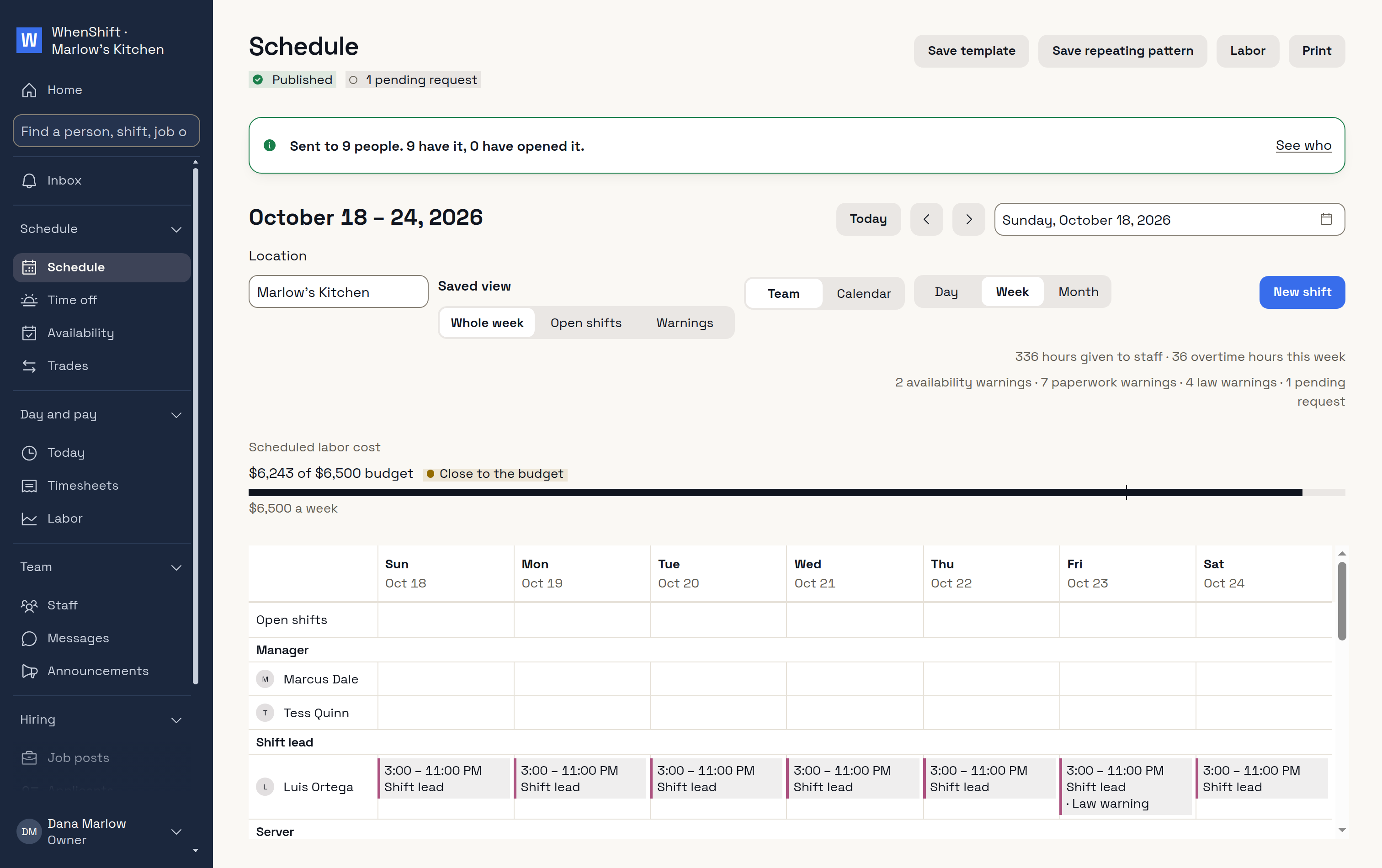
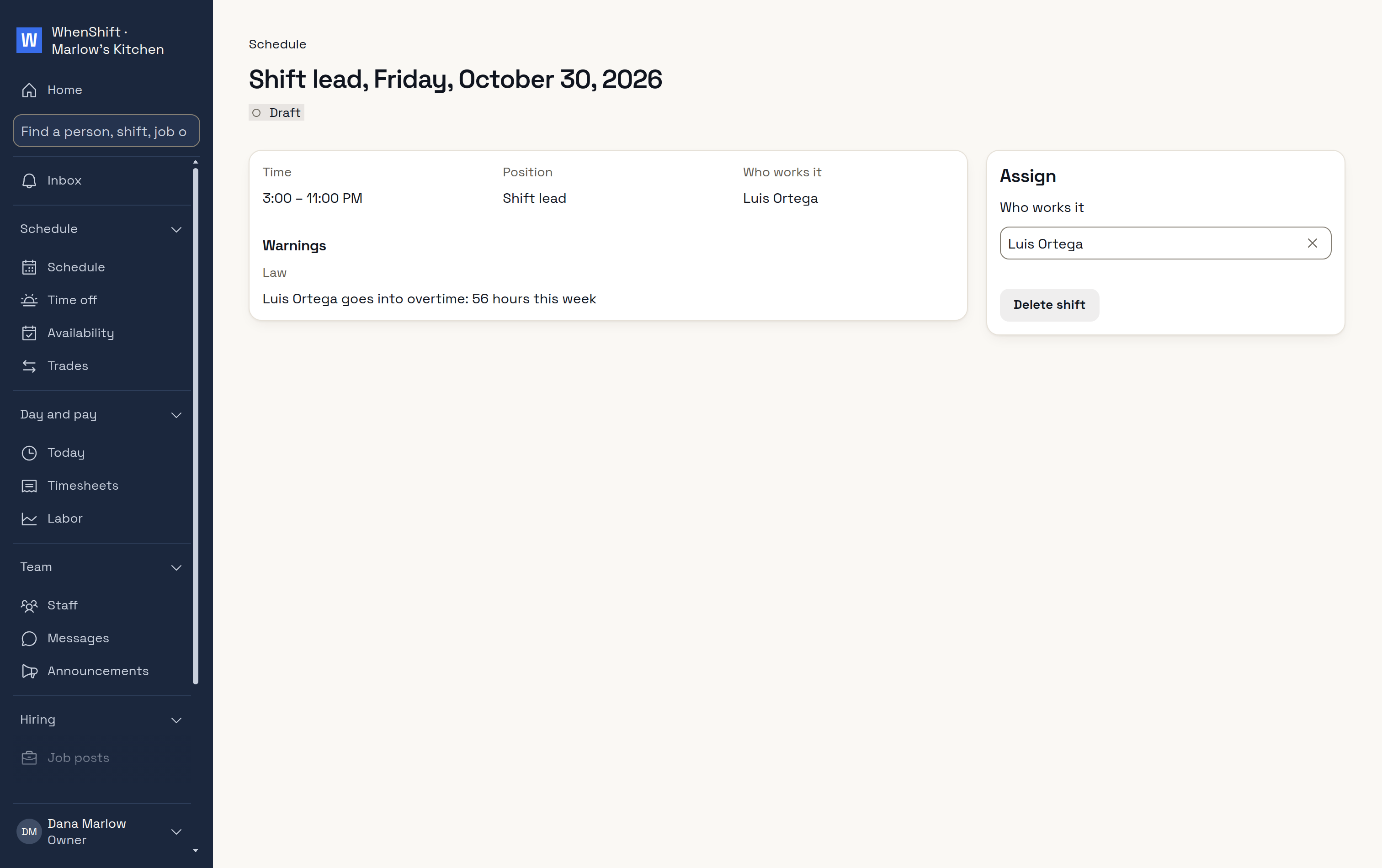
The weekHours against your budget.Warnings before you publishOvertime, open shifts and the law.Overtime, before it happensLuis would reach 56 hours.
Your staff cover their own shifts
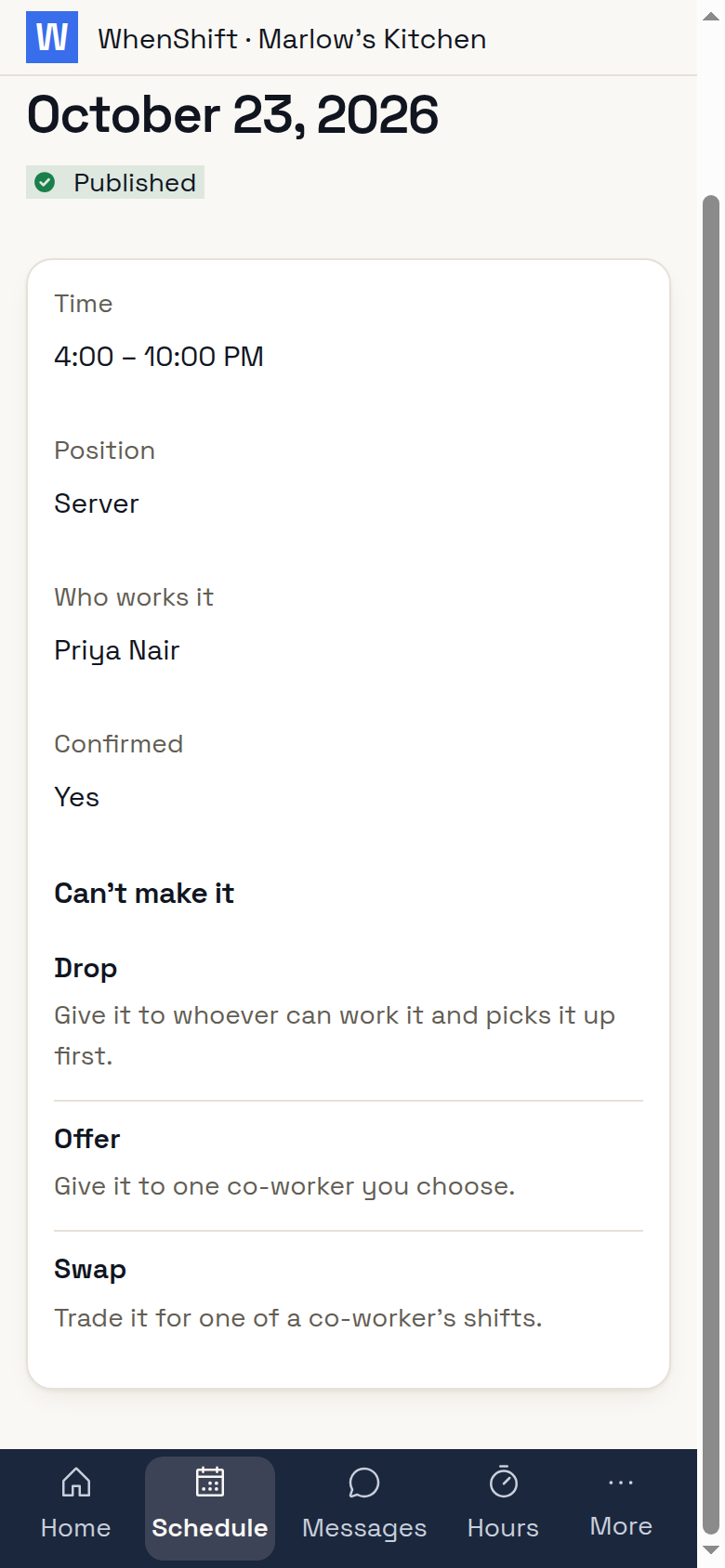
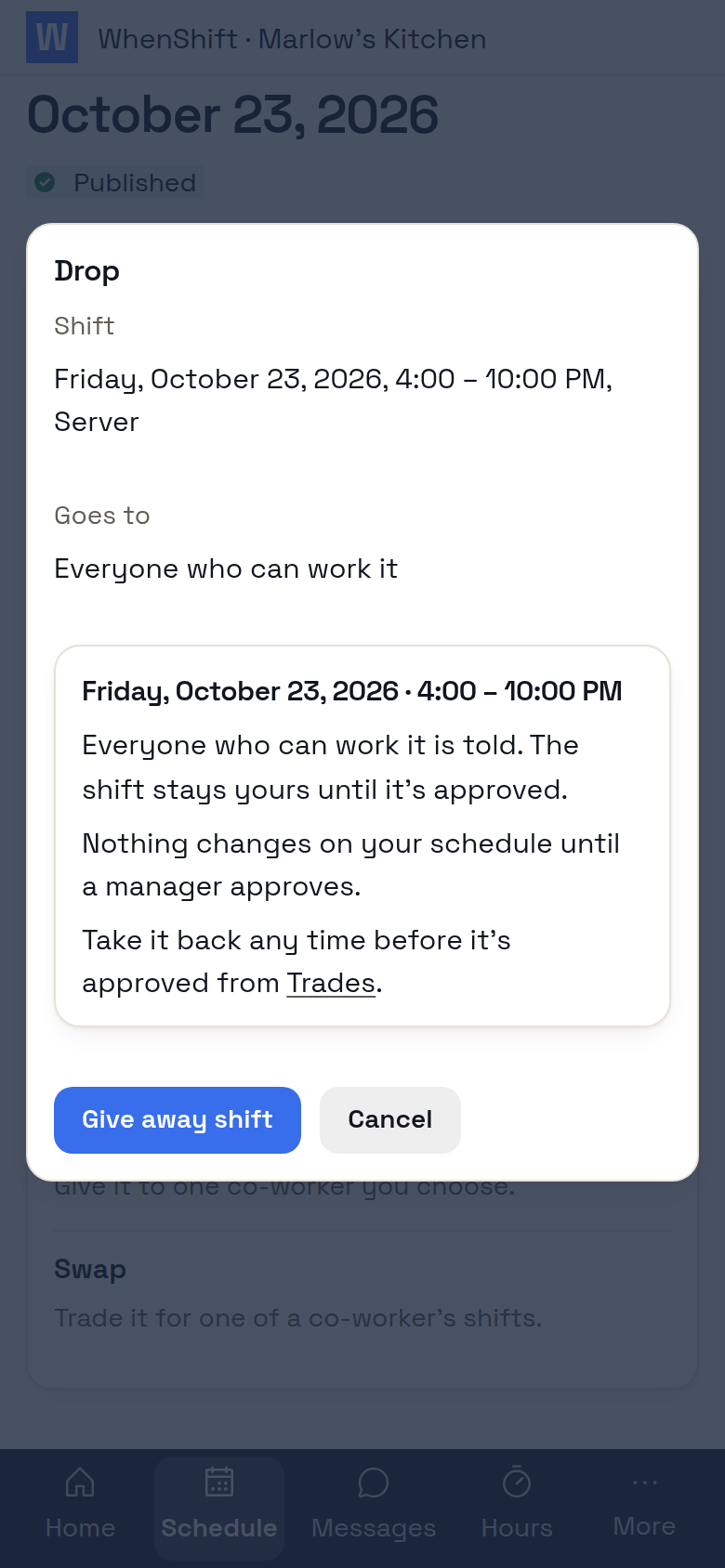
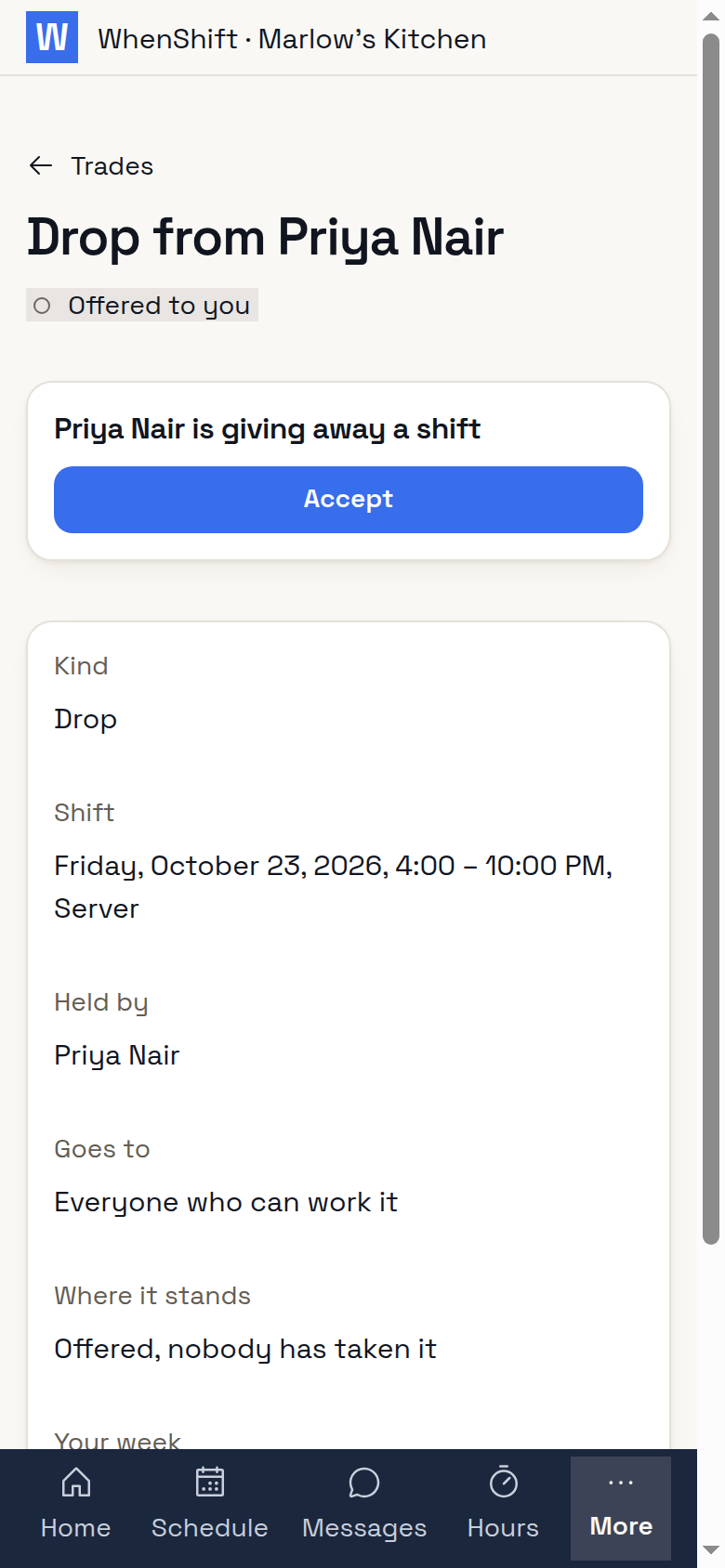
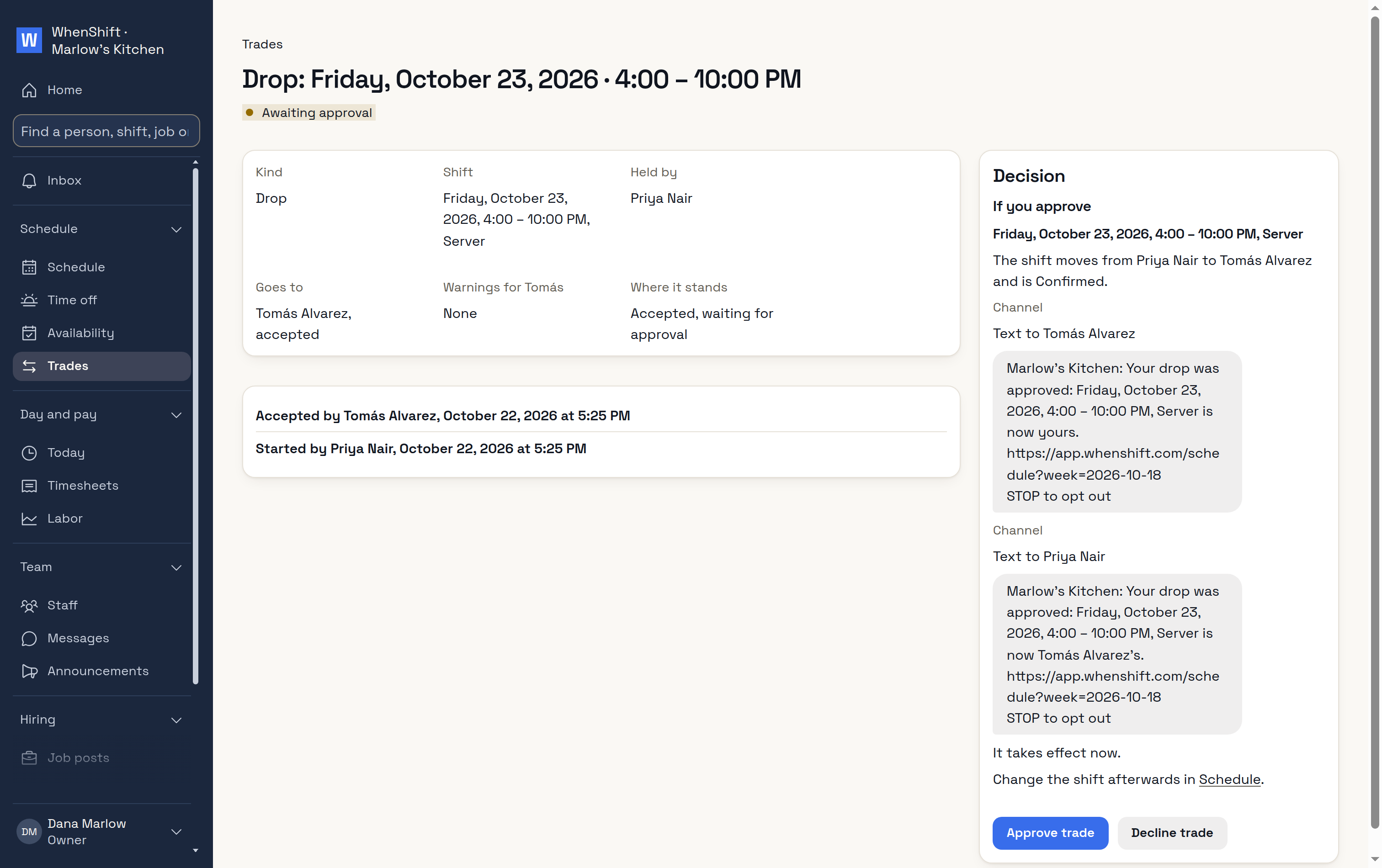
Can't make itDrop, offer or swap.DropIt goes to whoever can work it.Picked upTomás accepts.You approveAnd see who gets told.
A time clock on their phone, or a kiosk
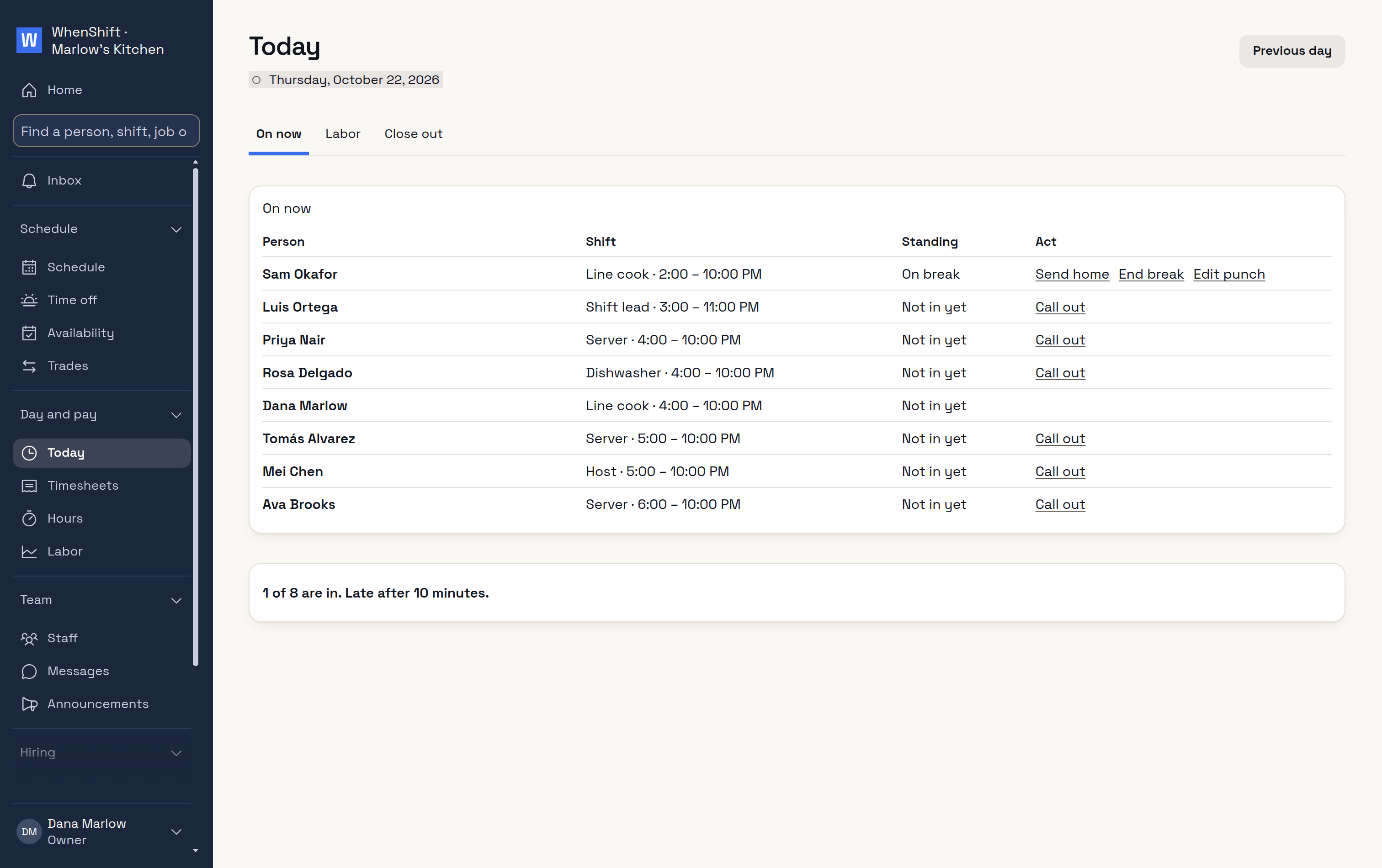
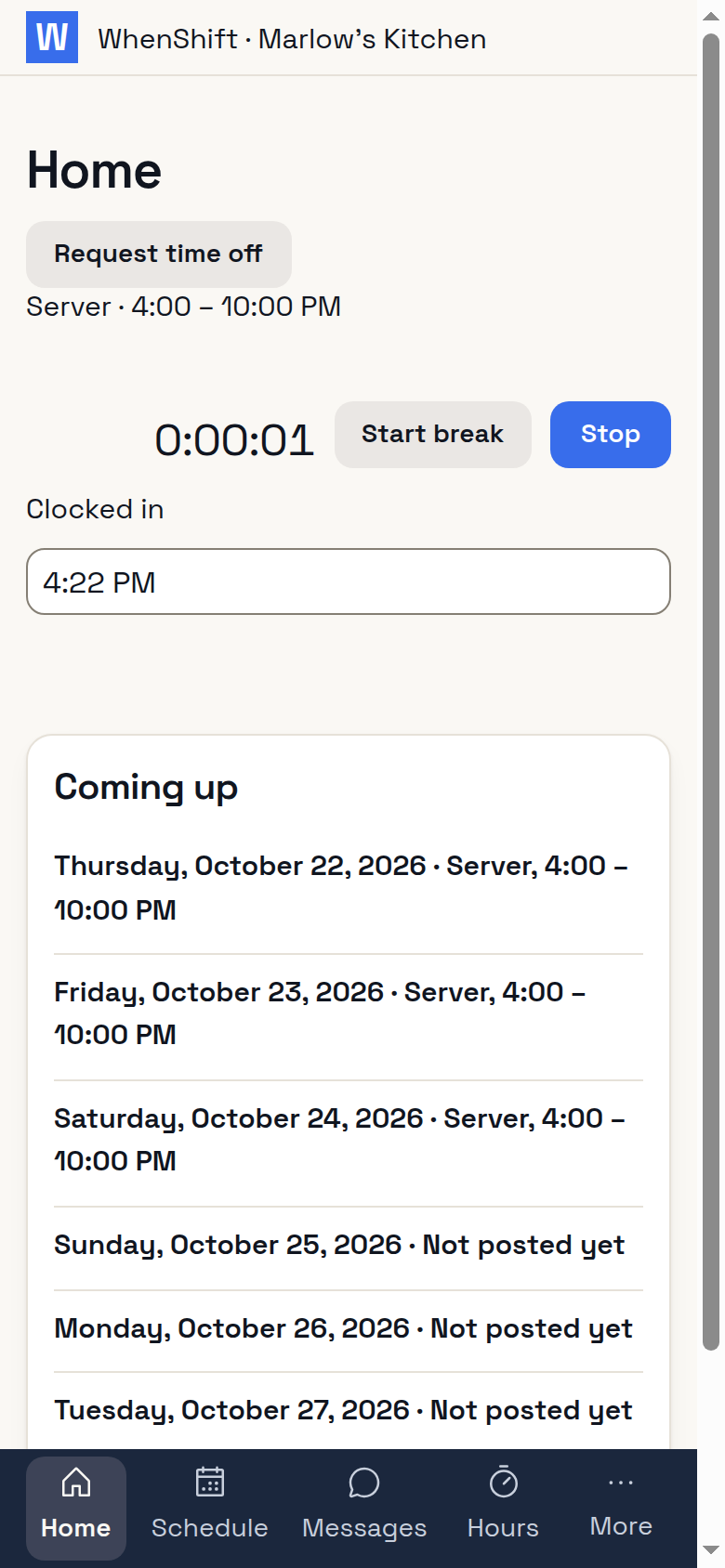
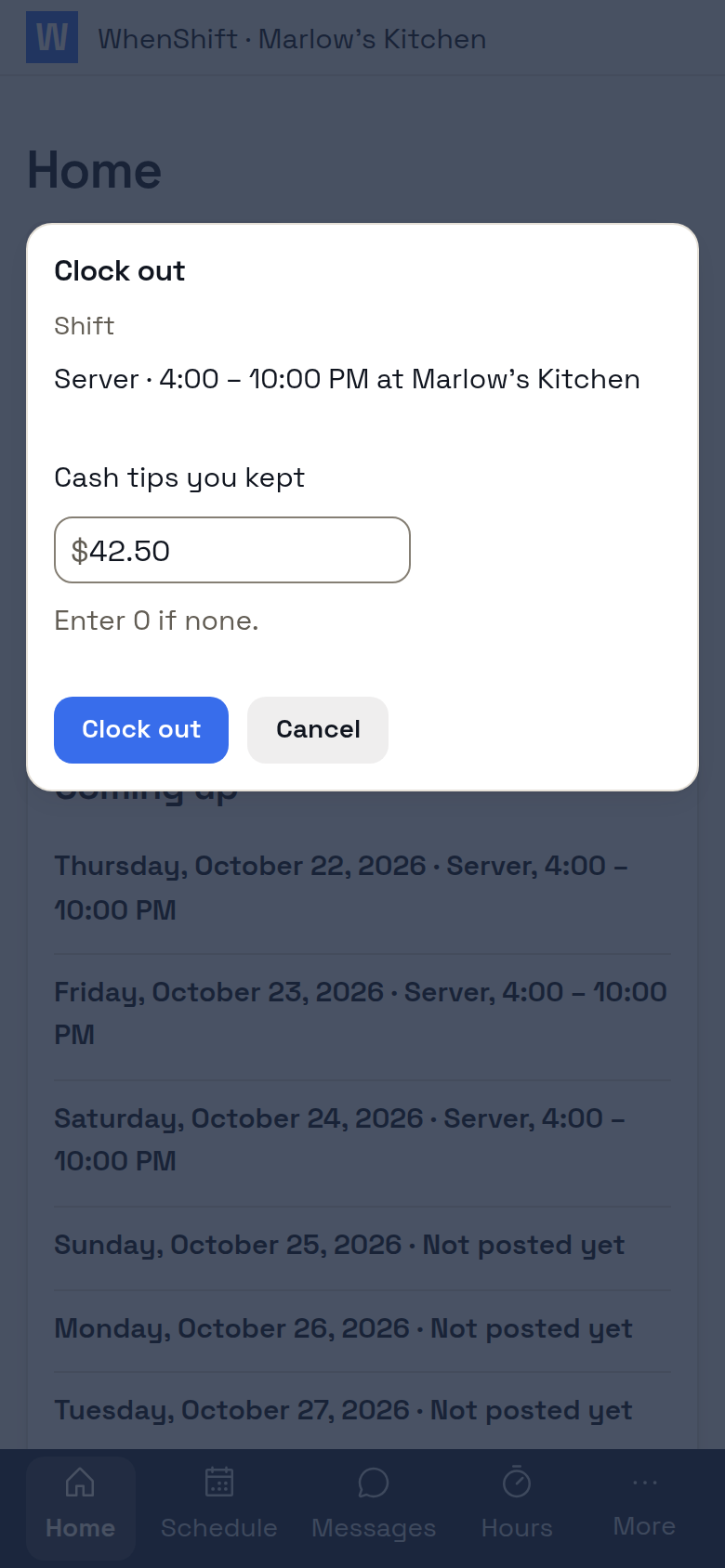
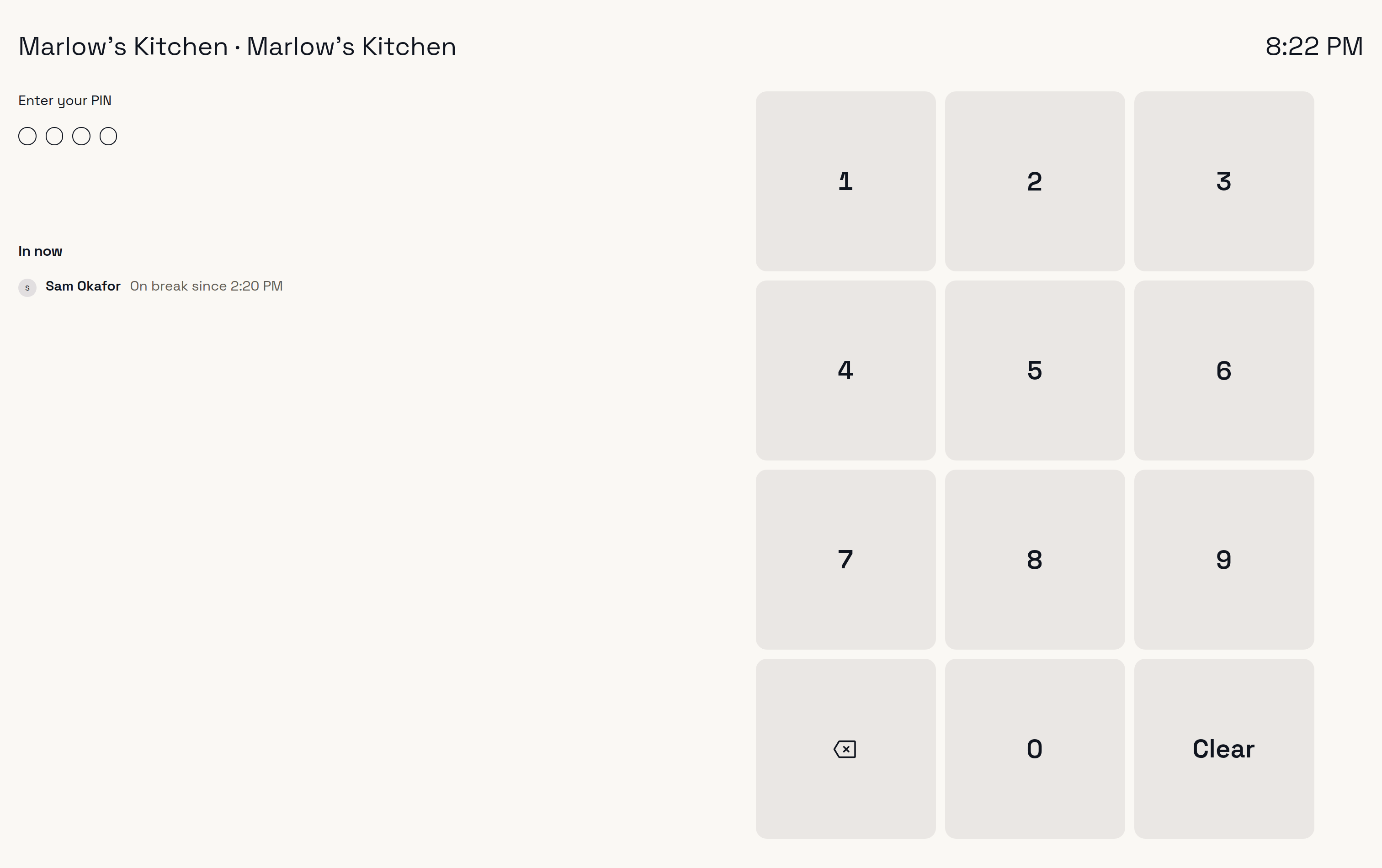
TodayOn now, late, not in.Clock inOn her own phone.Clock outWith her cash tips.KioskA PIN on a tablet by the door.
Hours to payroll, no retyping
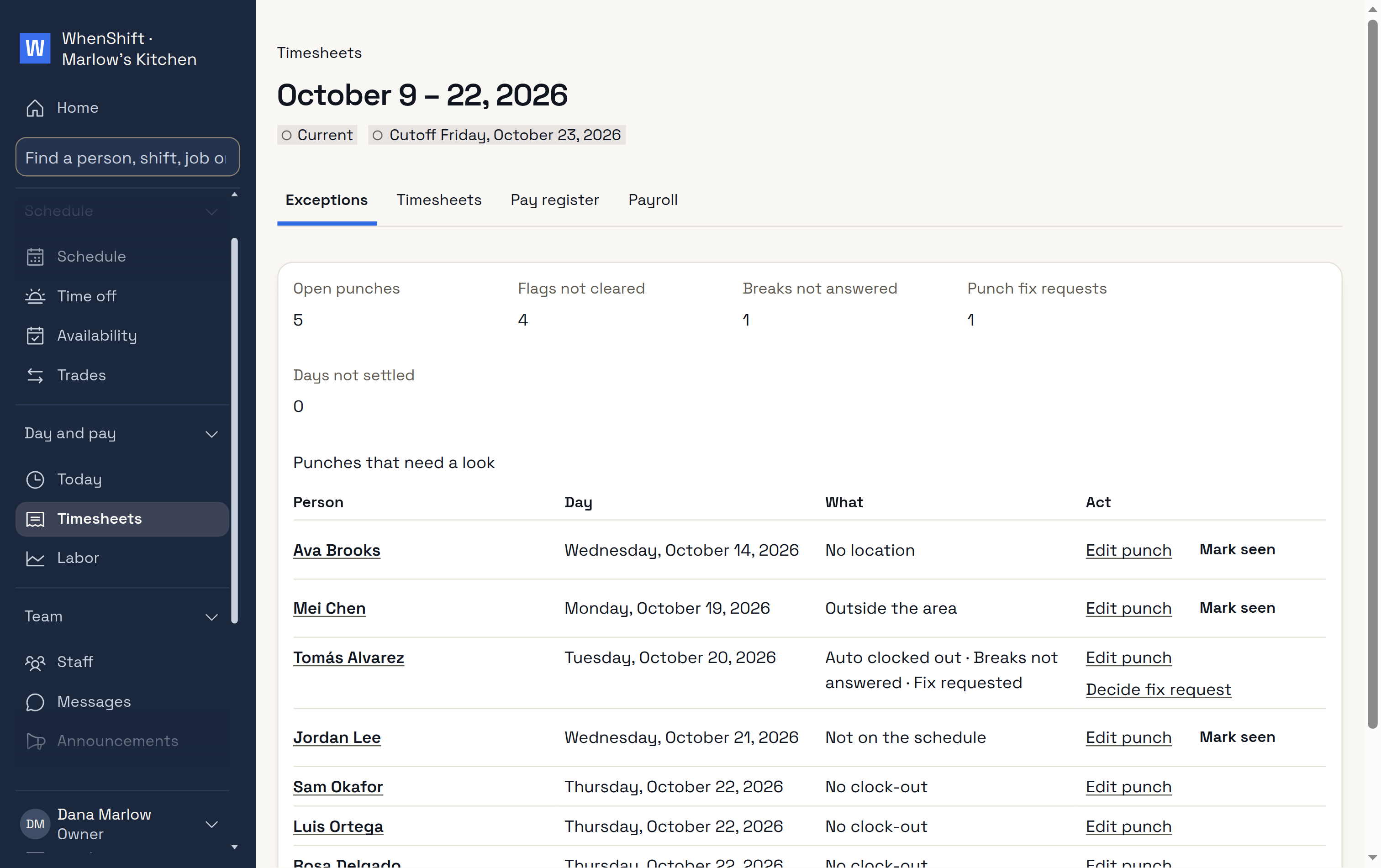
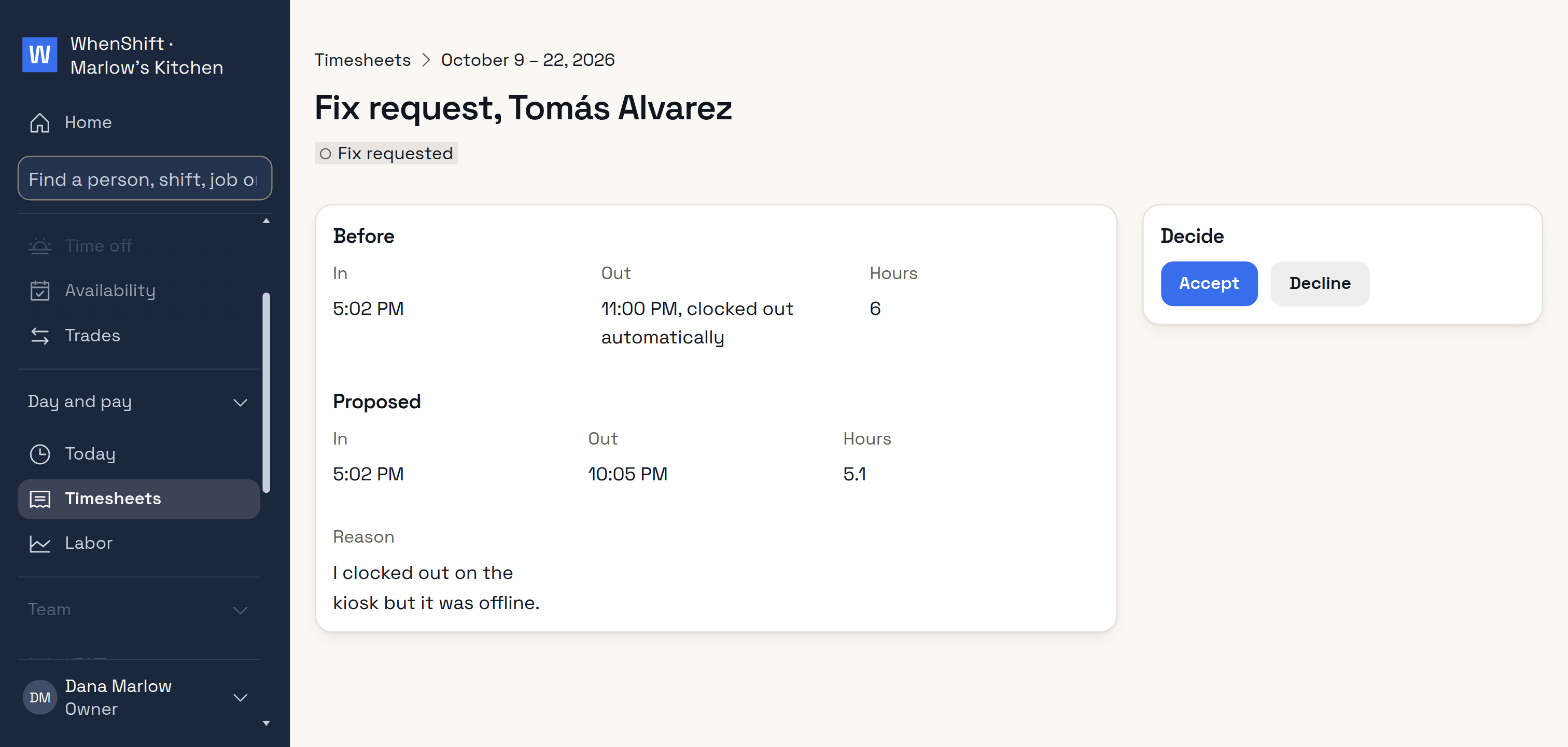
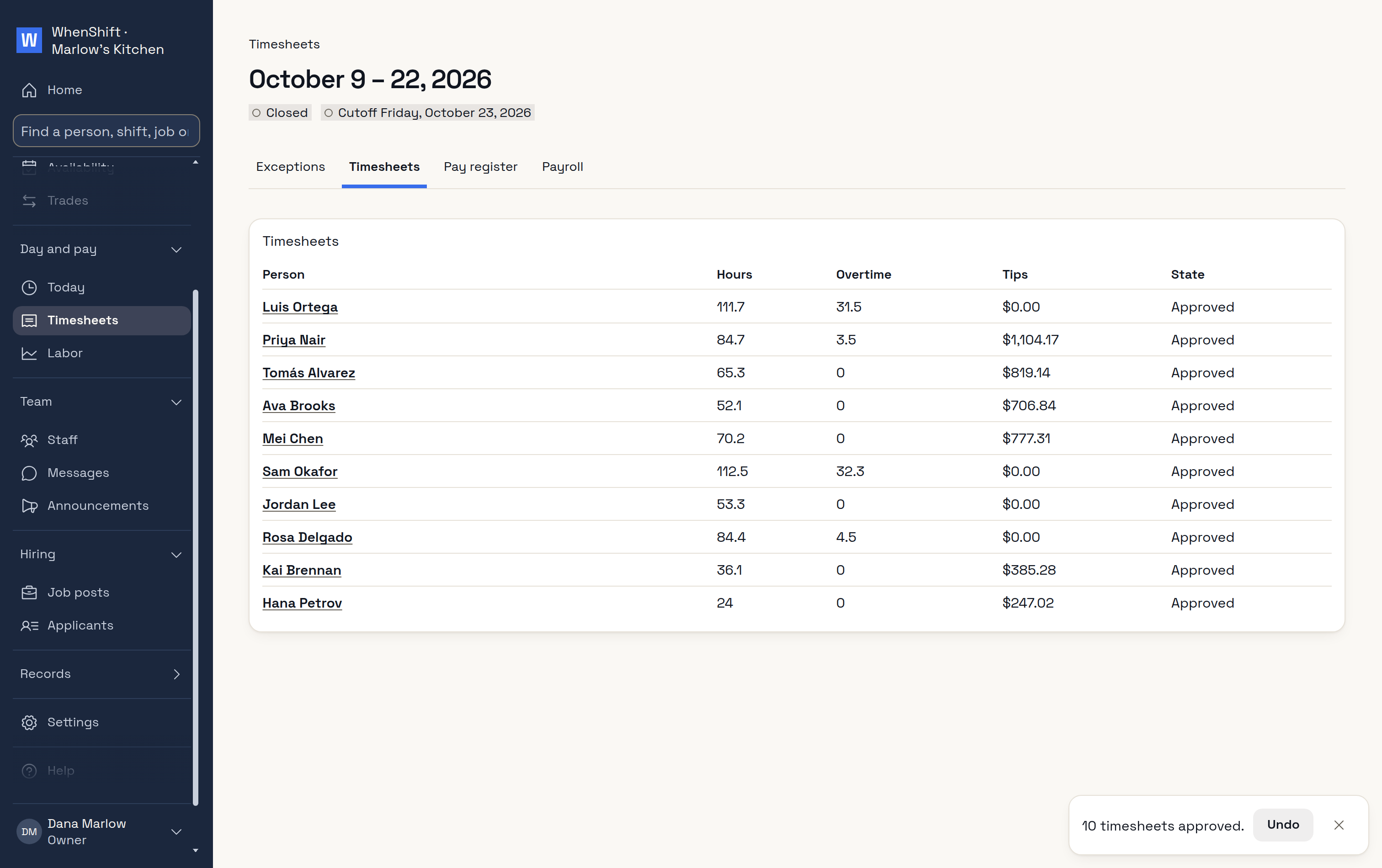
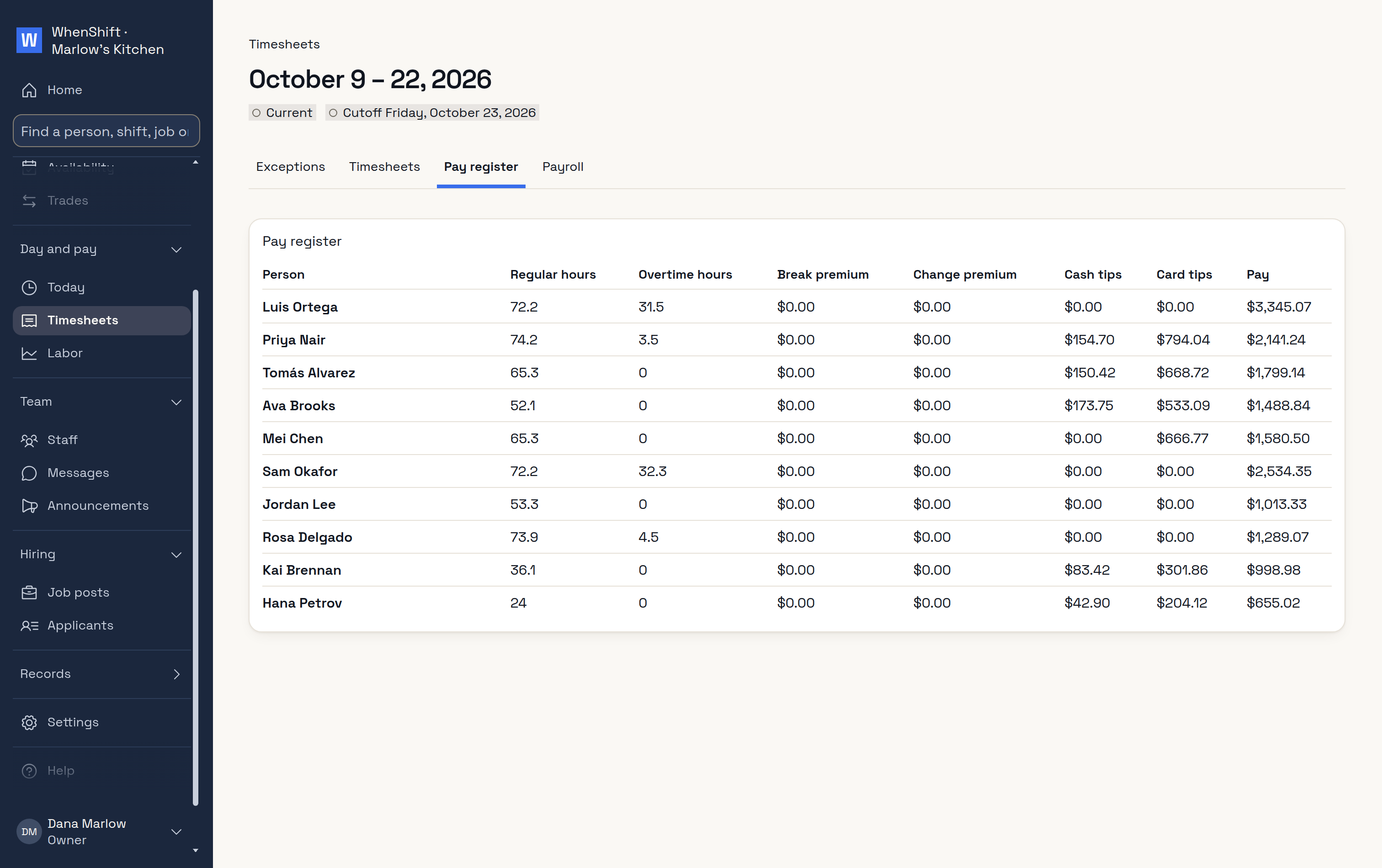
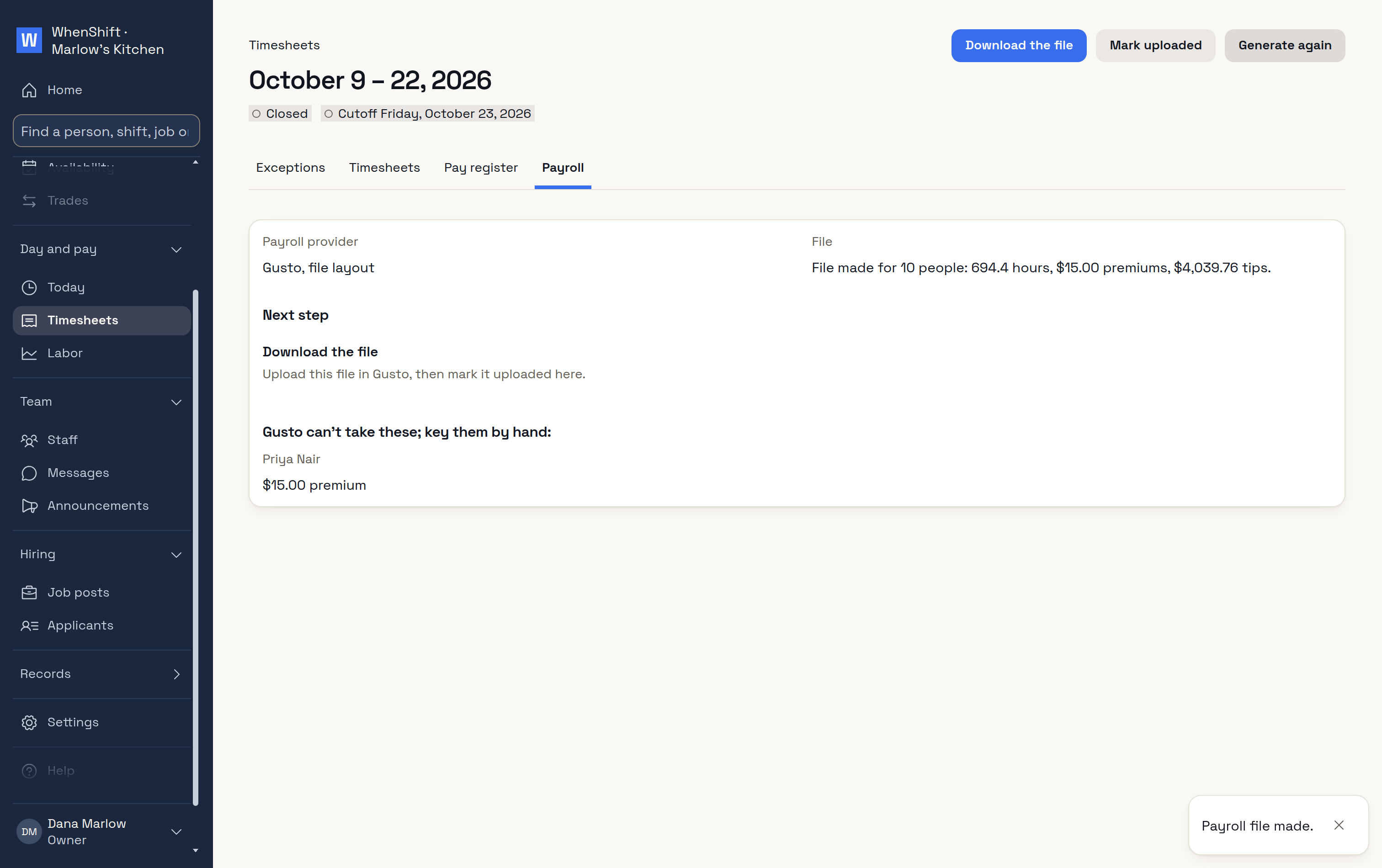
ExceptionsWhat to settle first.Fix requestsStaff ask; you decide.Approve allHours, overtime and tips.Pay registerEach person's pay.Payroll fileReady for Gusto.
Labor against sales, as the day runs
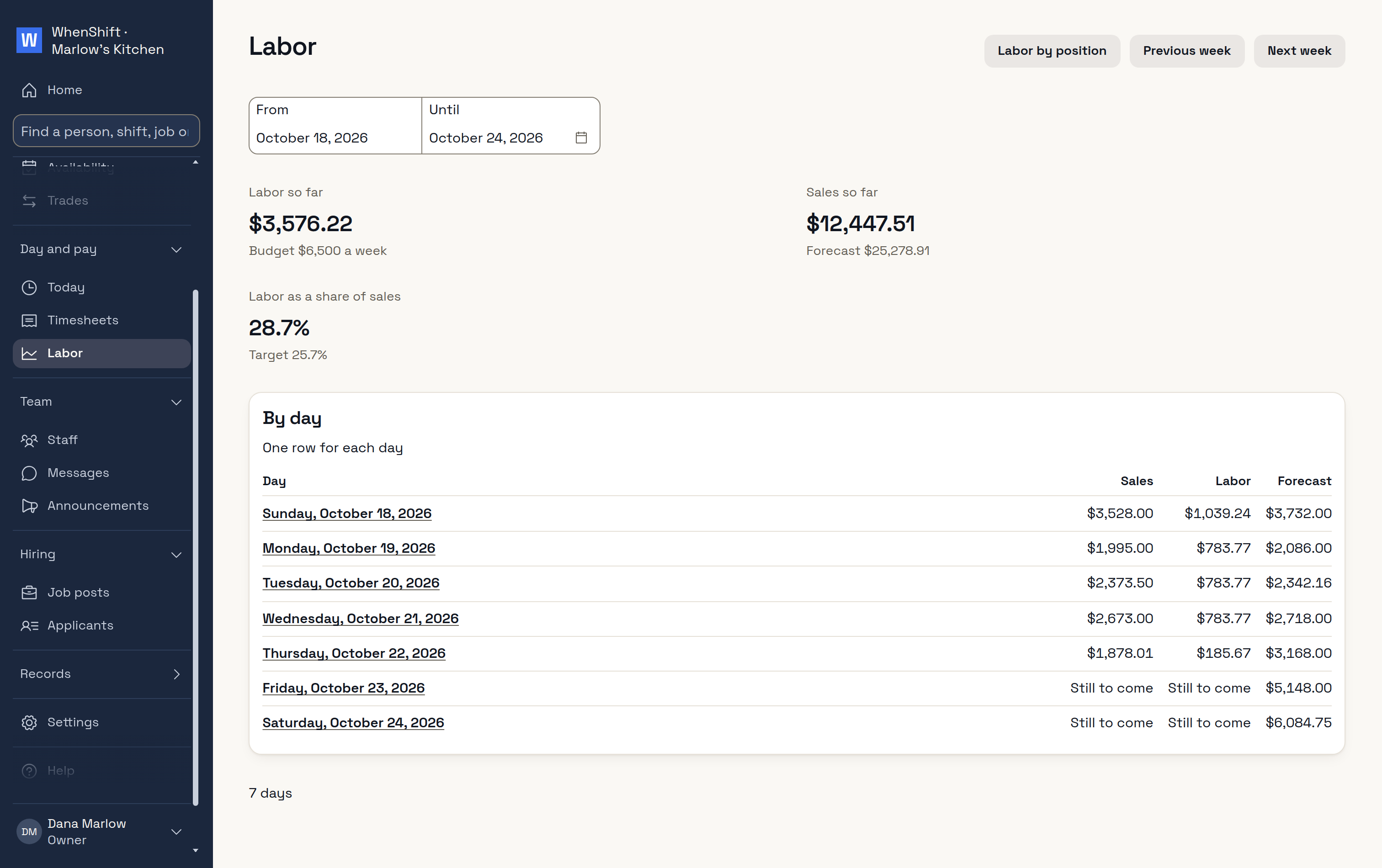
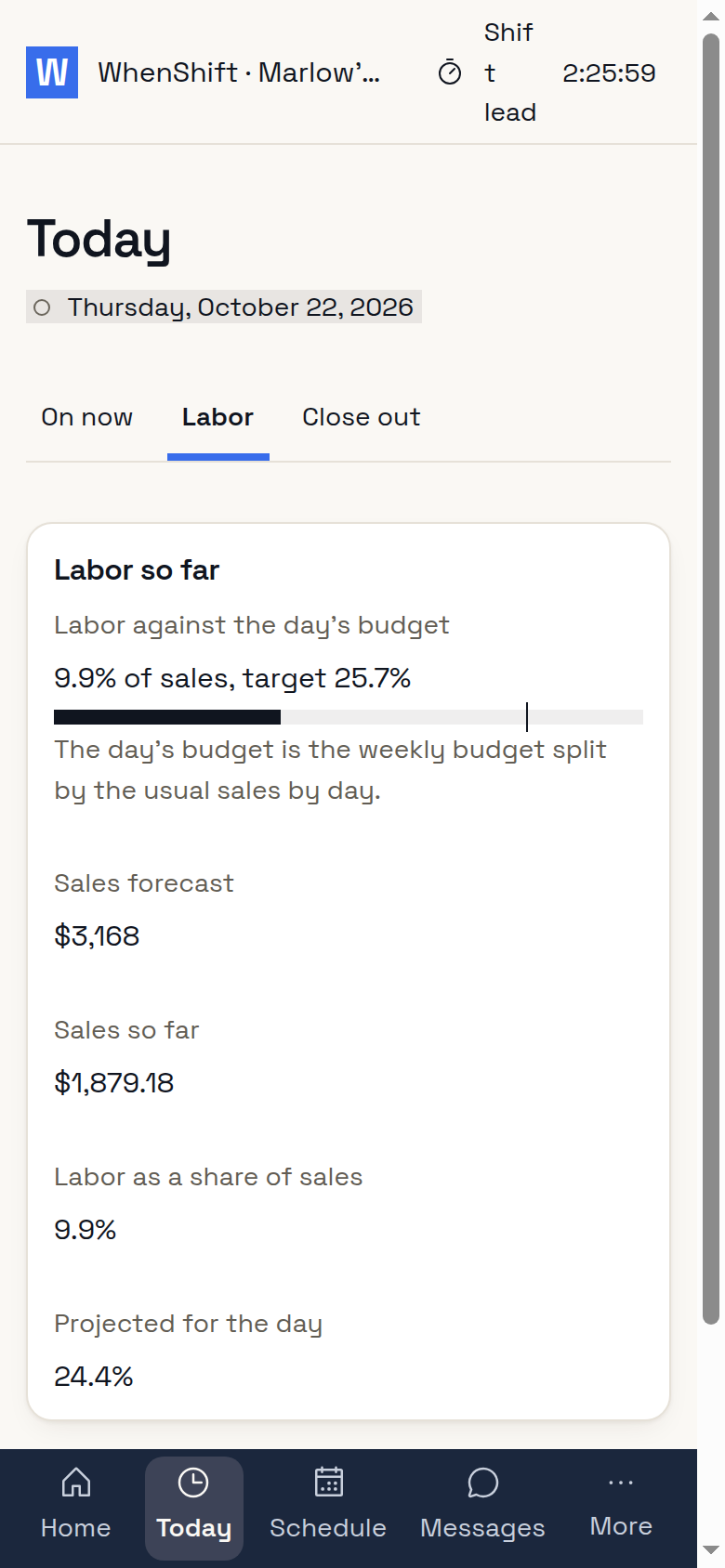
LaborSales from Square, against your target.On the floorThe shift lead sees it too.
Hire straight into the schedule
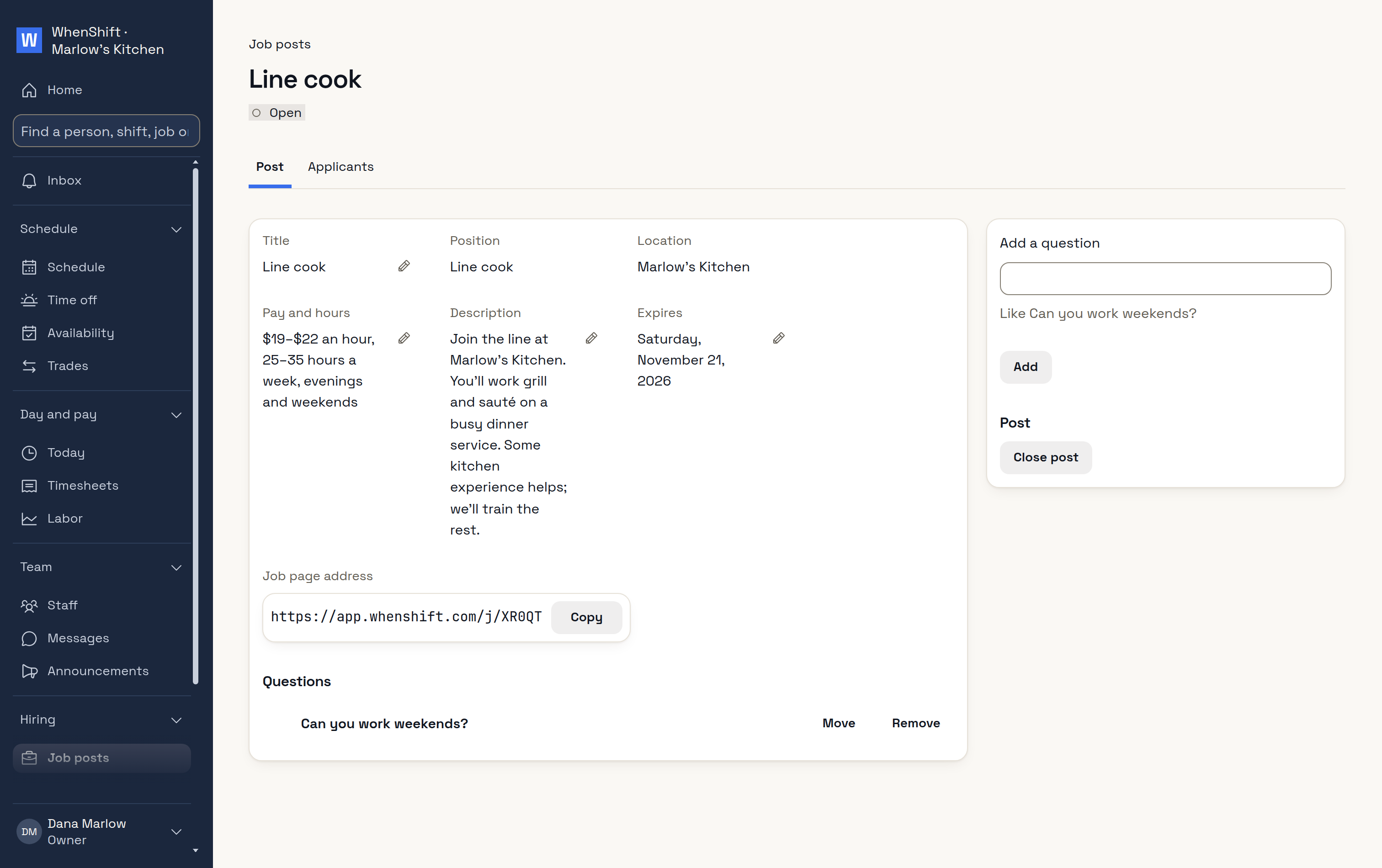
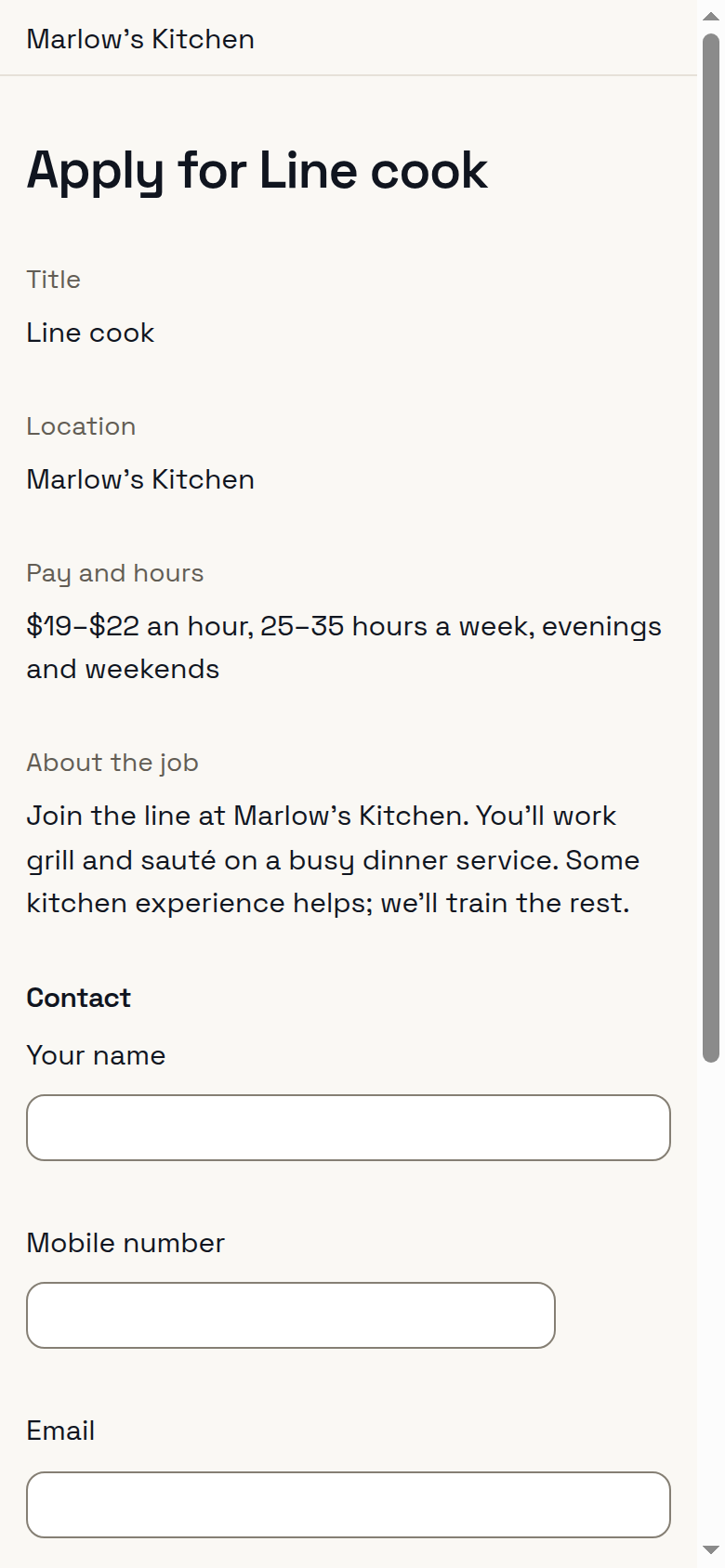
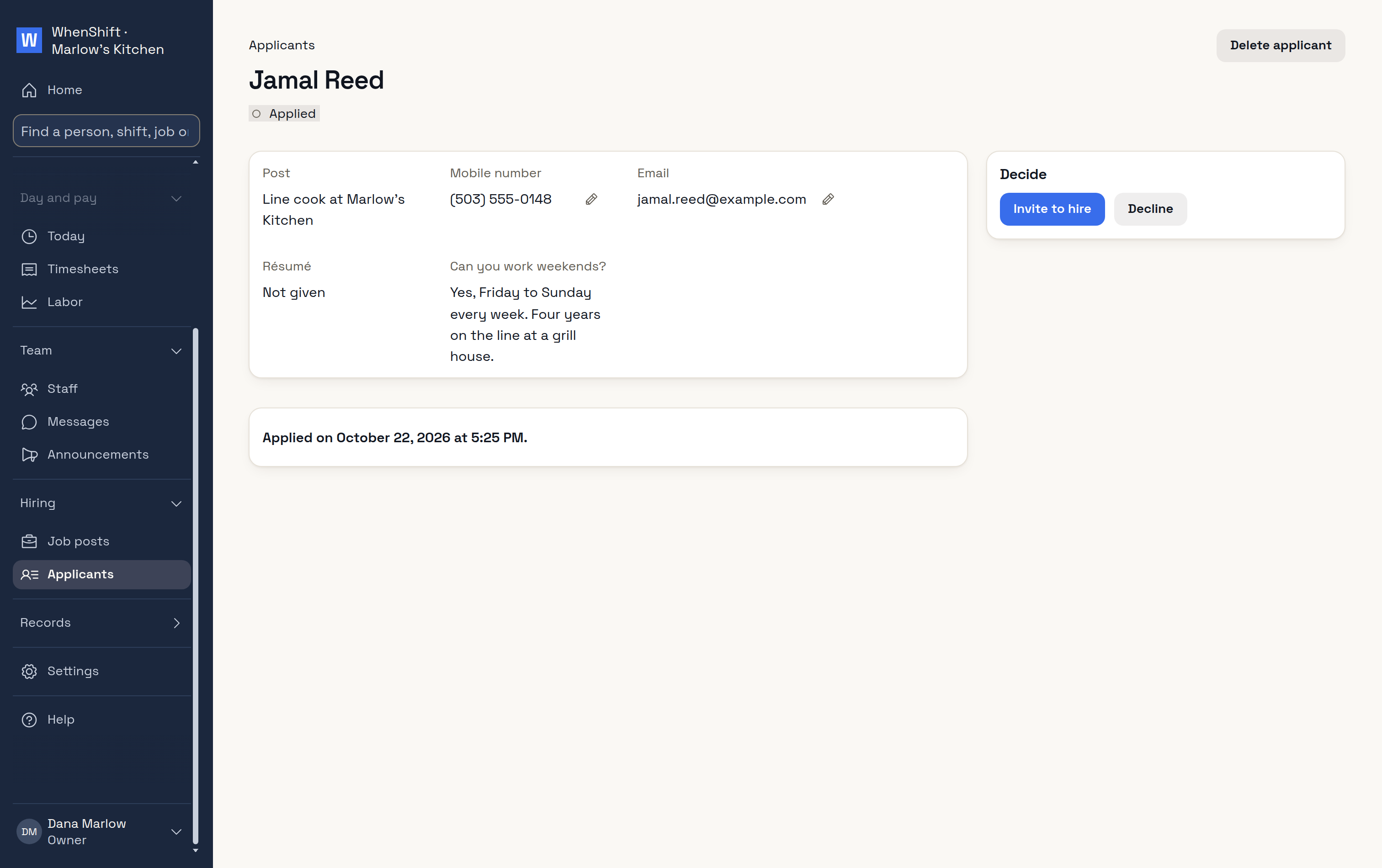
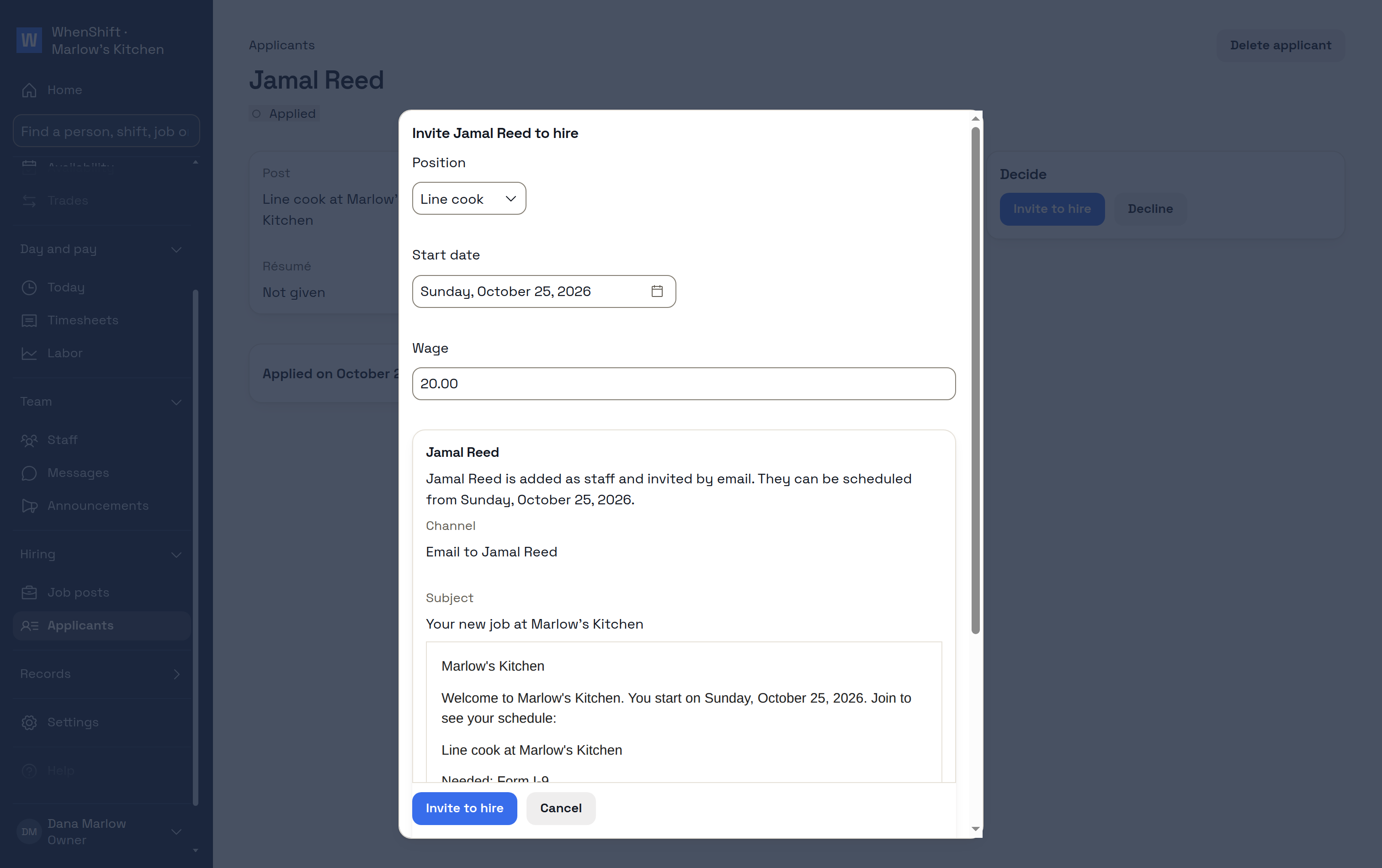
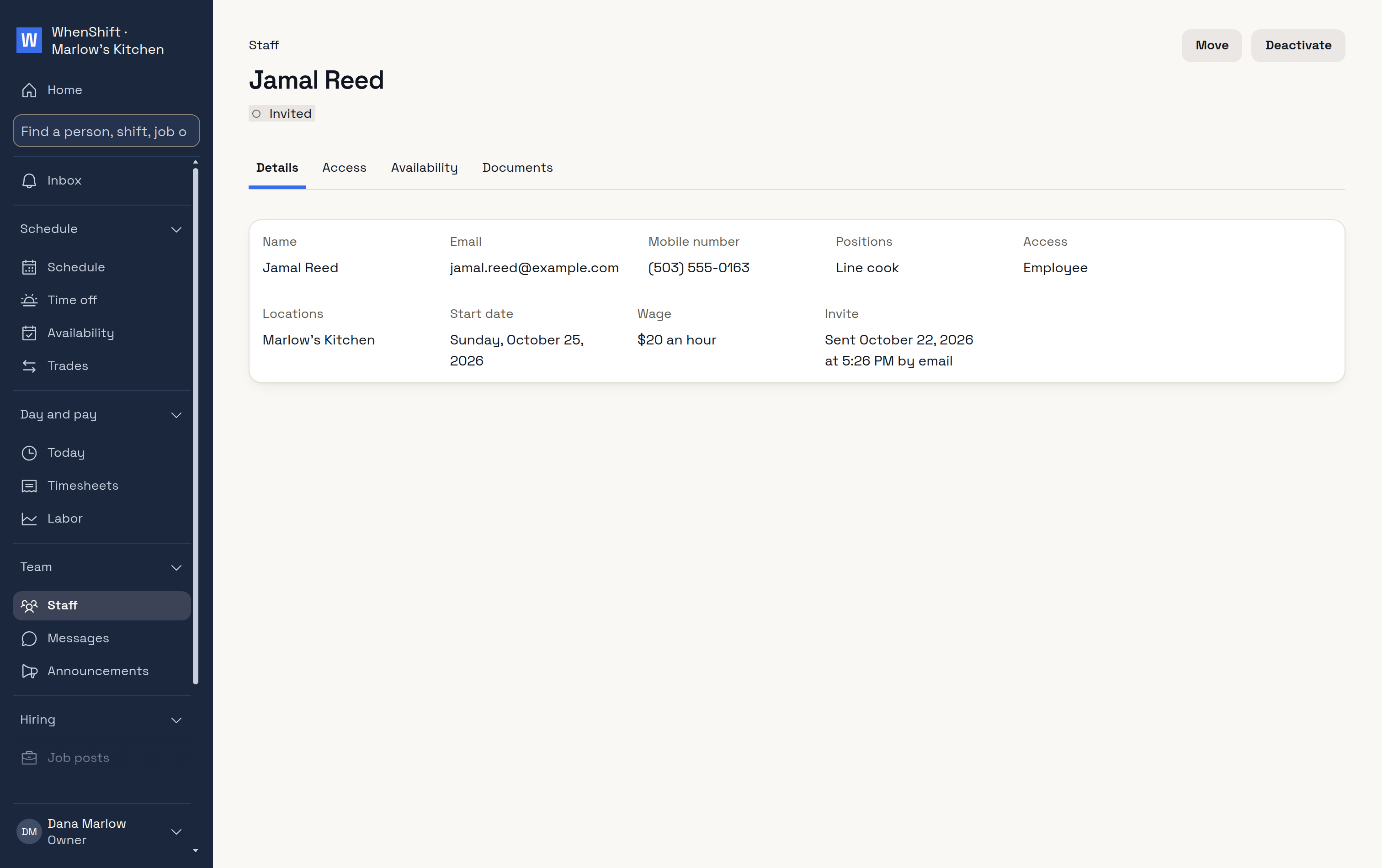
Post a jobWith a page to share.They applyFrom a phone, no account.ApplicantInvite or decline.Invite to hirePosition, start and wage.On your staffInvite sent.In the scheduleReady for shifts.
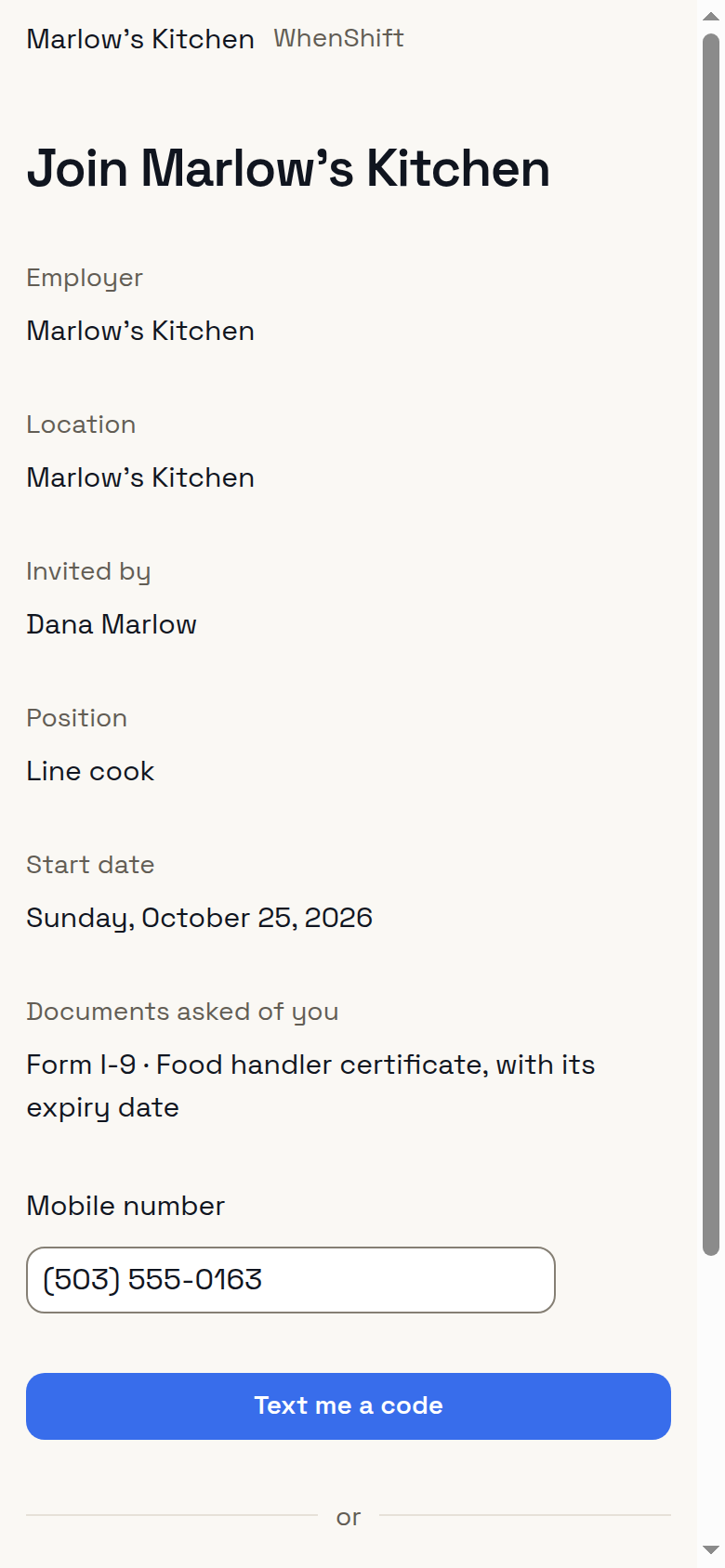
New staff join with a code
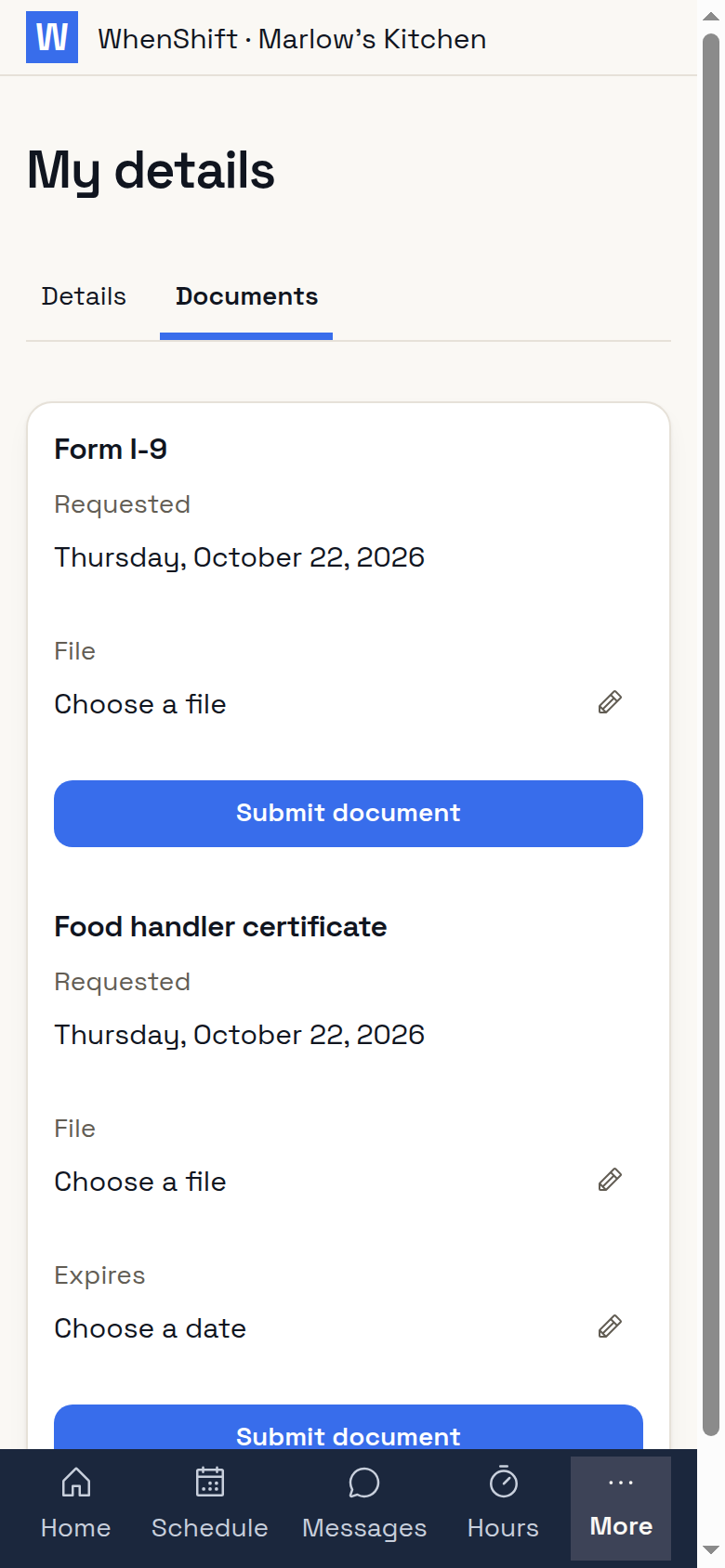
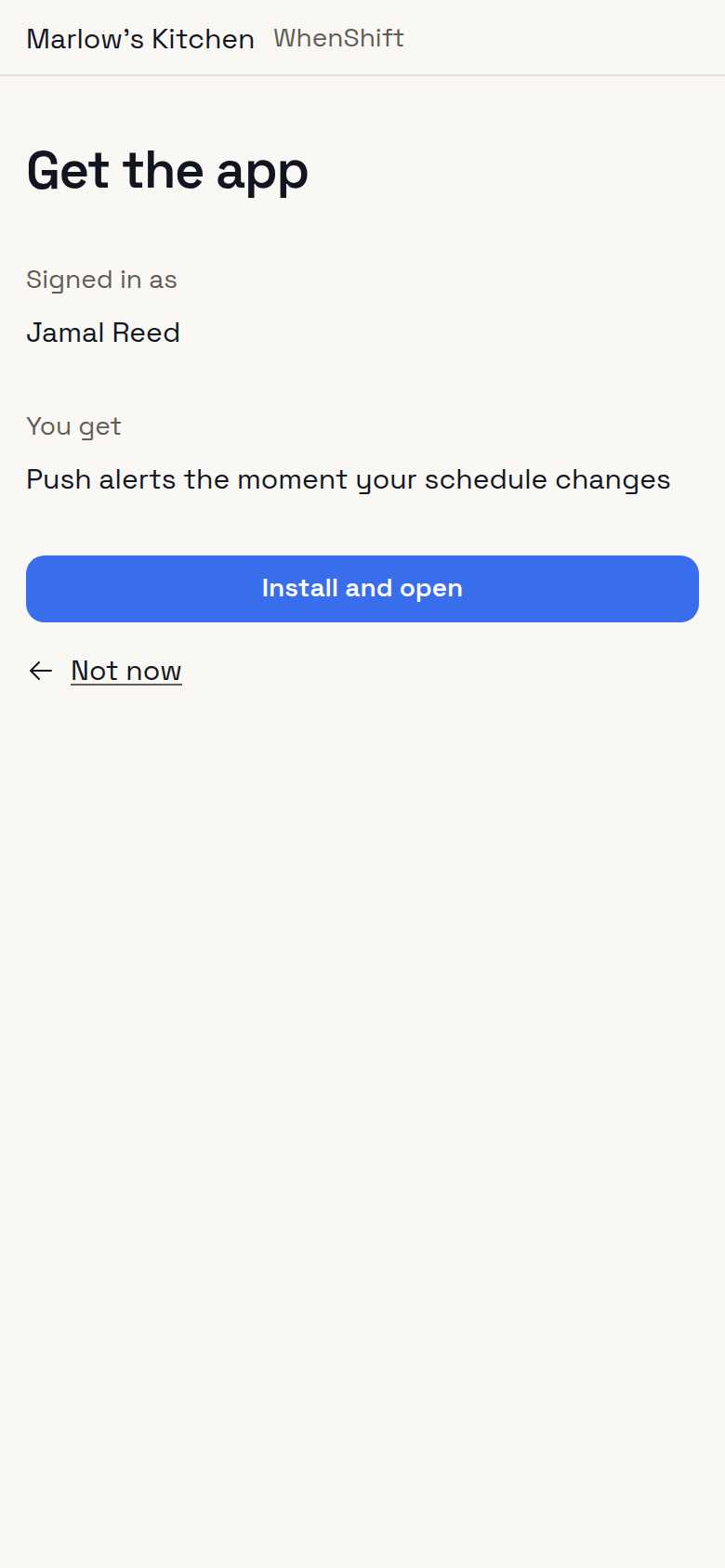
JoinA code by text.PaperworkAsked for on day one.Get the appWhen they want push.
Free for one location
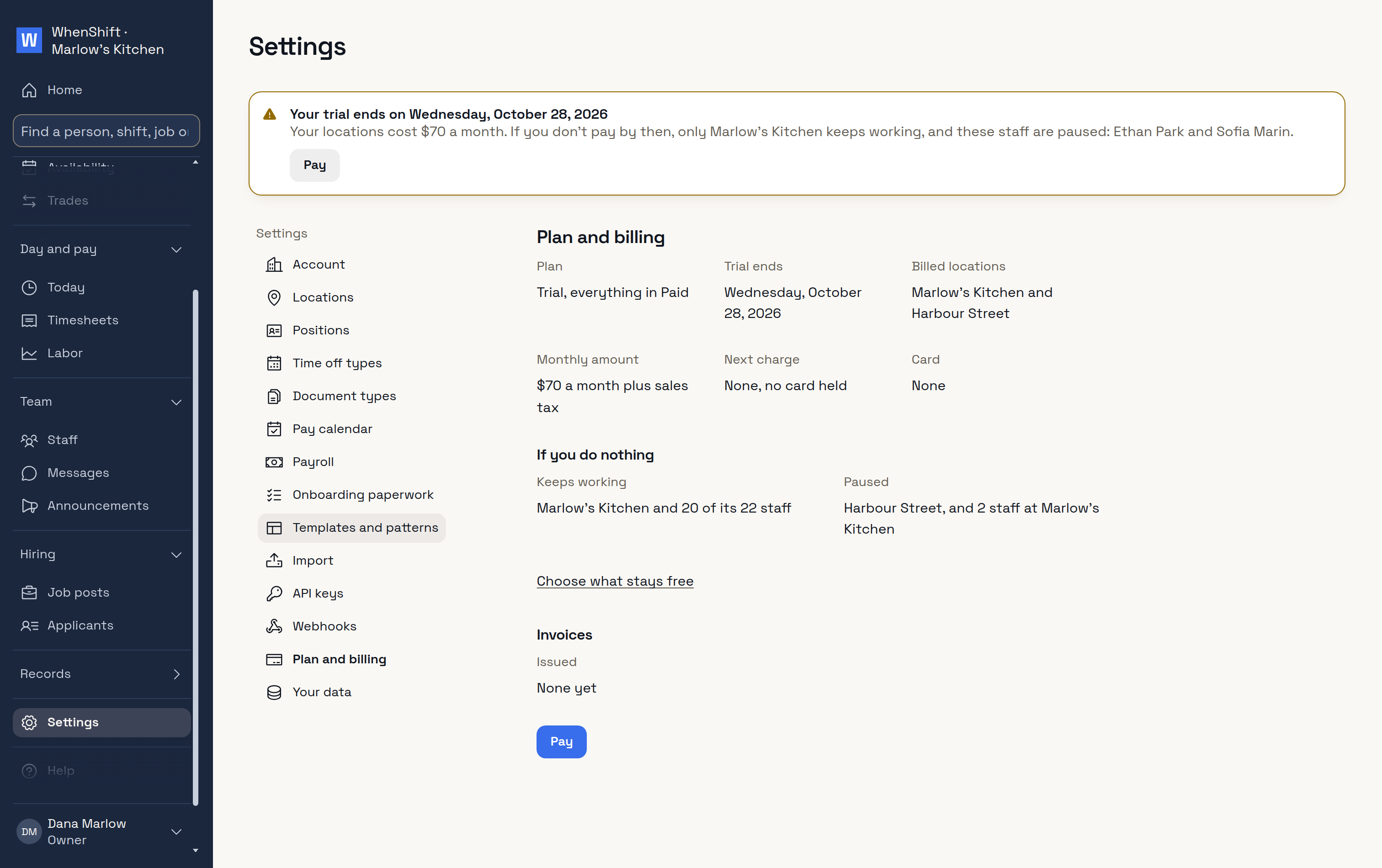
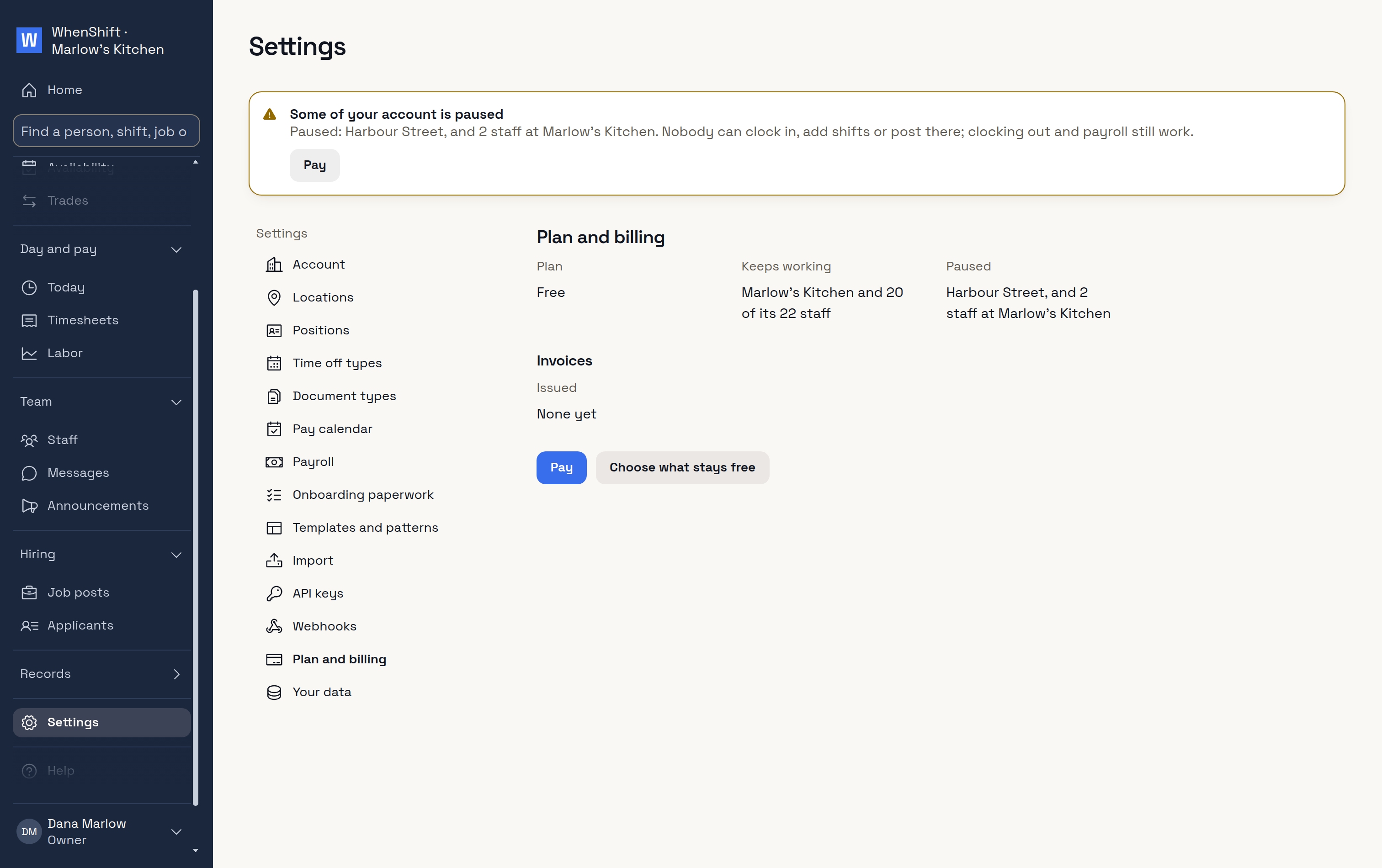
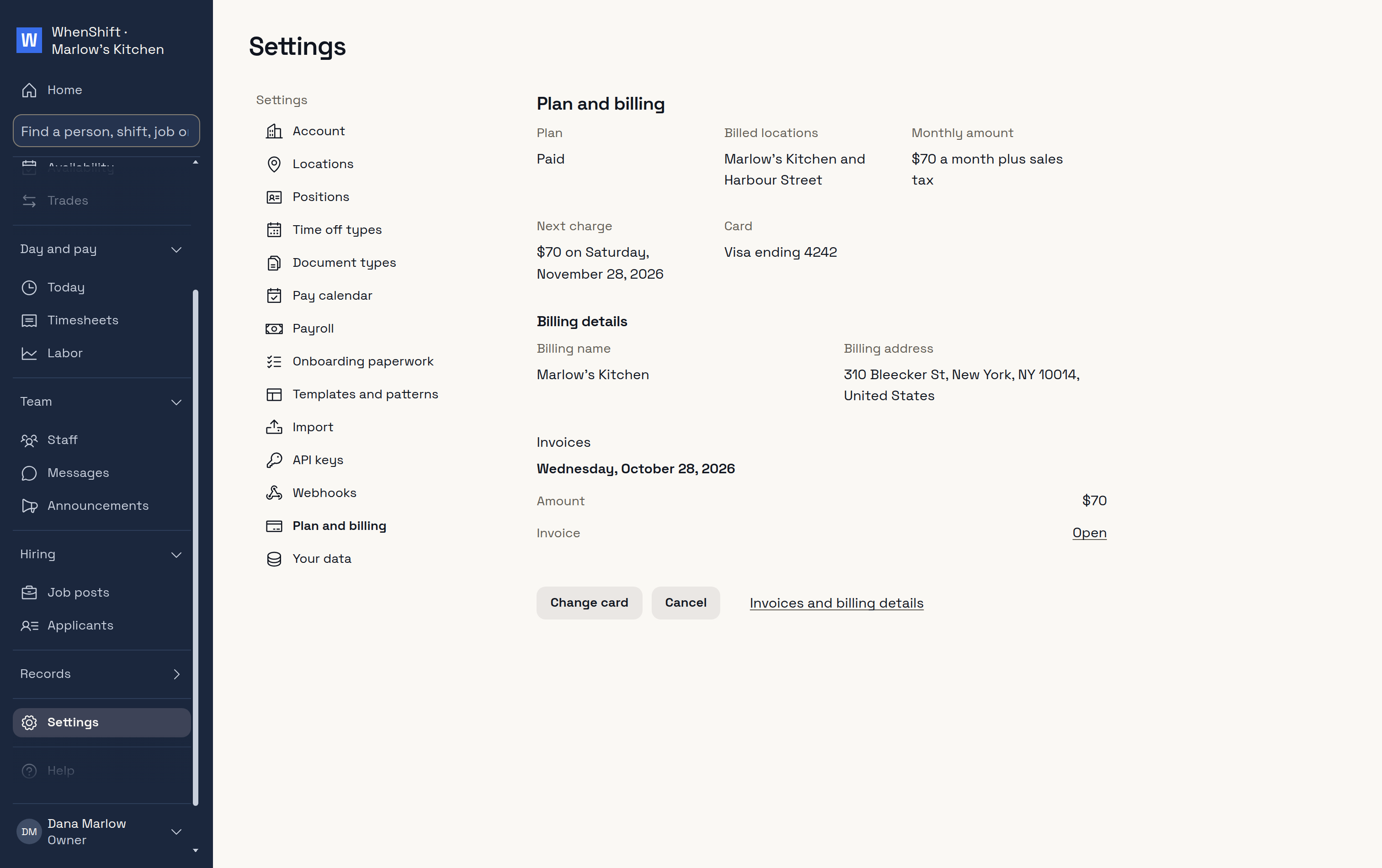
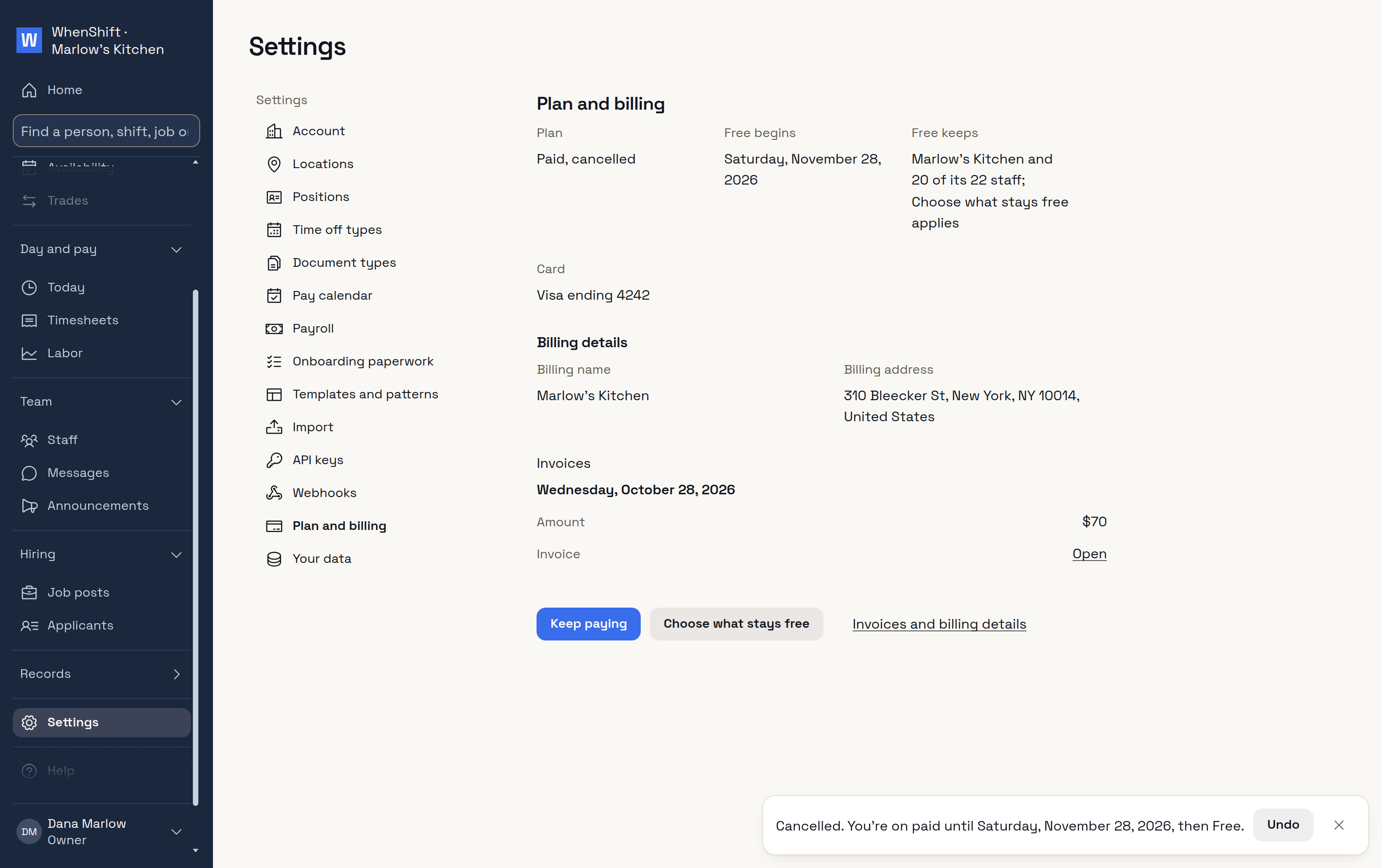
30 days of everything, no card.After that, one location with up to 20 staff stays free.More locations or staff: $35 a location a month.Cancel in one click and you go back to Free.
Trial endingWhat stays free.Plan and billing$35 a location.On FreeOne location keeps working.PaidCard, charge and invoices.CancelOne click.
Everything else in WhenShift
Your account
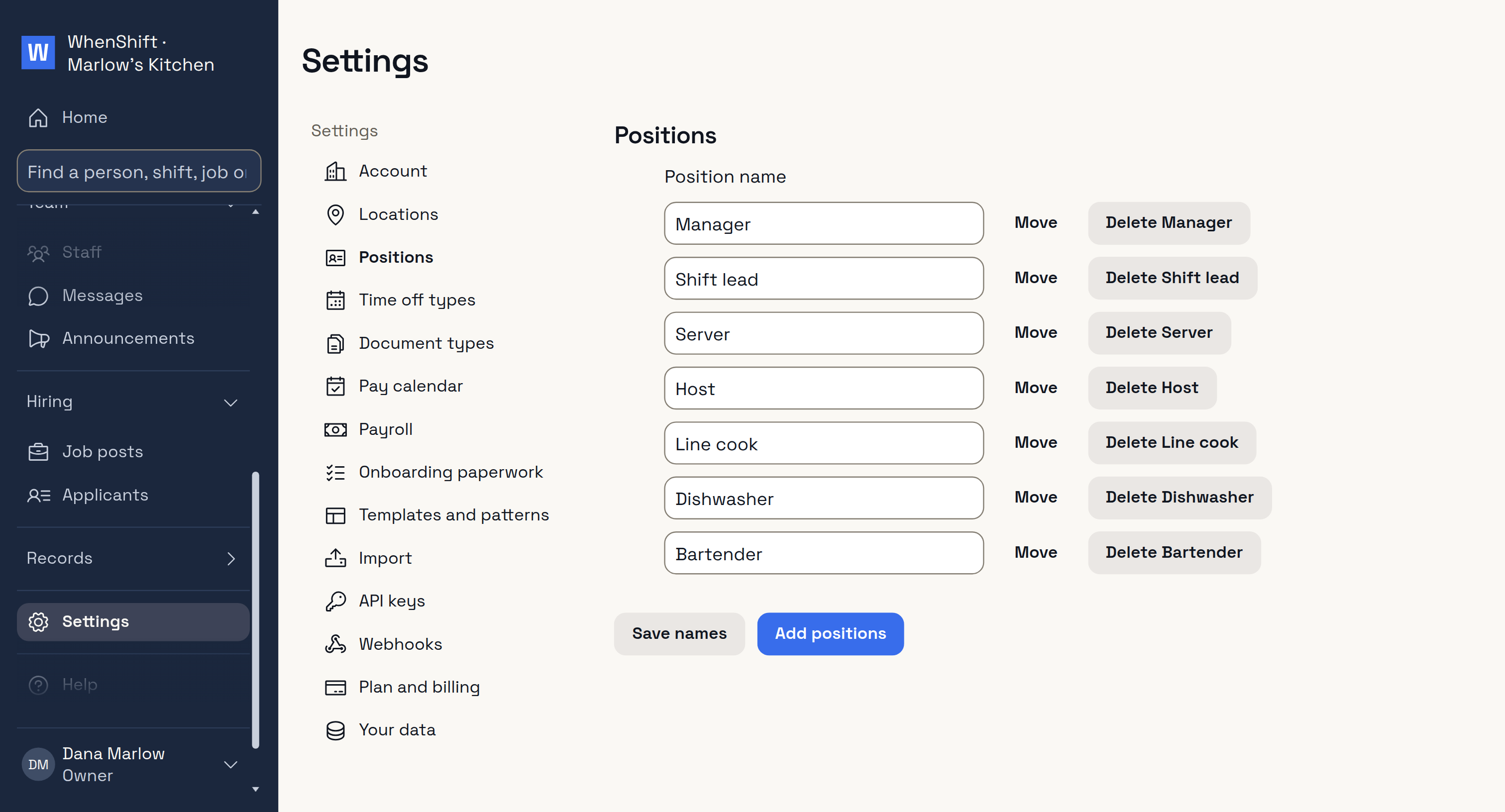
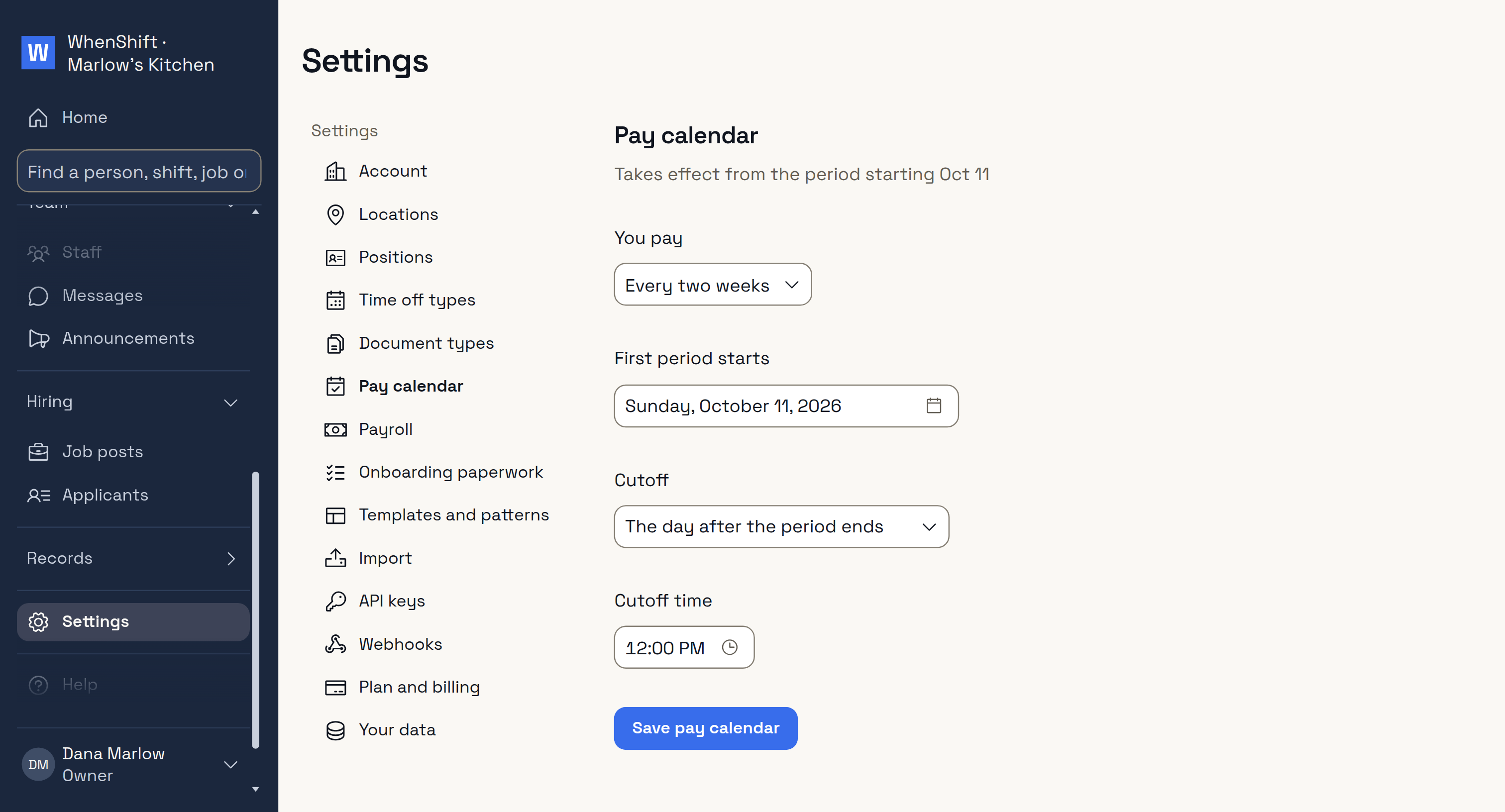
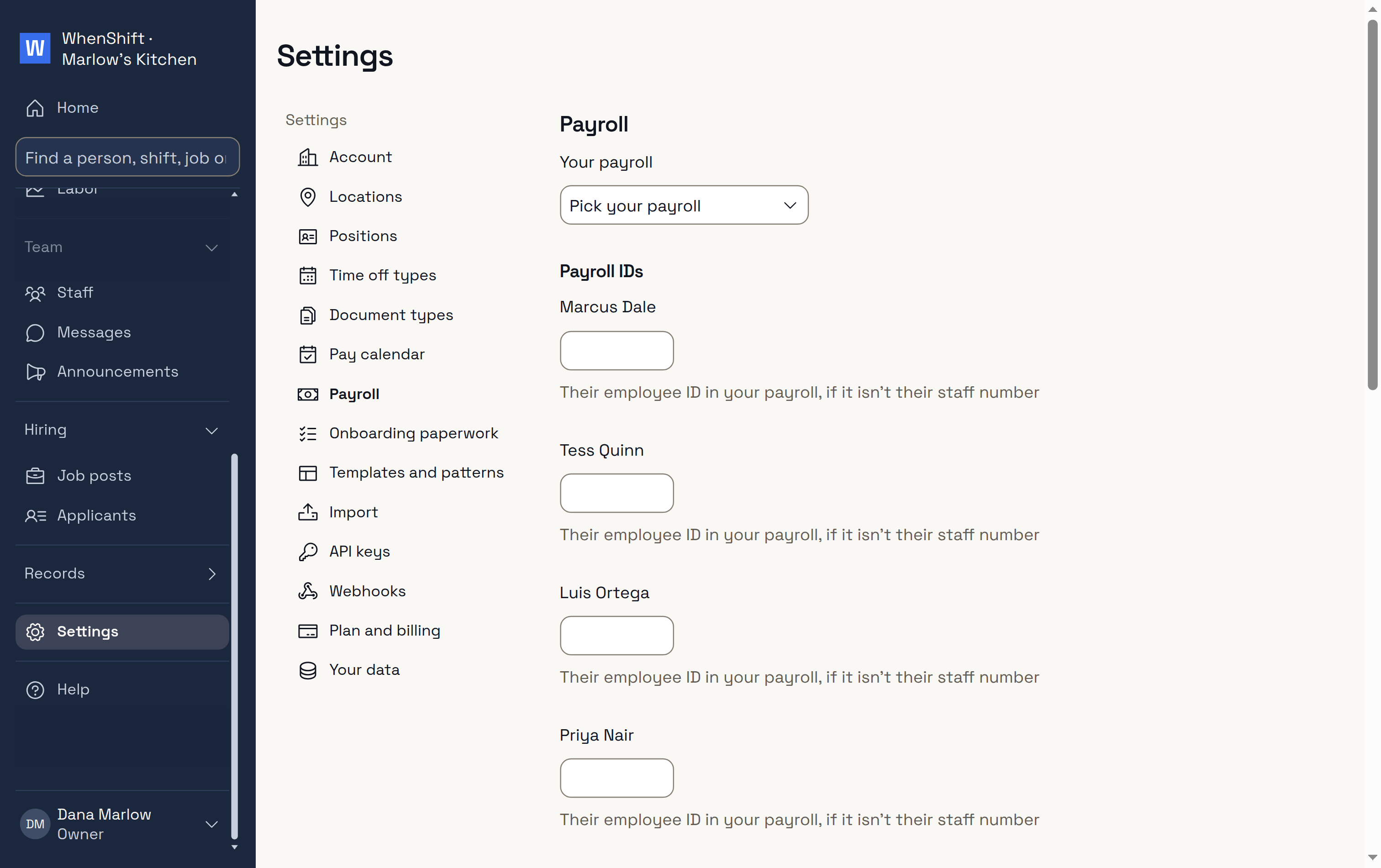
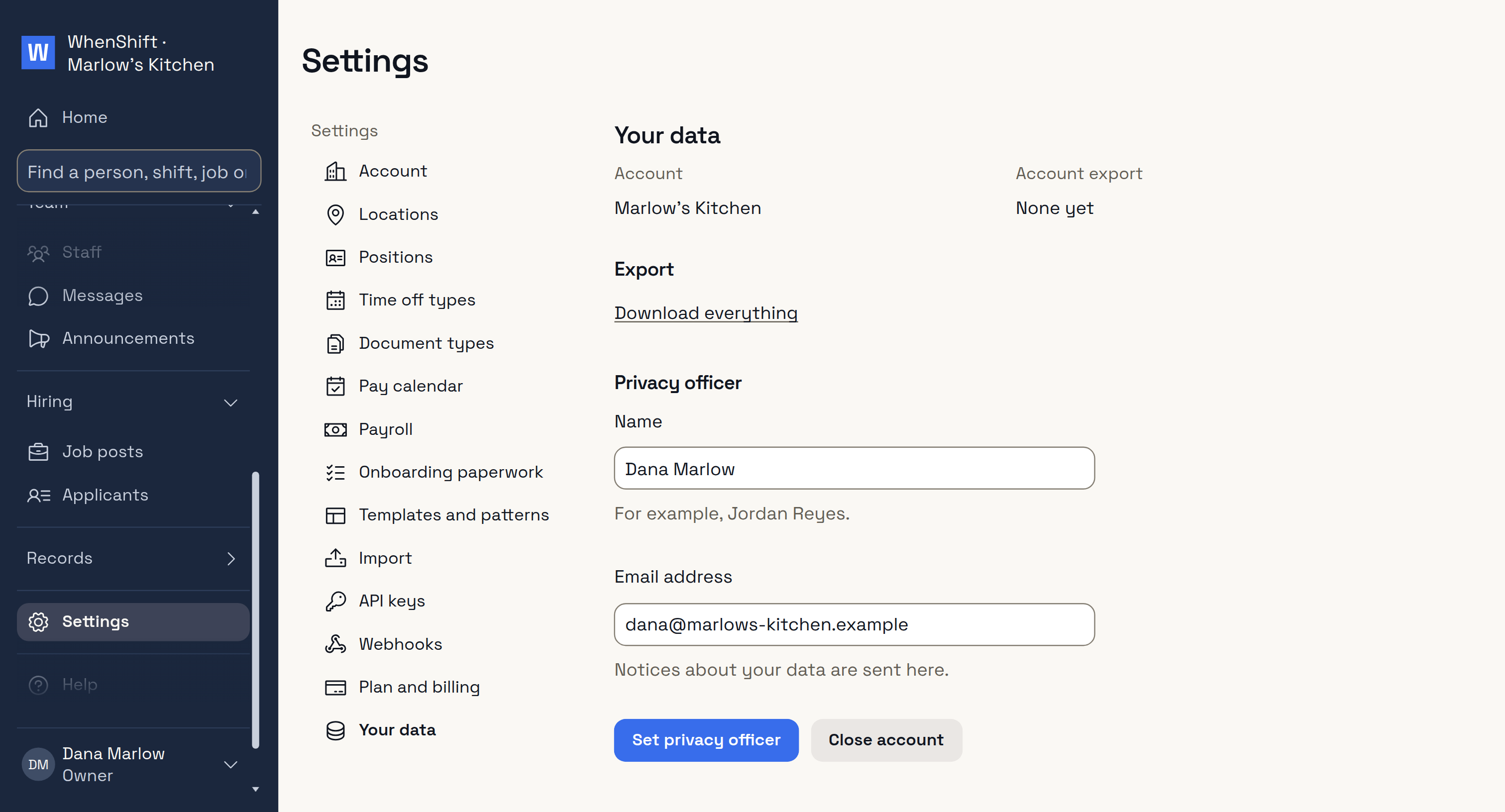
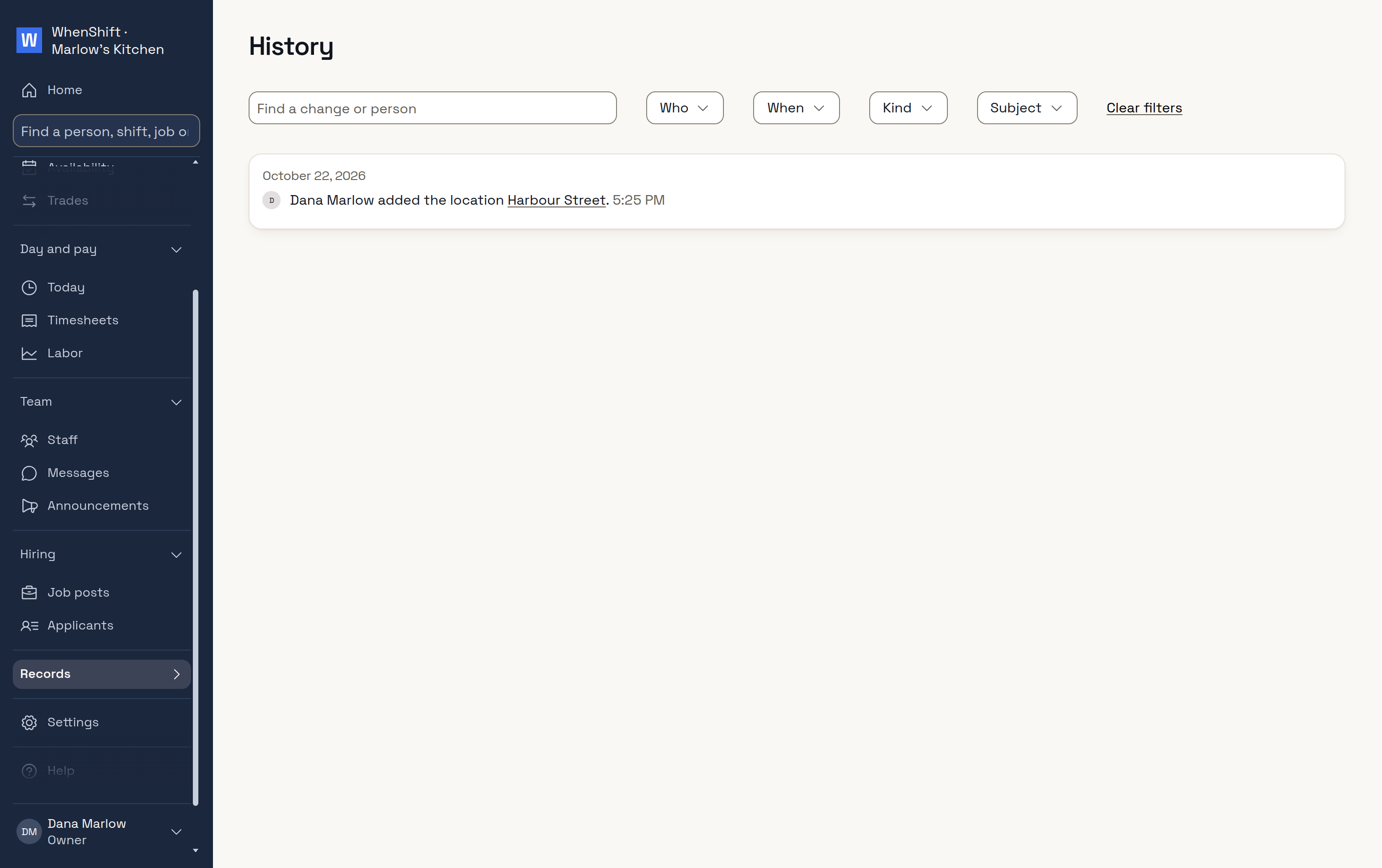
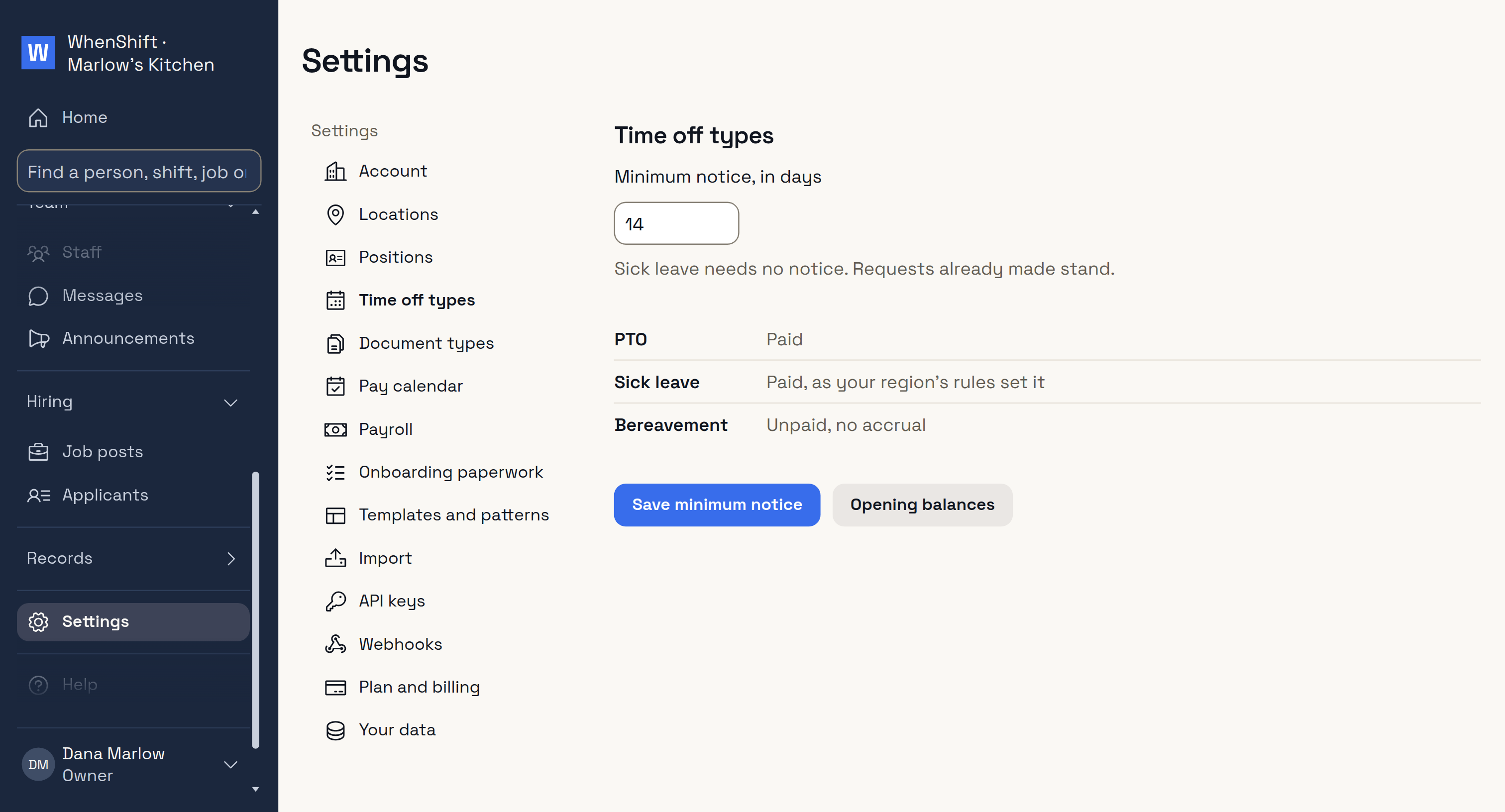
PositionsThe jobs you schedule.Pay calendarPeriod and cutoff.PayrollProvider and IDs.Your dataDownload everything.HistoryWho did what.
Staff
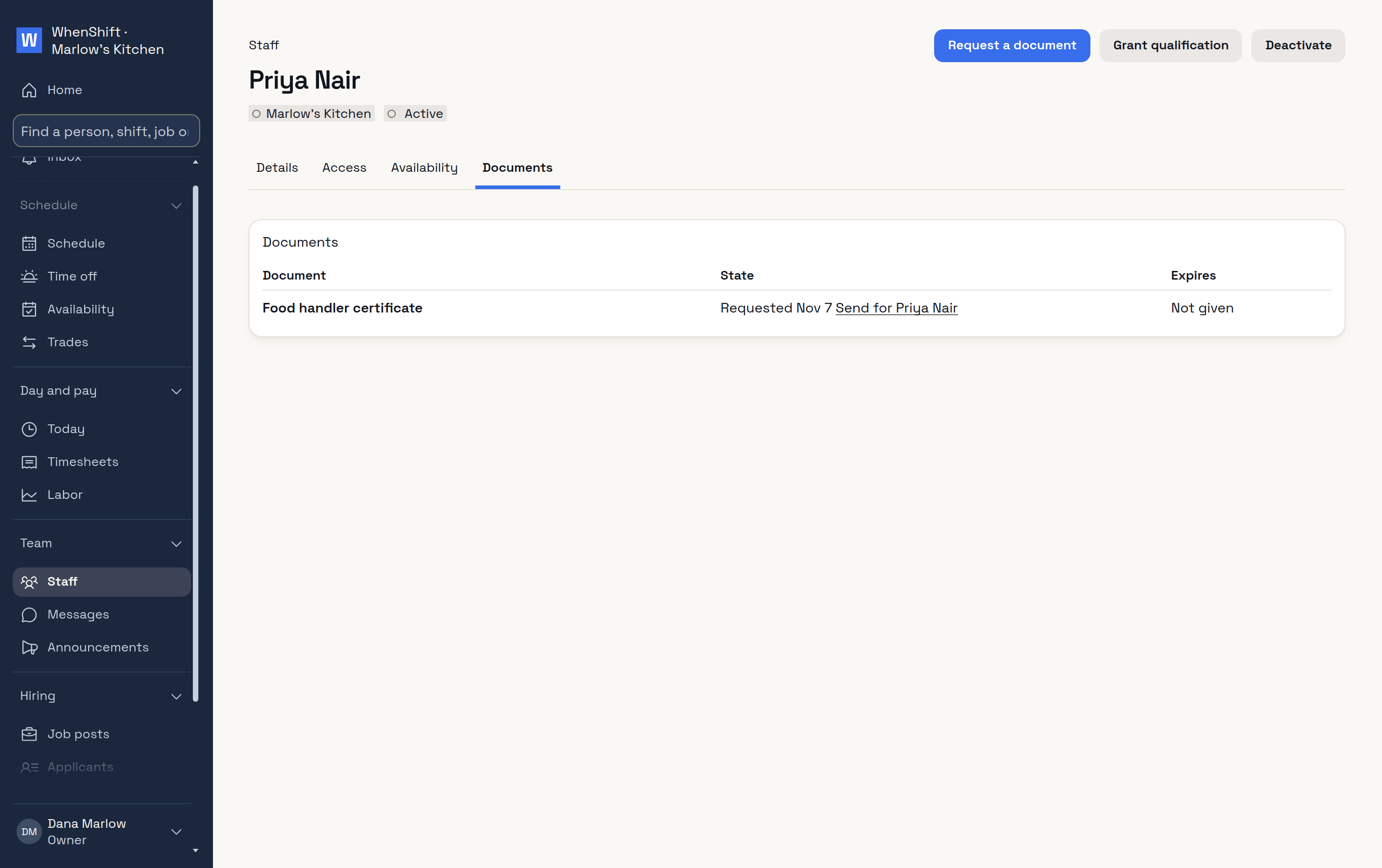
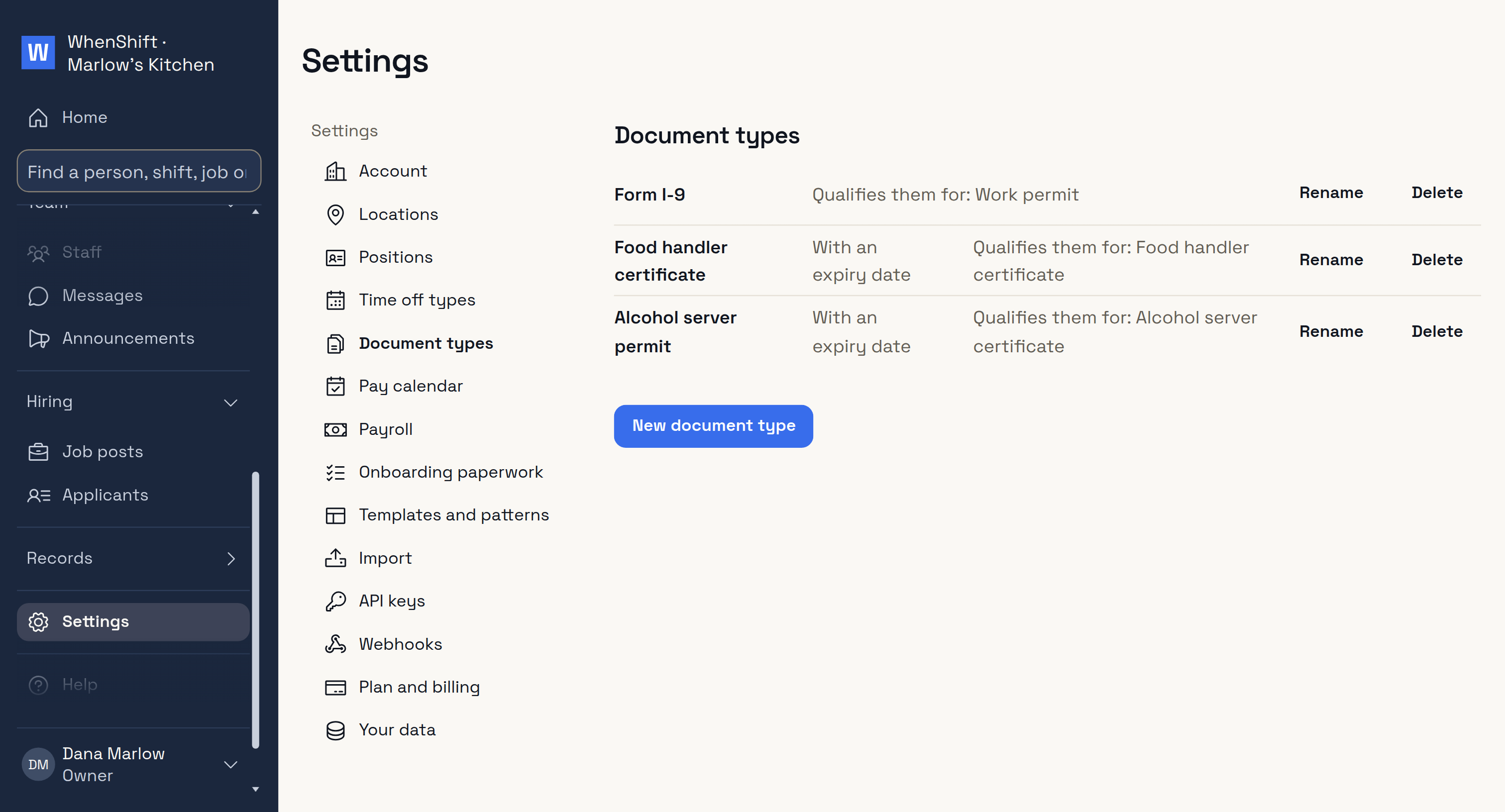
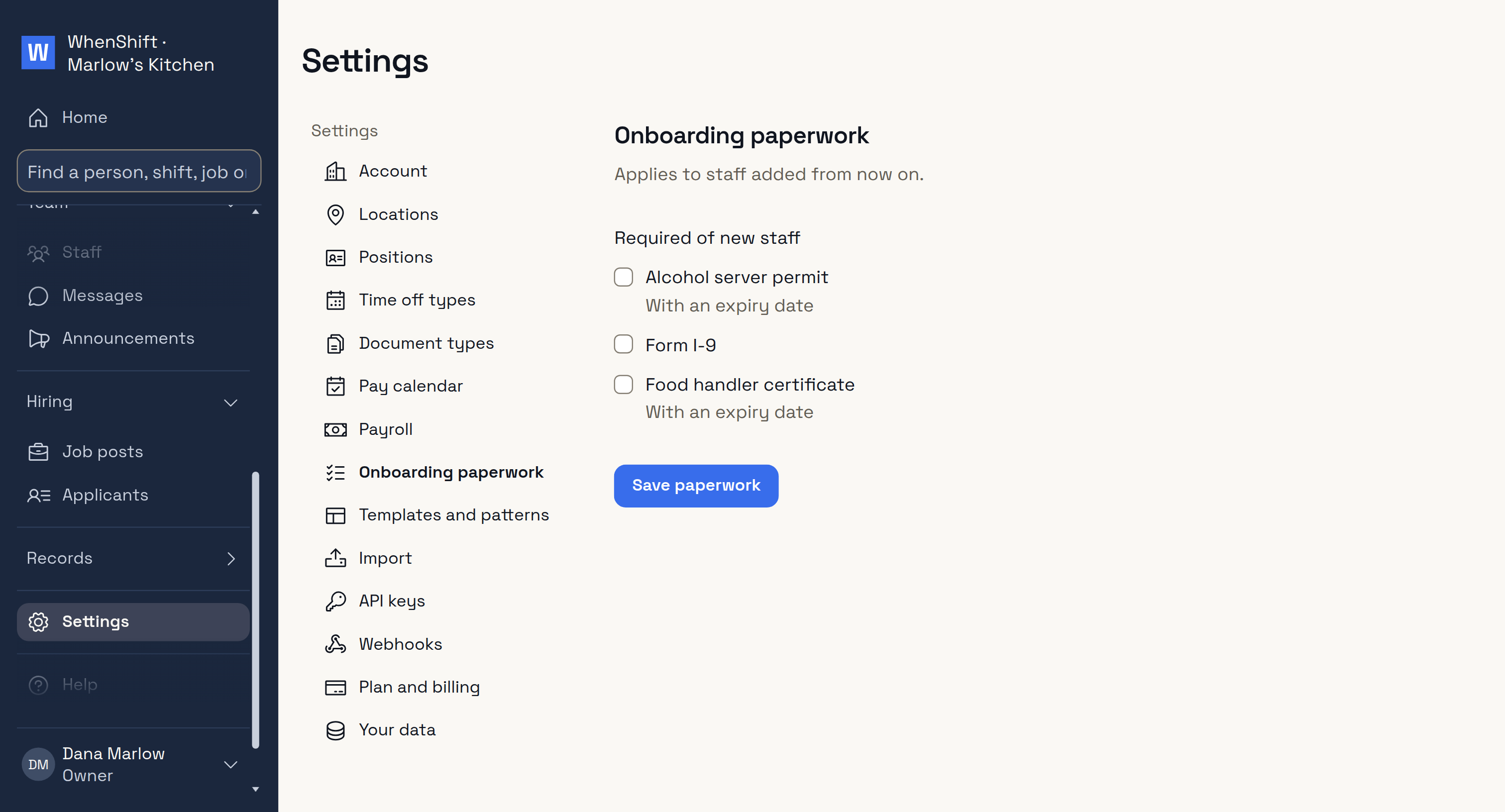
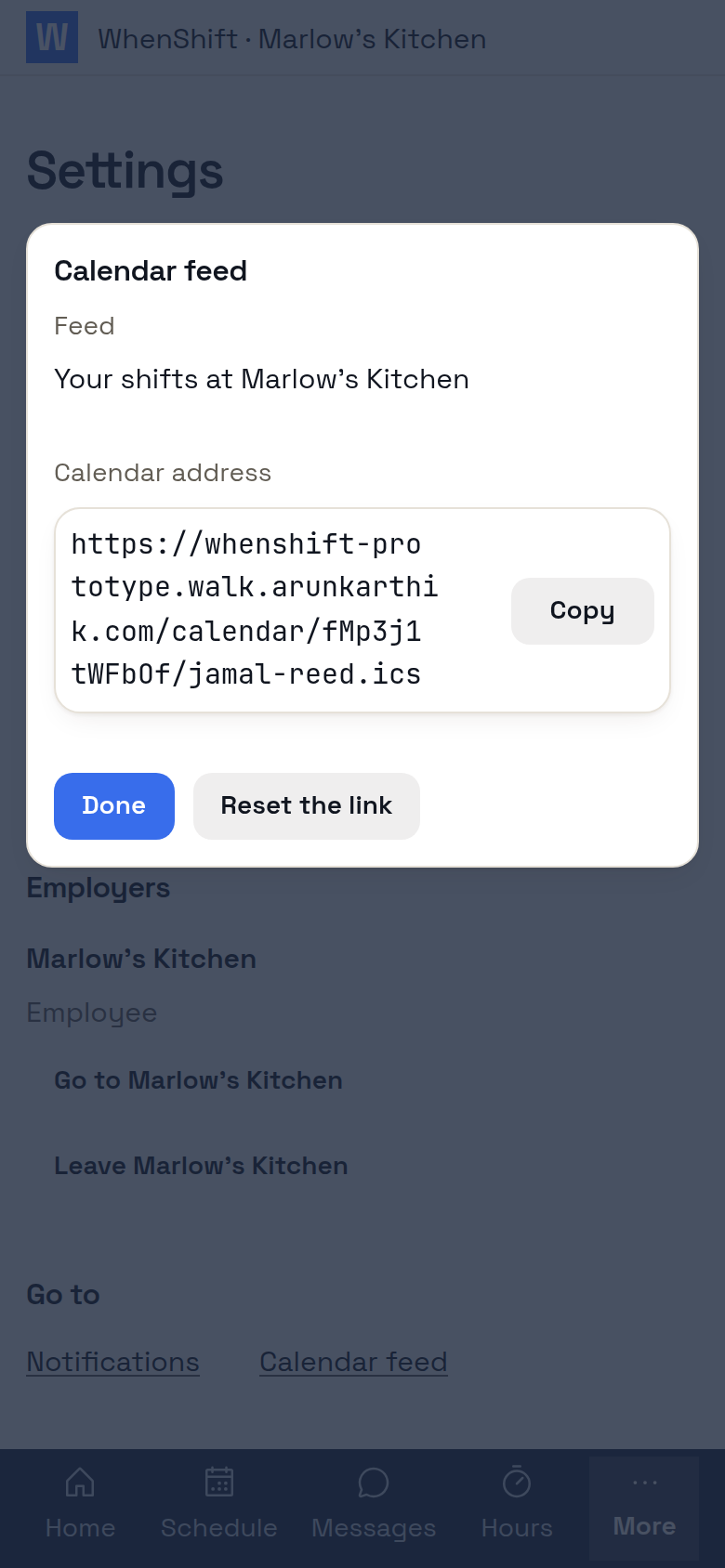
DocumentsRequested, given, expiring.Time off typesAnd balances.Document typesWith expiry dates.Onboarding paperworkAsked of every new hire.Calendar feedShifts in their own calendar.
Messages
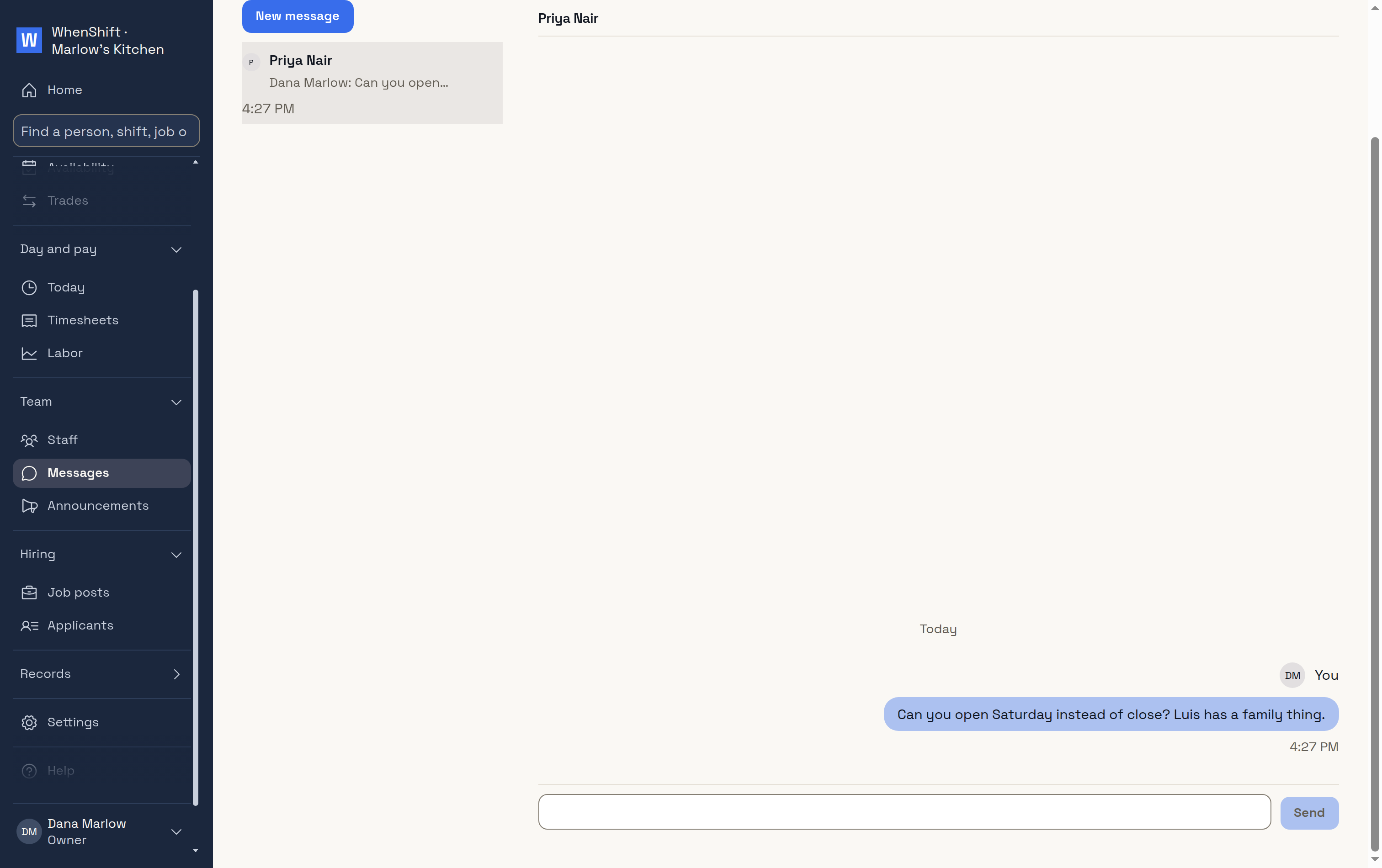
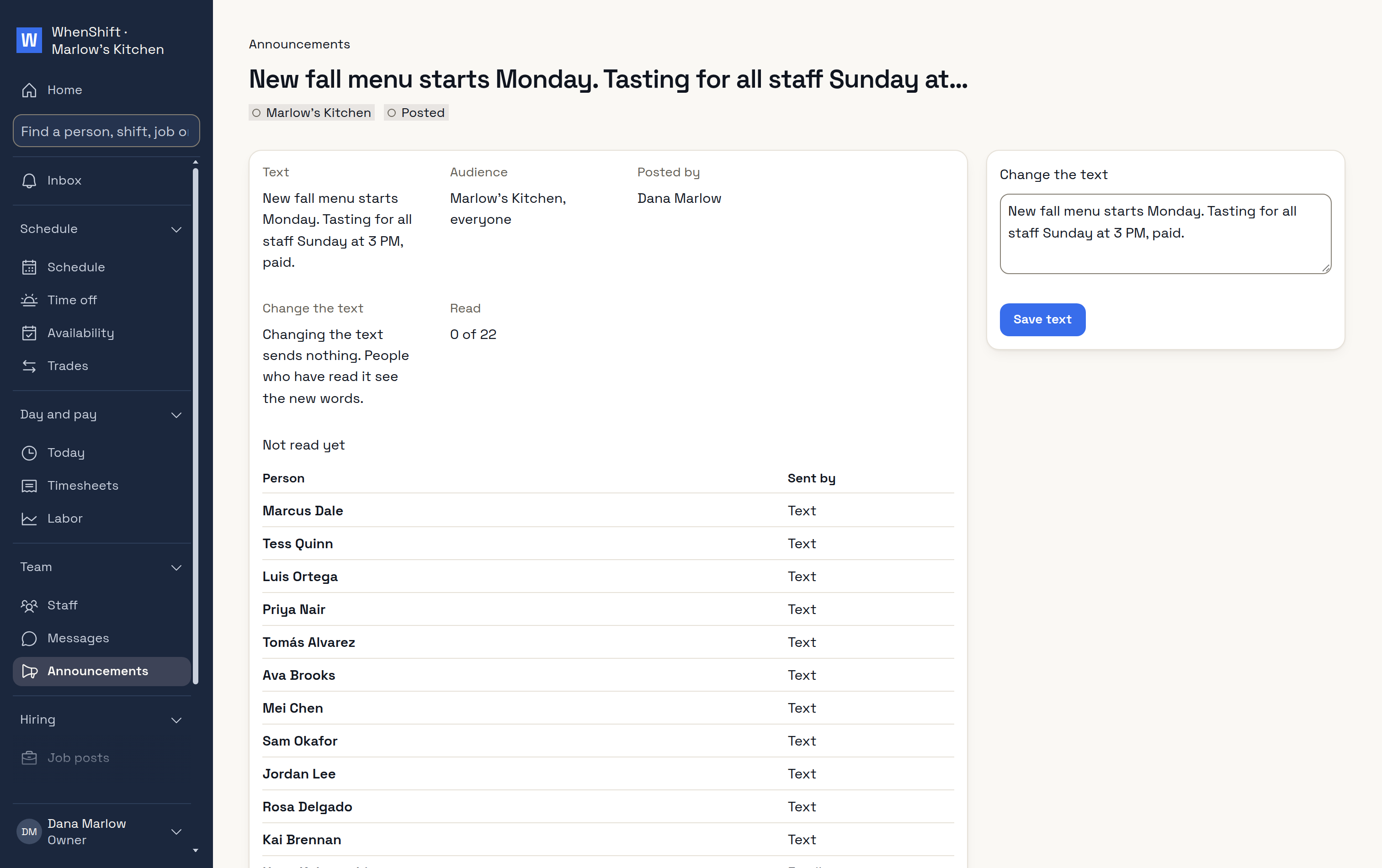
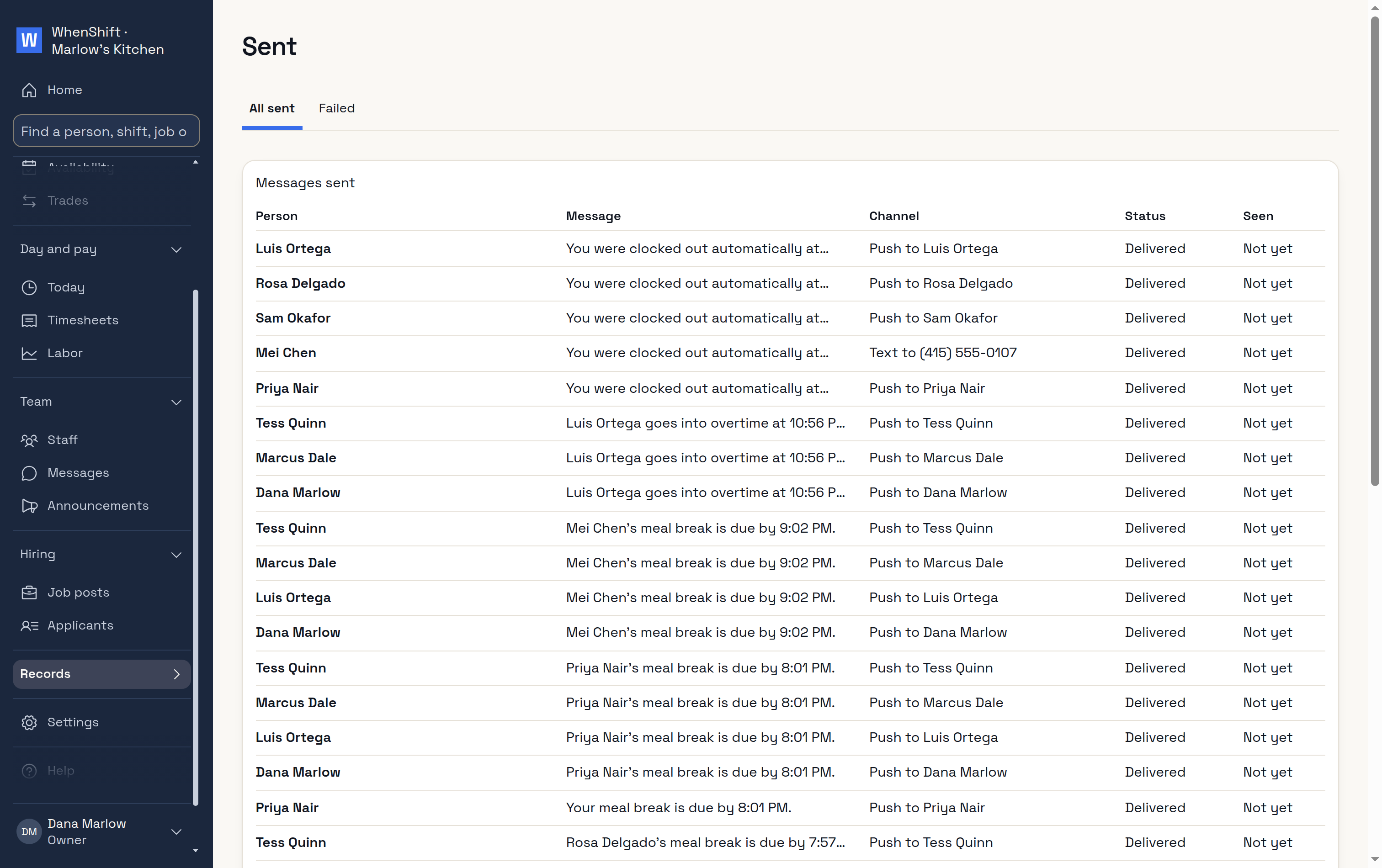
MessagesOne to one.AnnouncementsAnd who read them.SentEvery message, and whether it arrived.
Shifts
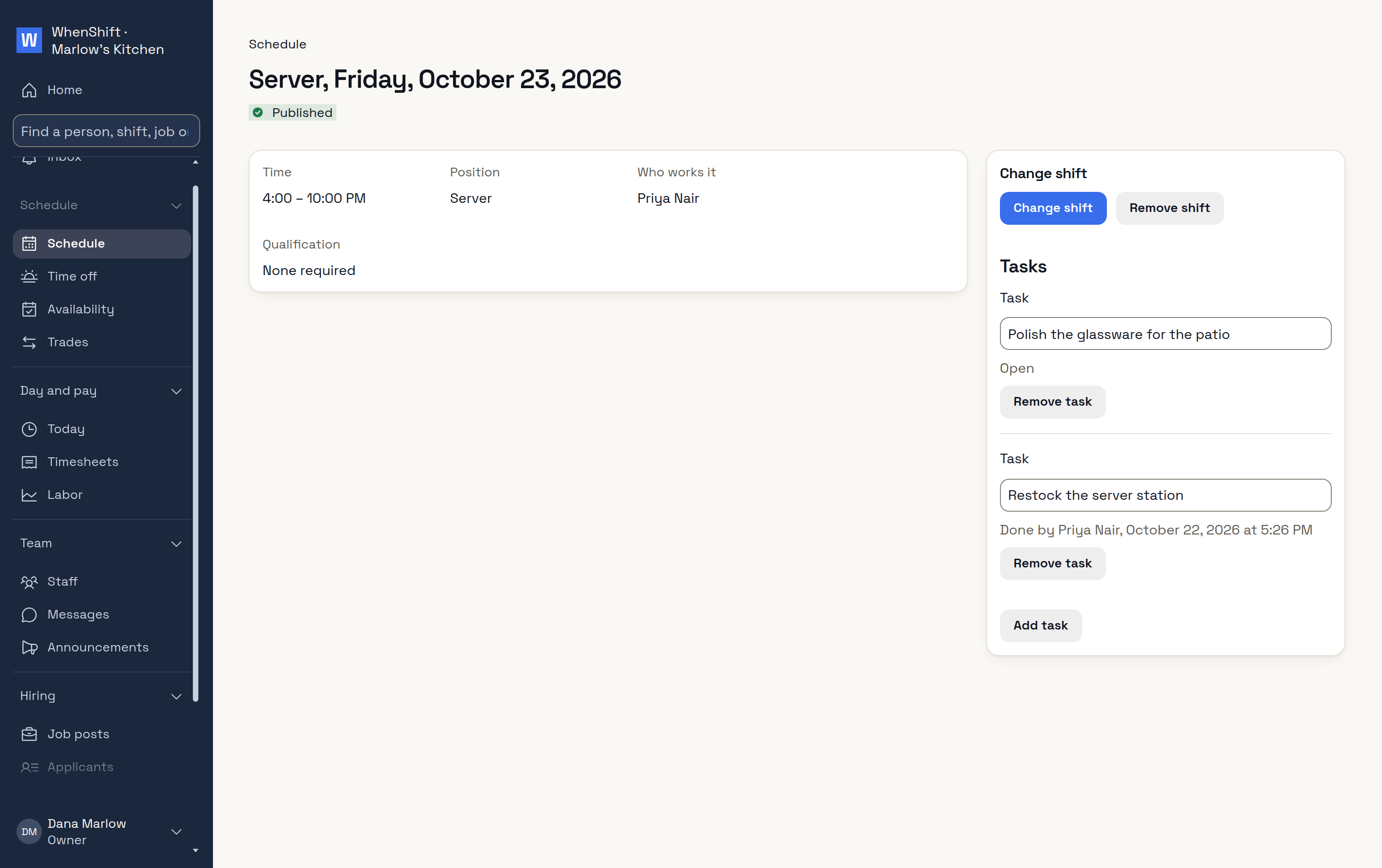
ShiftTasks and qualification.
Locations
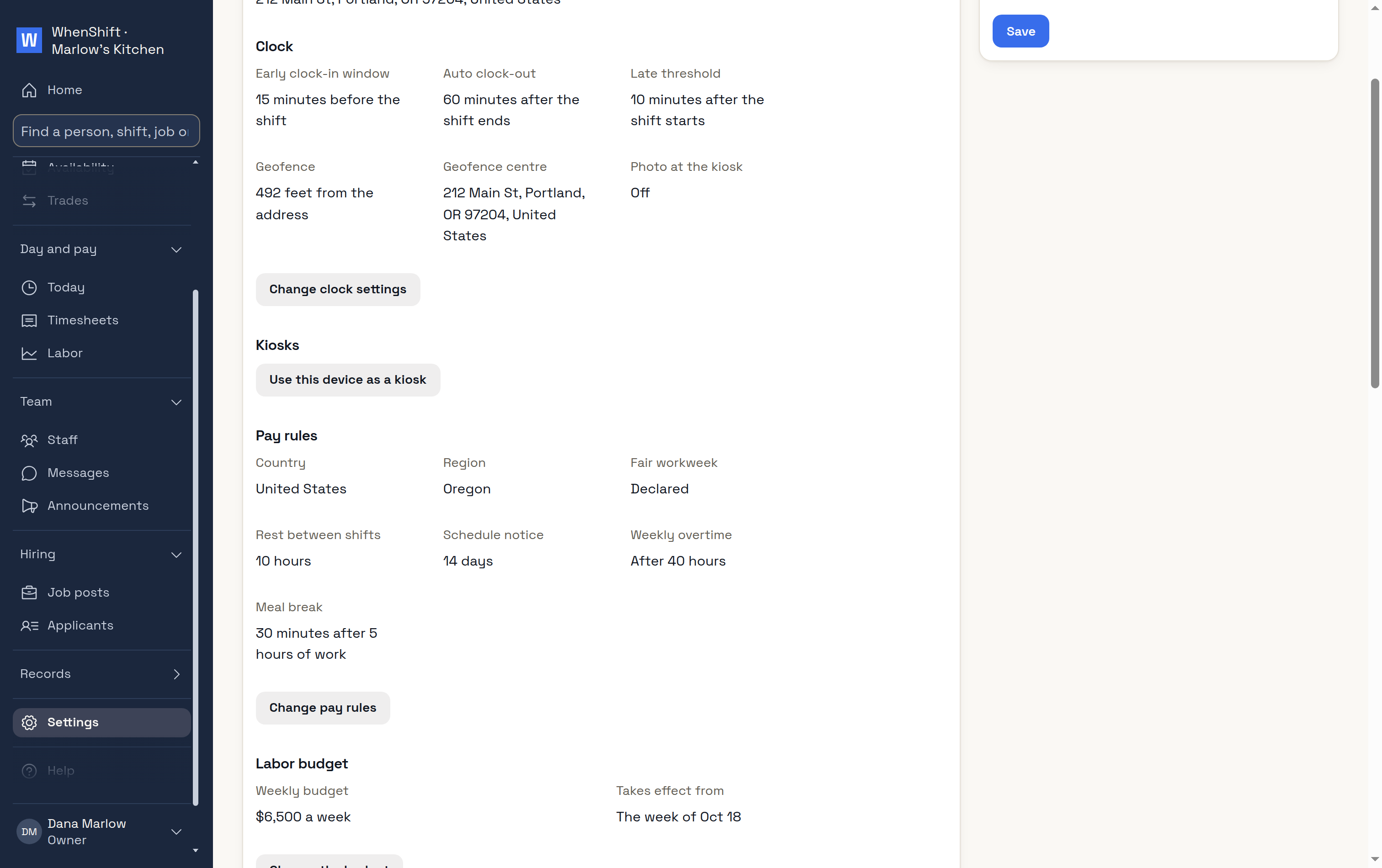
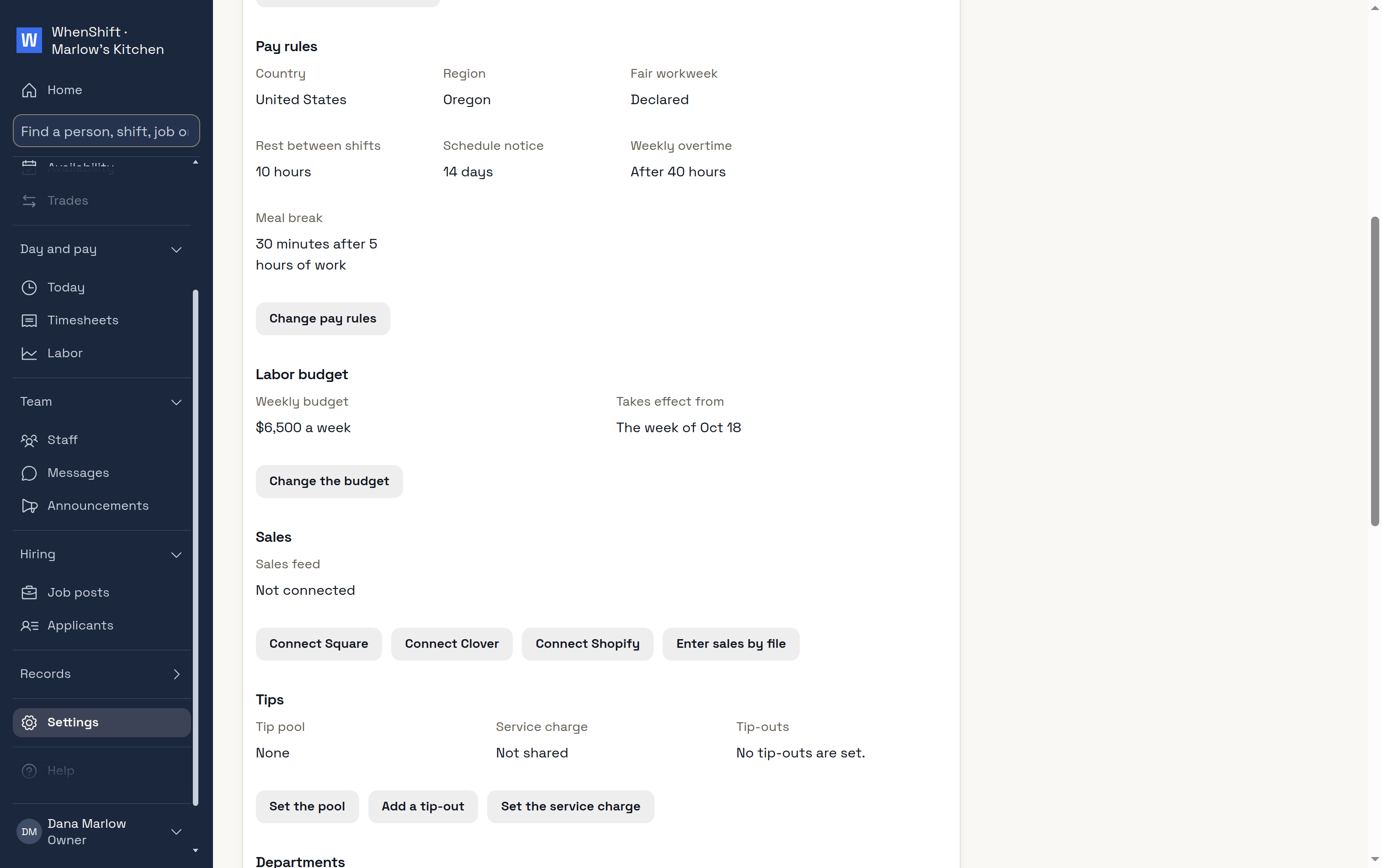
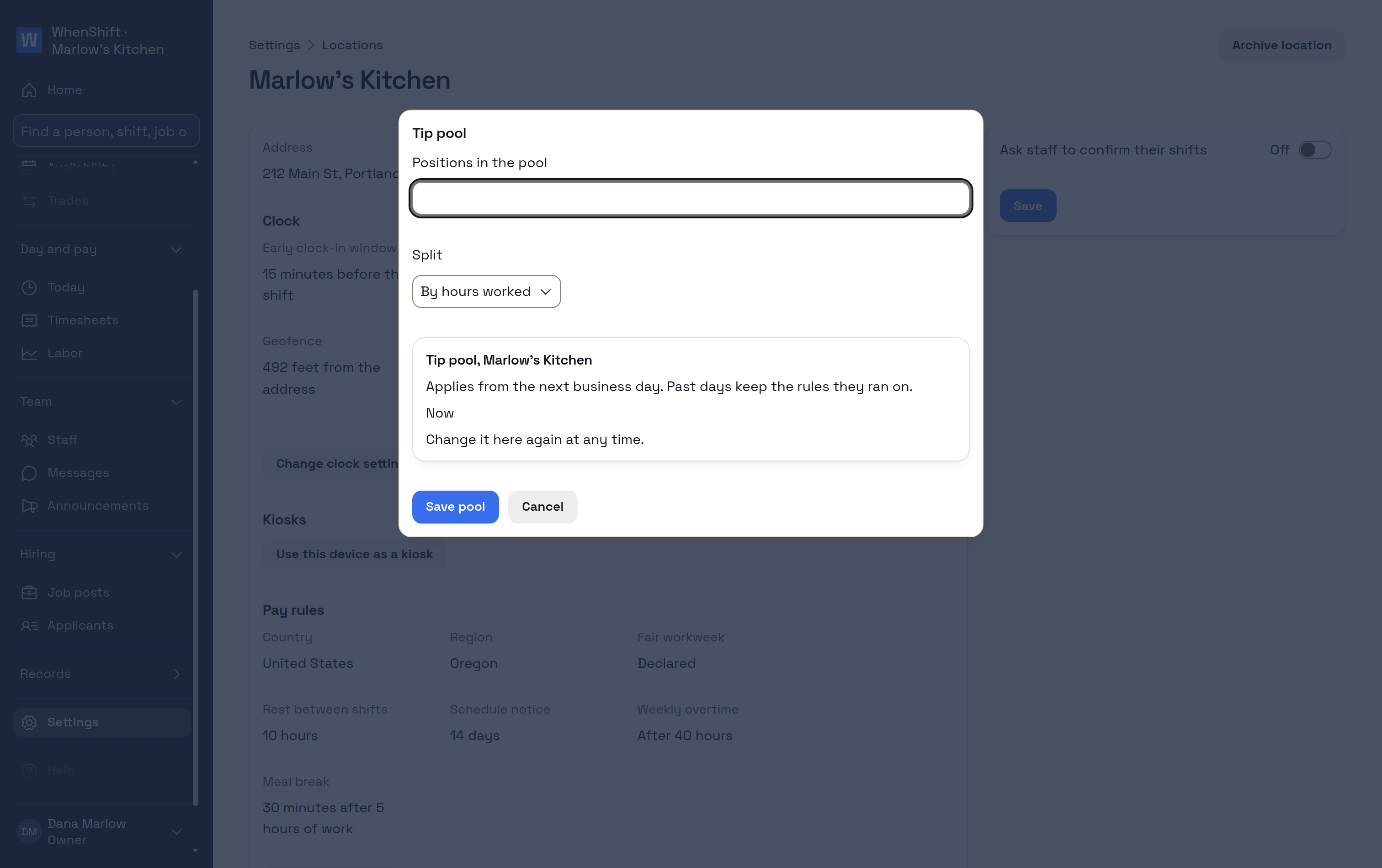
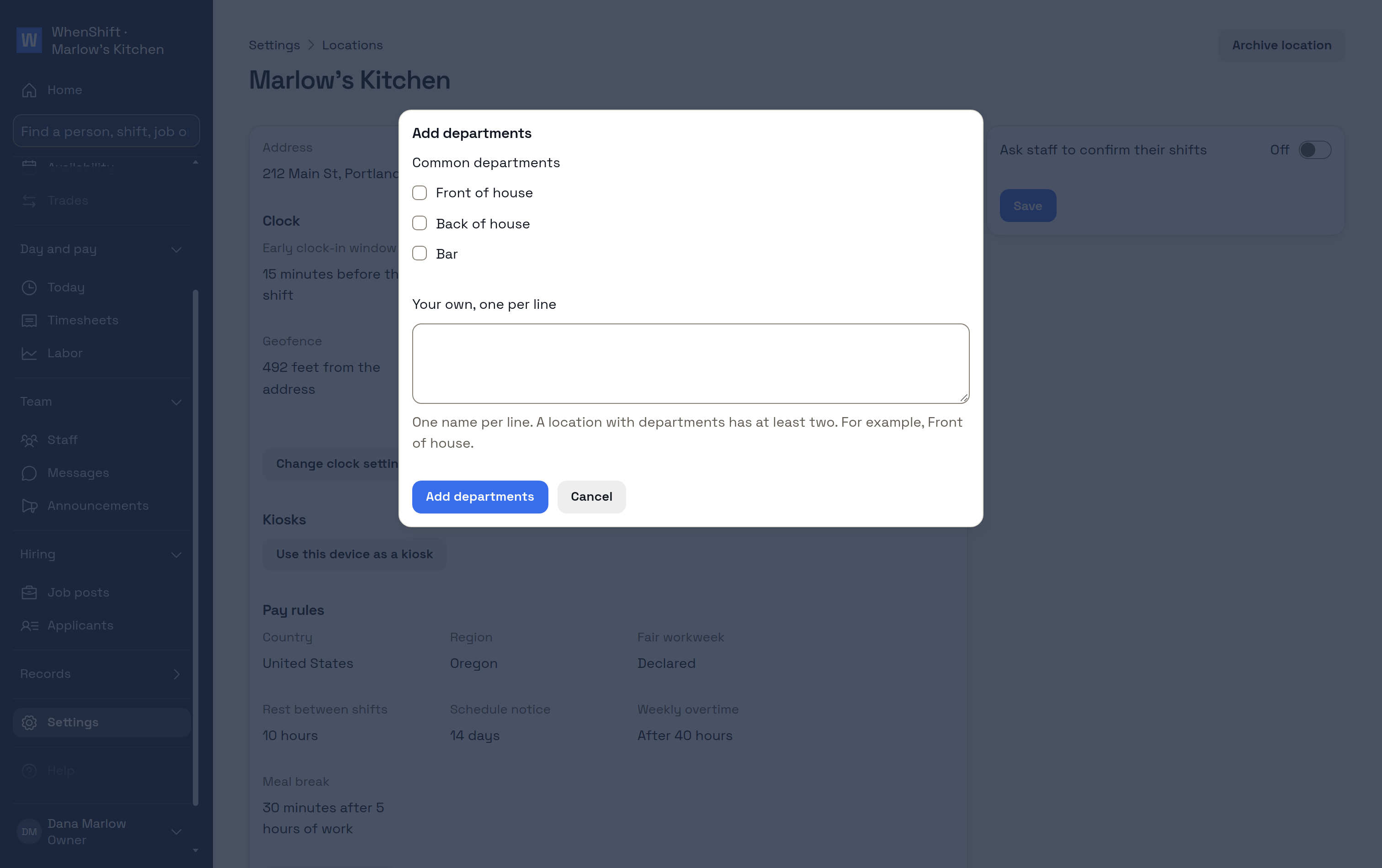
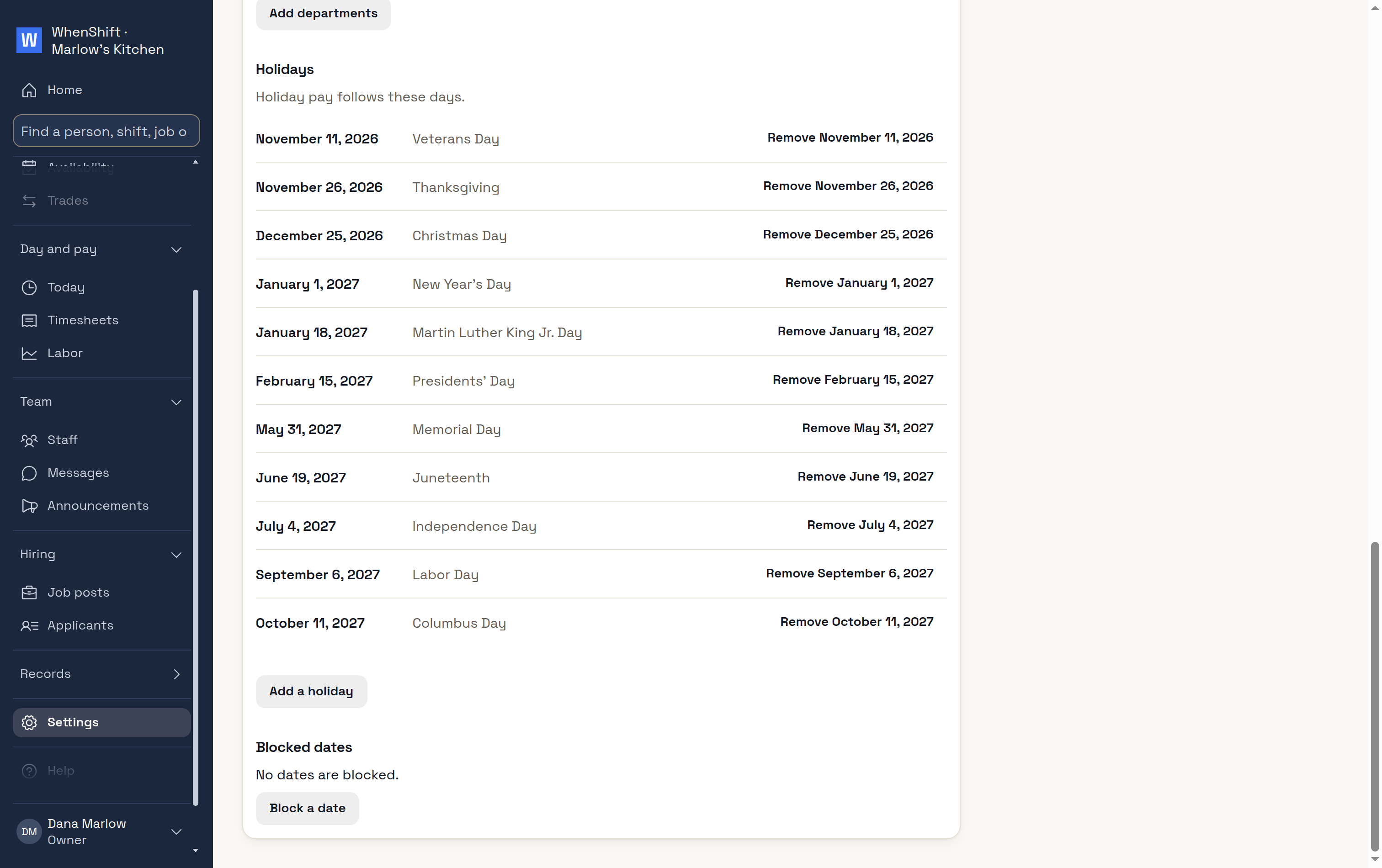
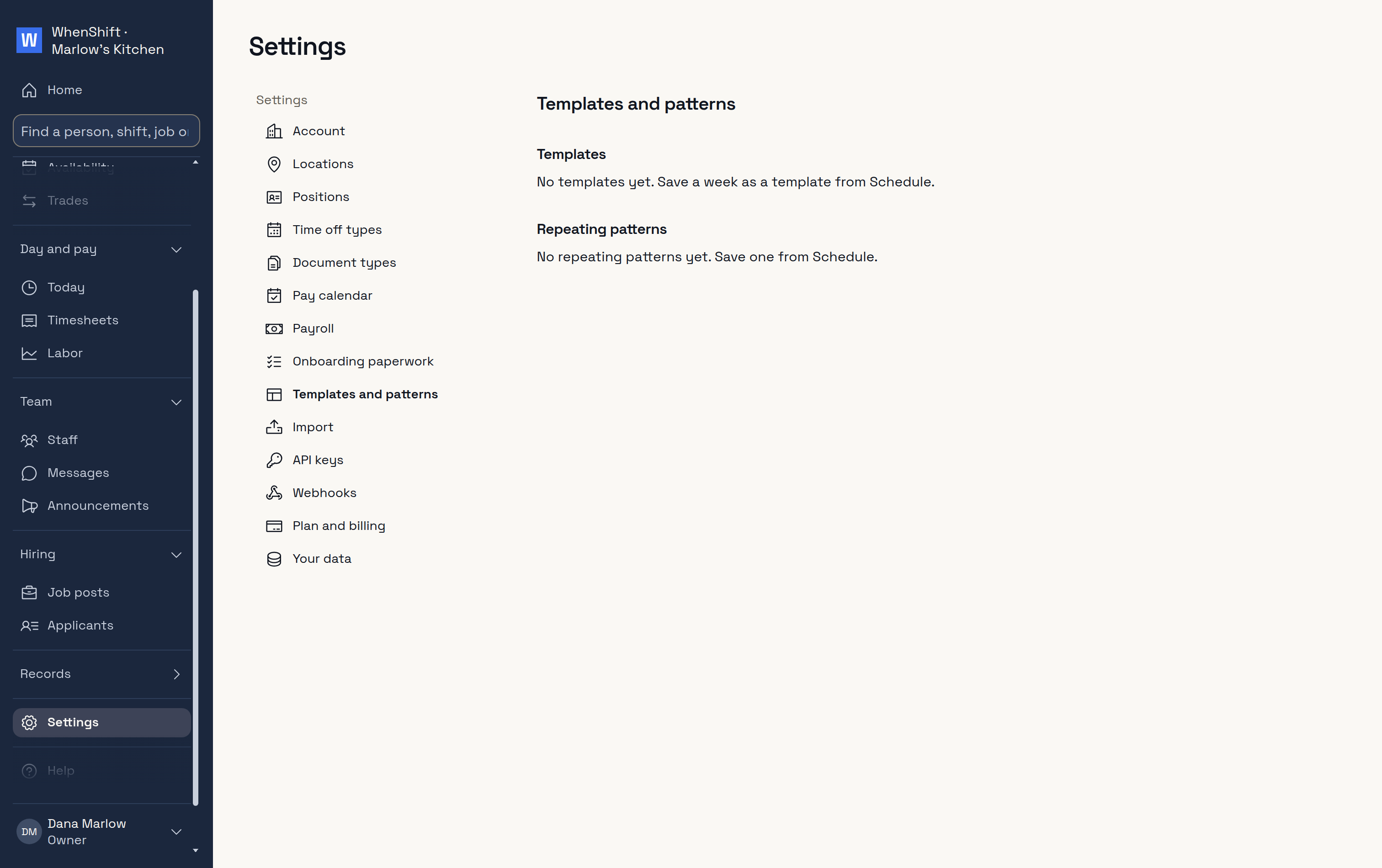
ClockWhen and where staff clock in.Pay rulesSet from the address.TipsPool, tip-outs, service charge.DepartmentsEach its own schedule.HolidaysFor holiday pay.Templates and patternsWeeks to use again.
Connections
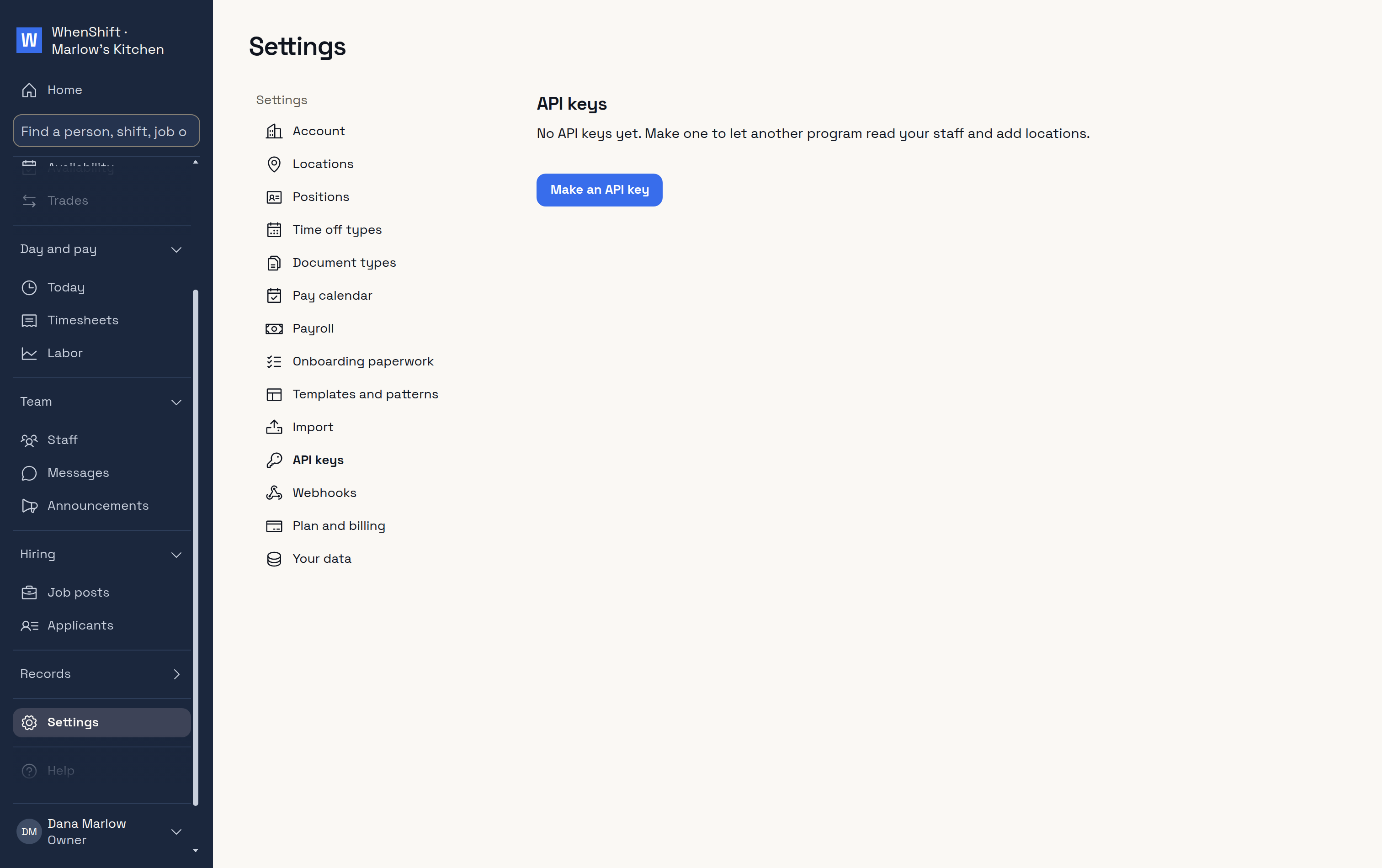
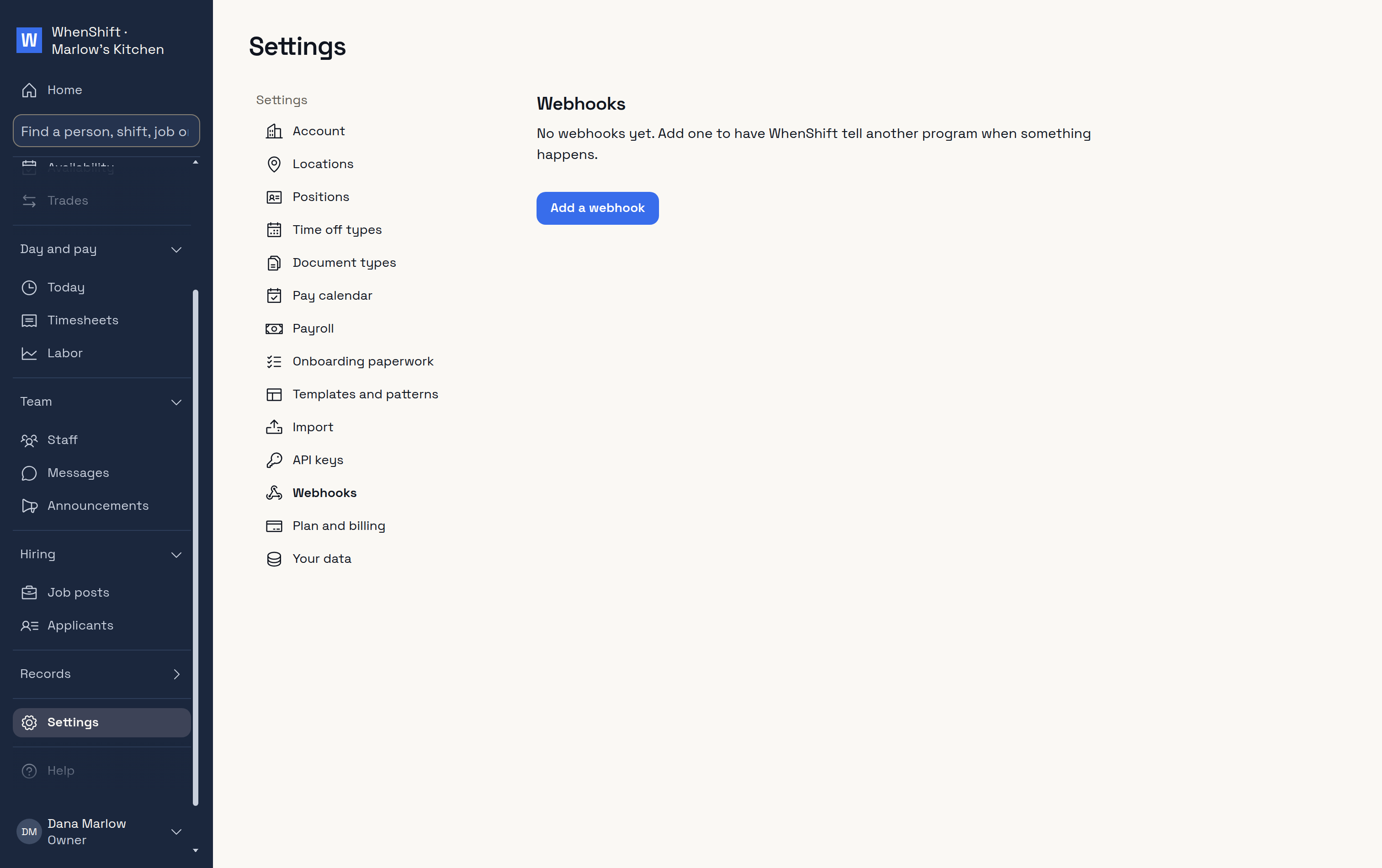
API keysFor your own programs.WebhooksWhen something happens.
 WhenShift